Hyperblur Pro / Now open

Ship the whole page, not another button.

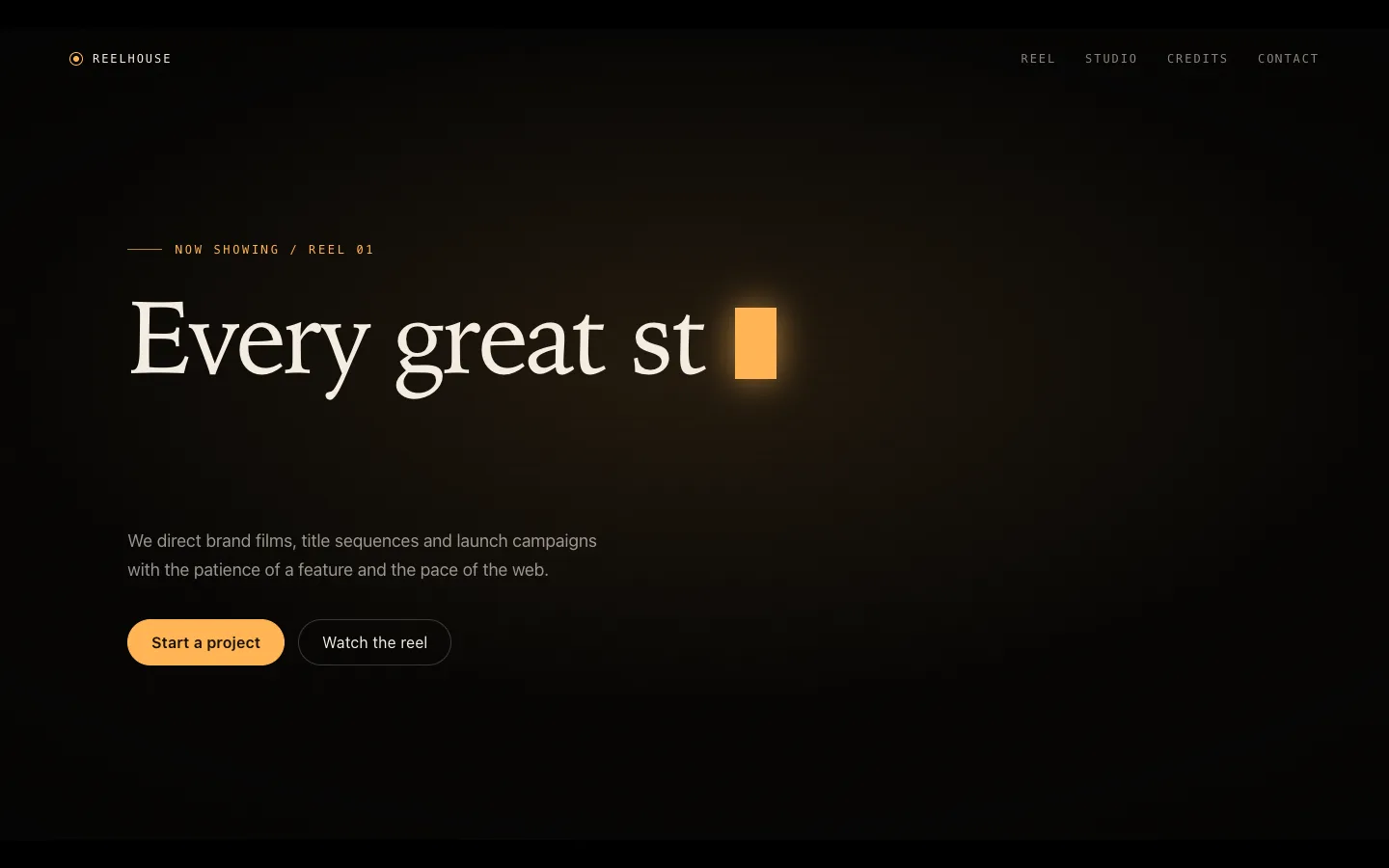
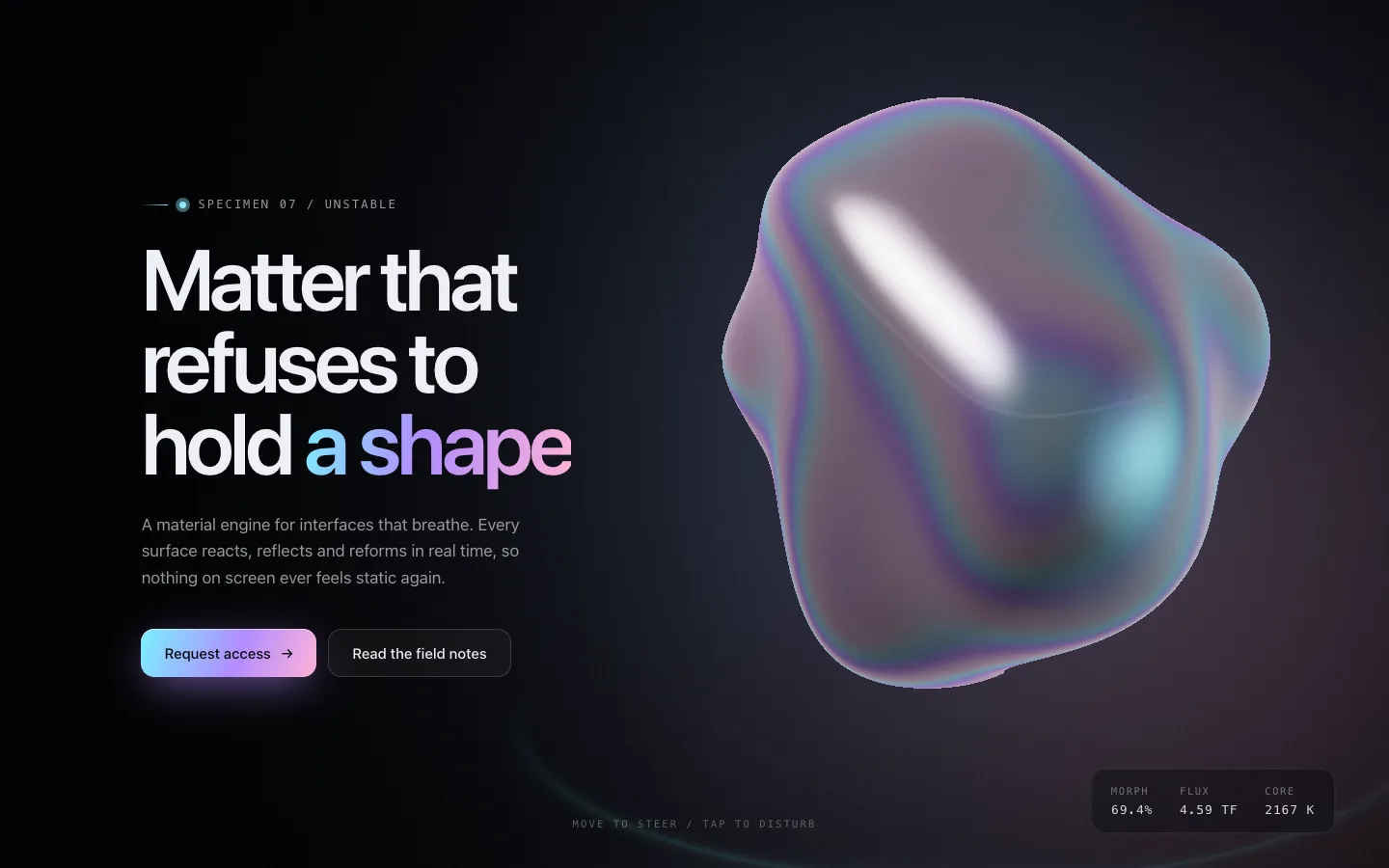
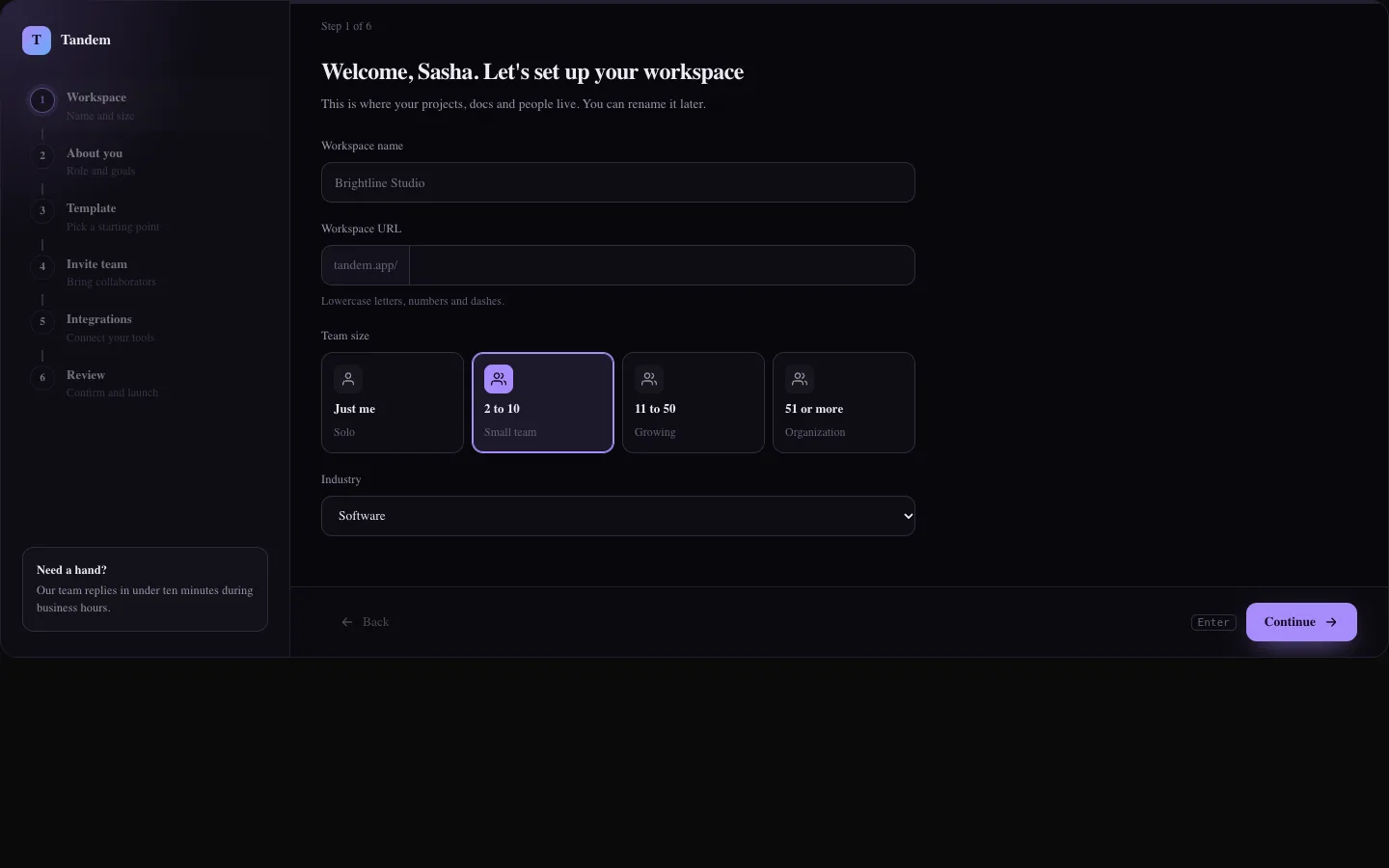
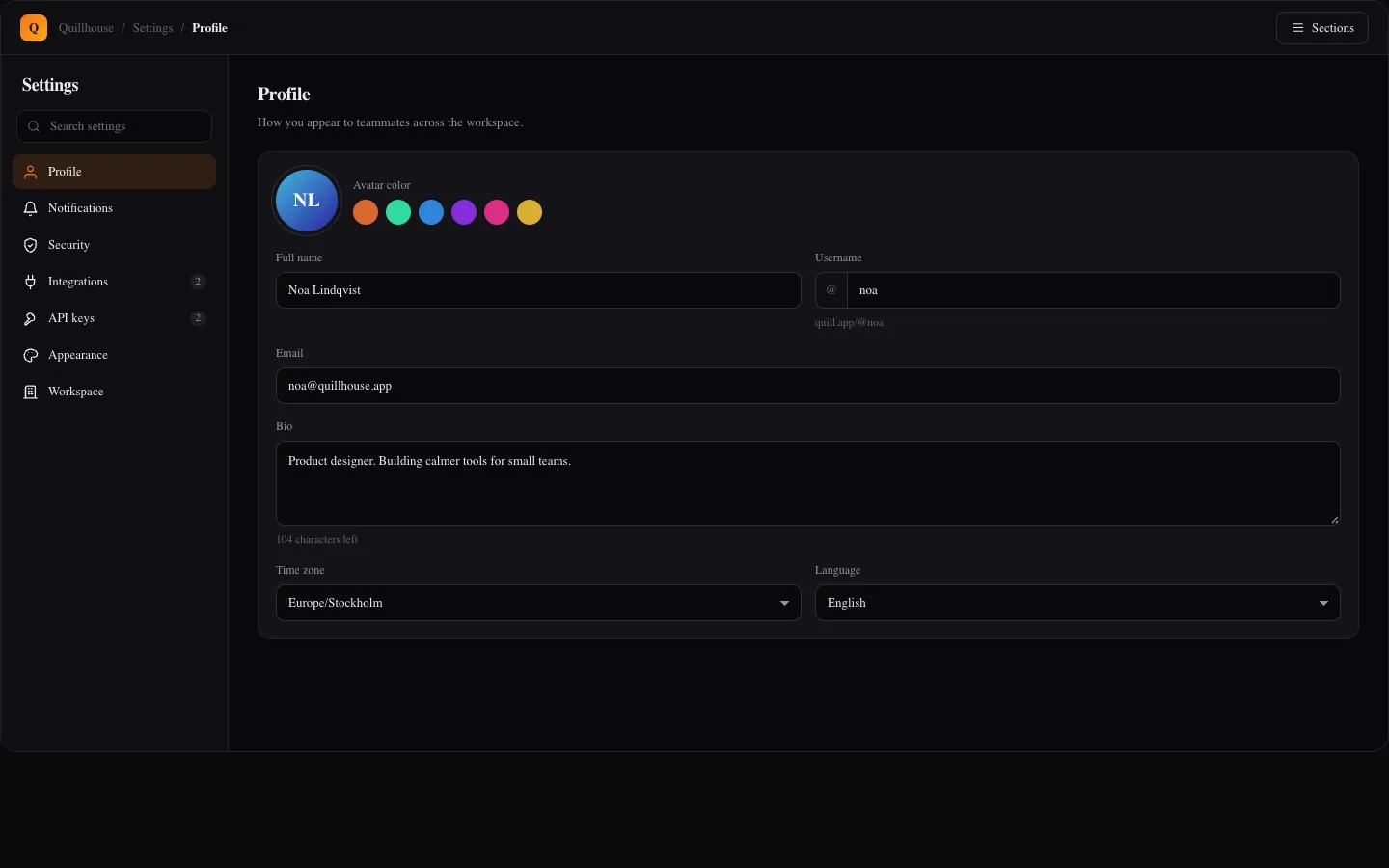
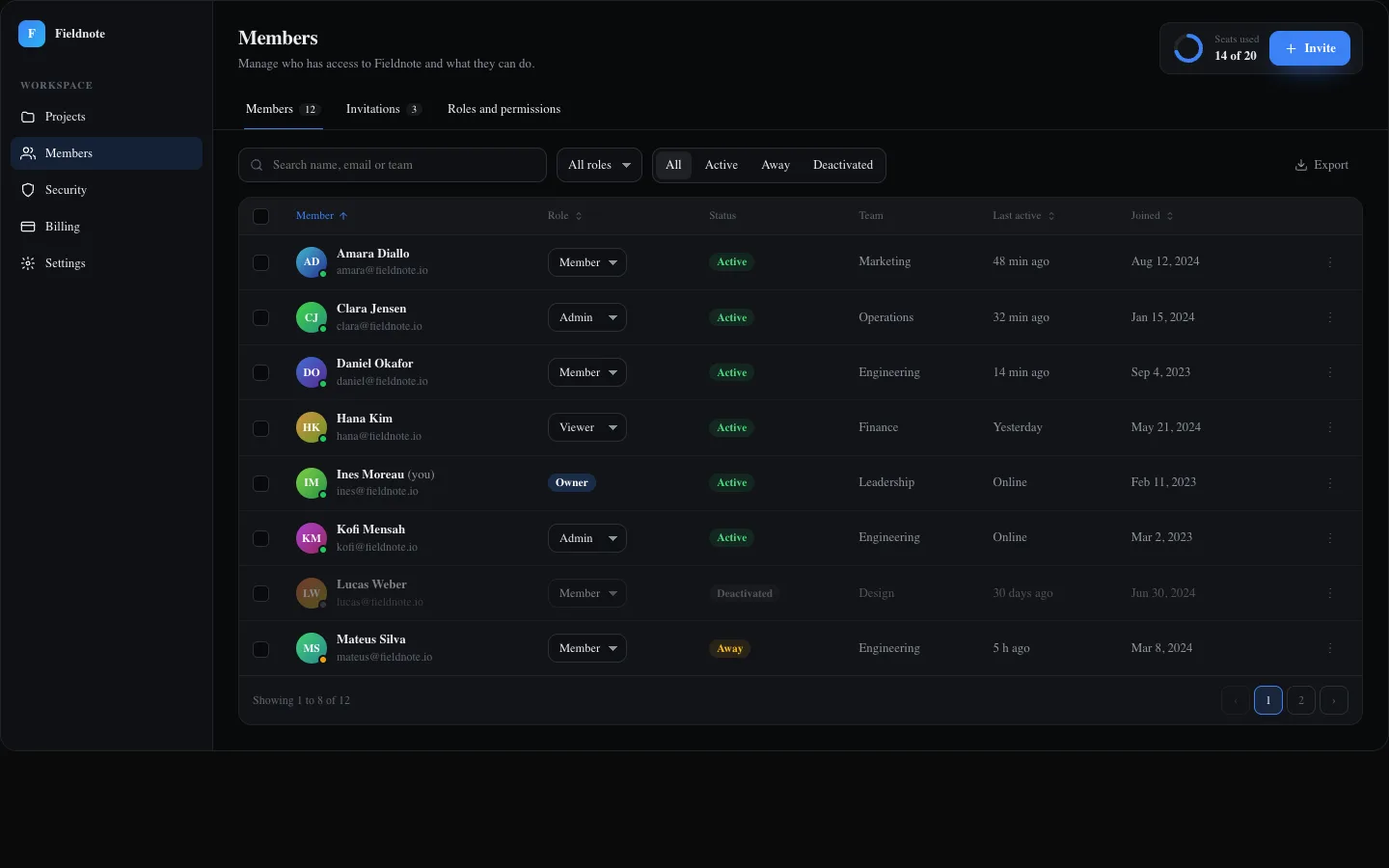
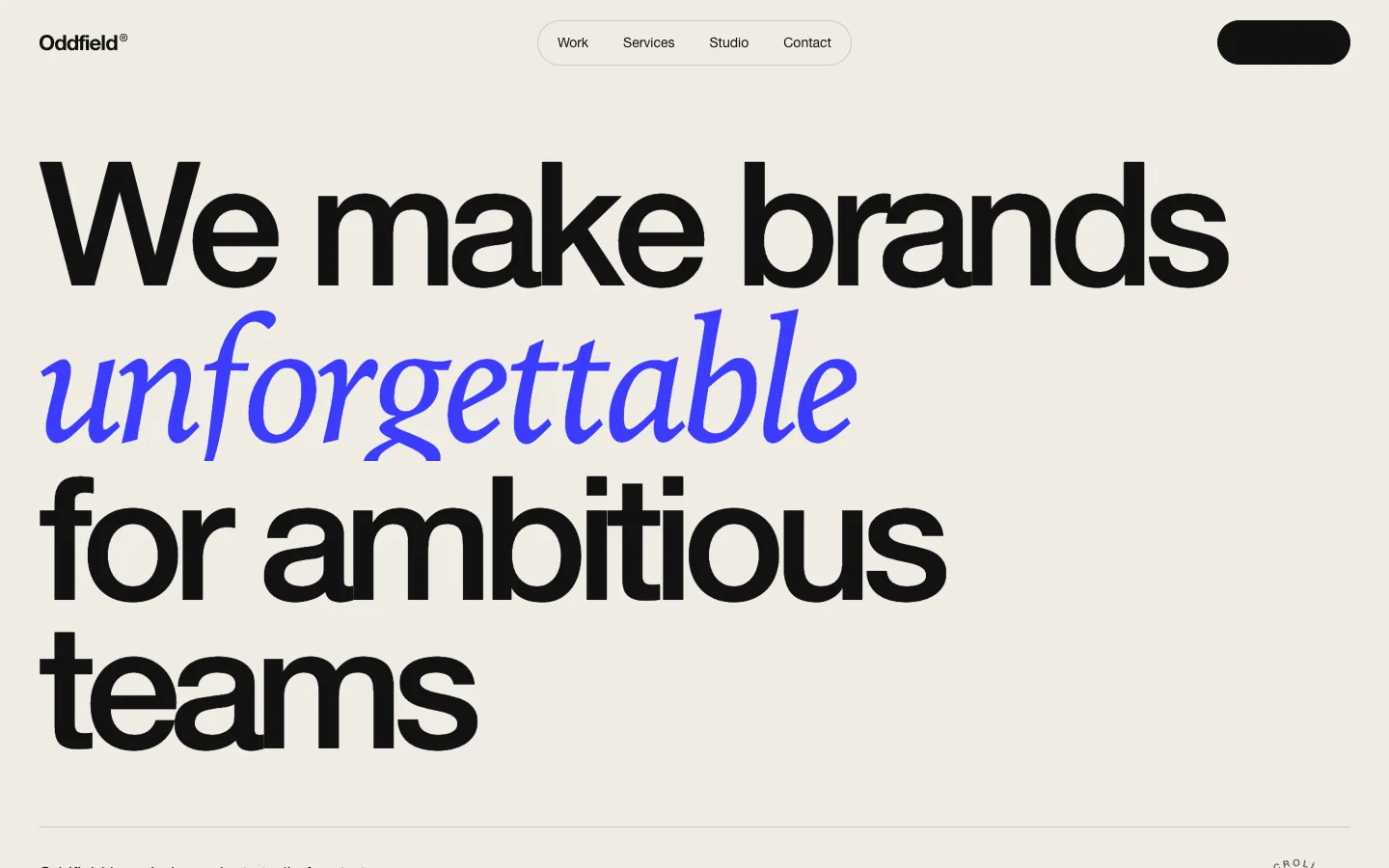
Premium copy-ready React and Tailwind items: cinematic heroes, full landing pages, app screens, WebGL backgrounds and an Agent Kit for your coding agent. Preview each one live, install with the shadcn CLI.

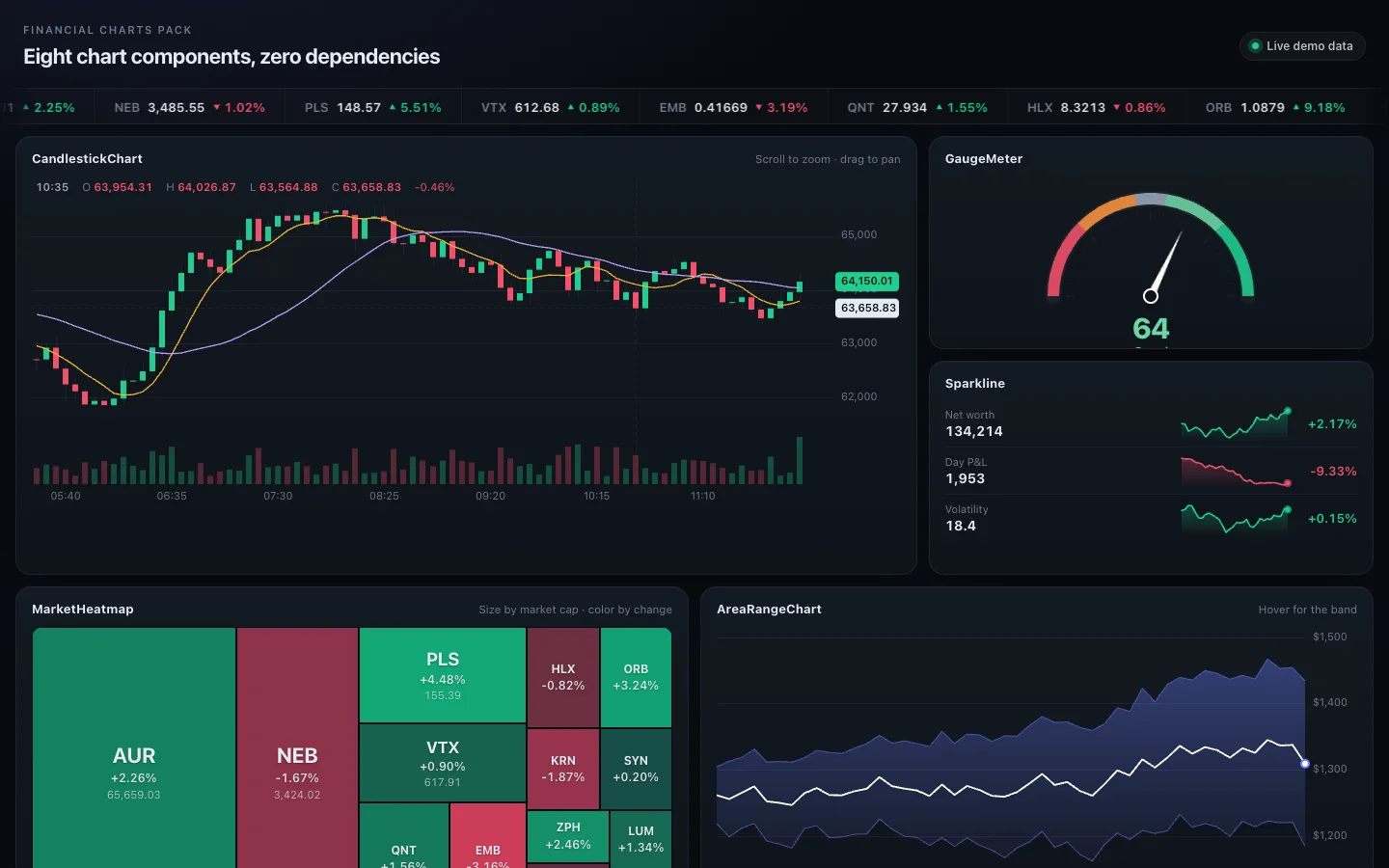
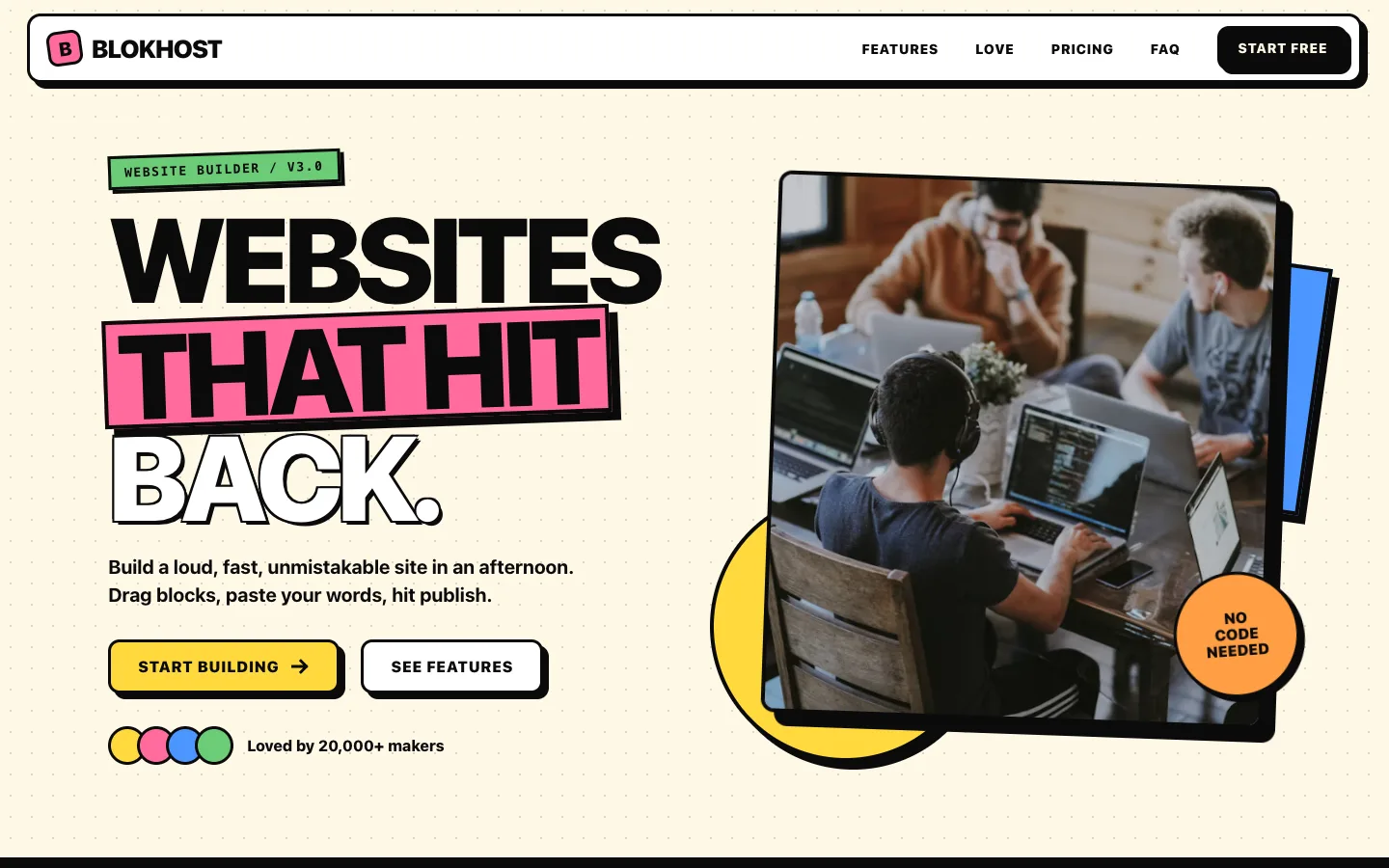
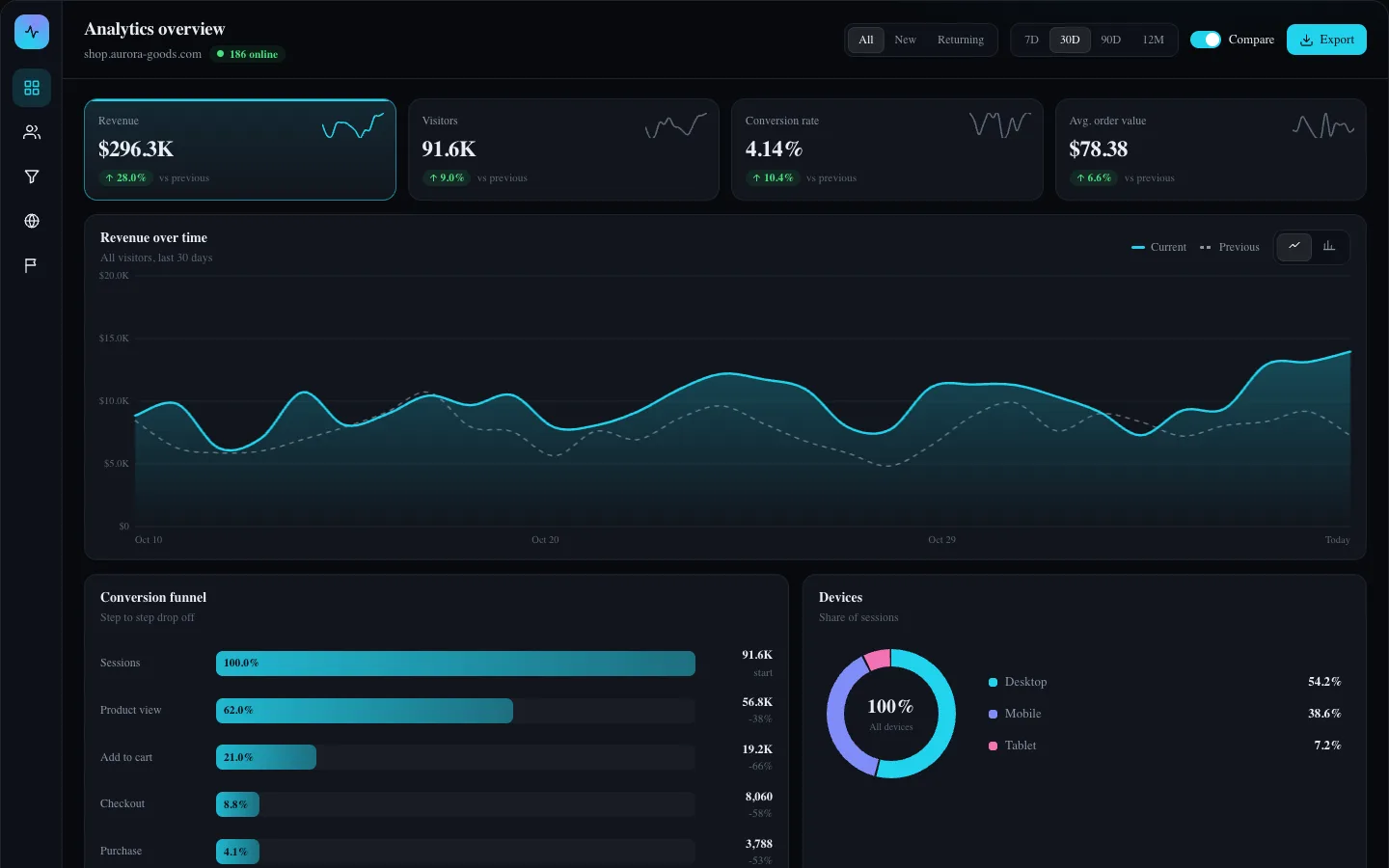
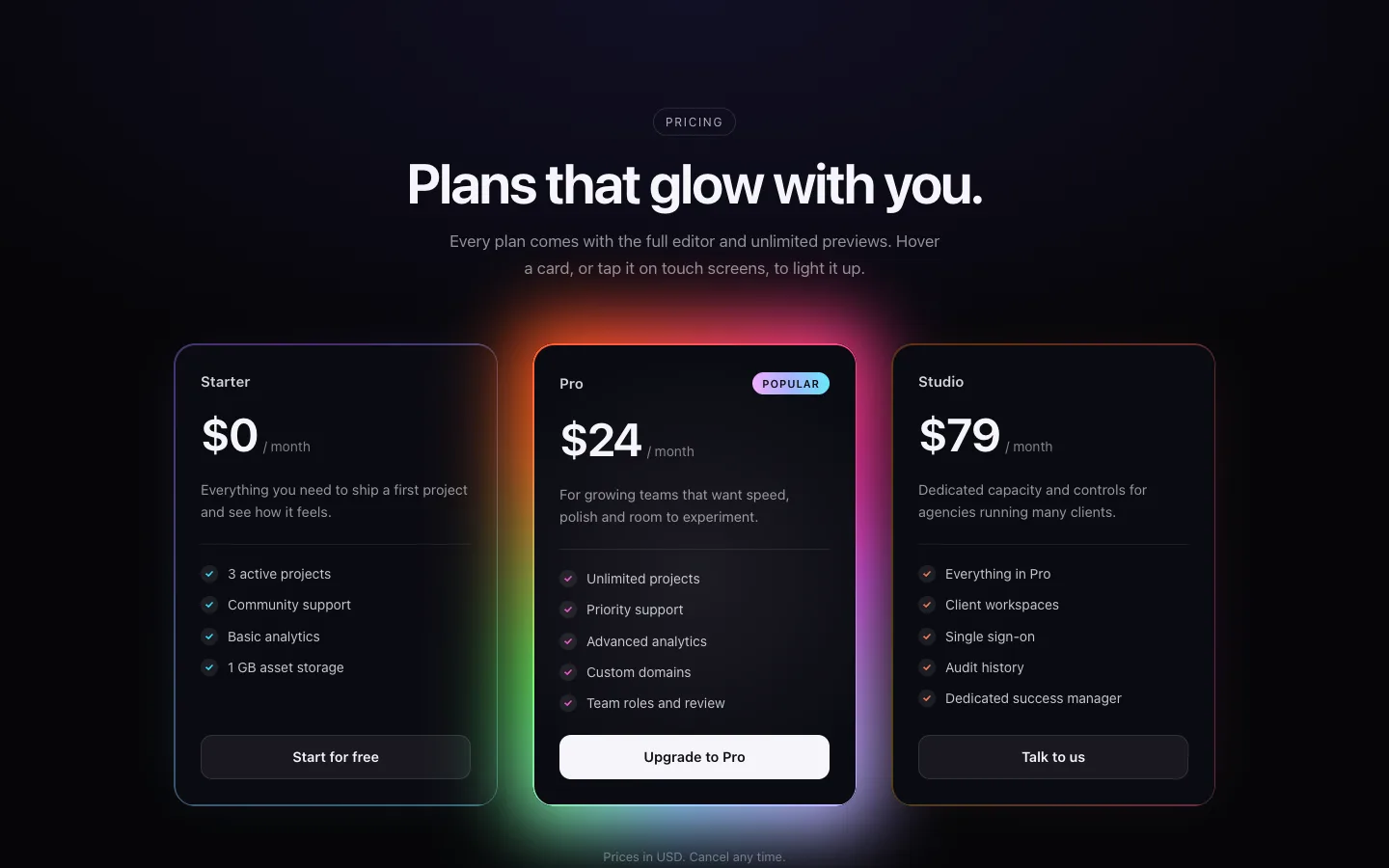
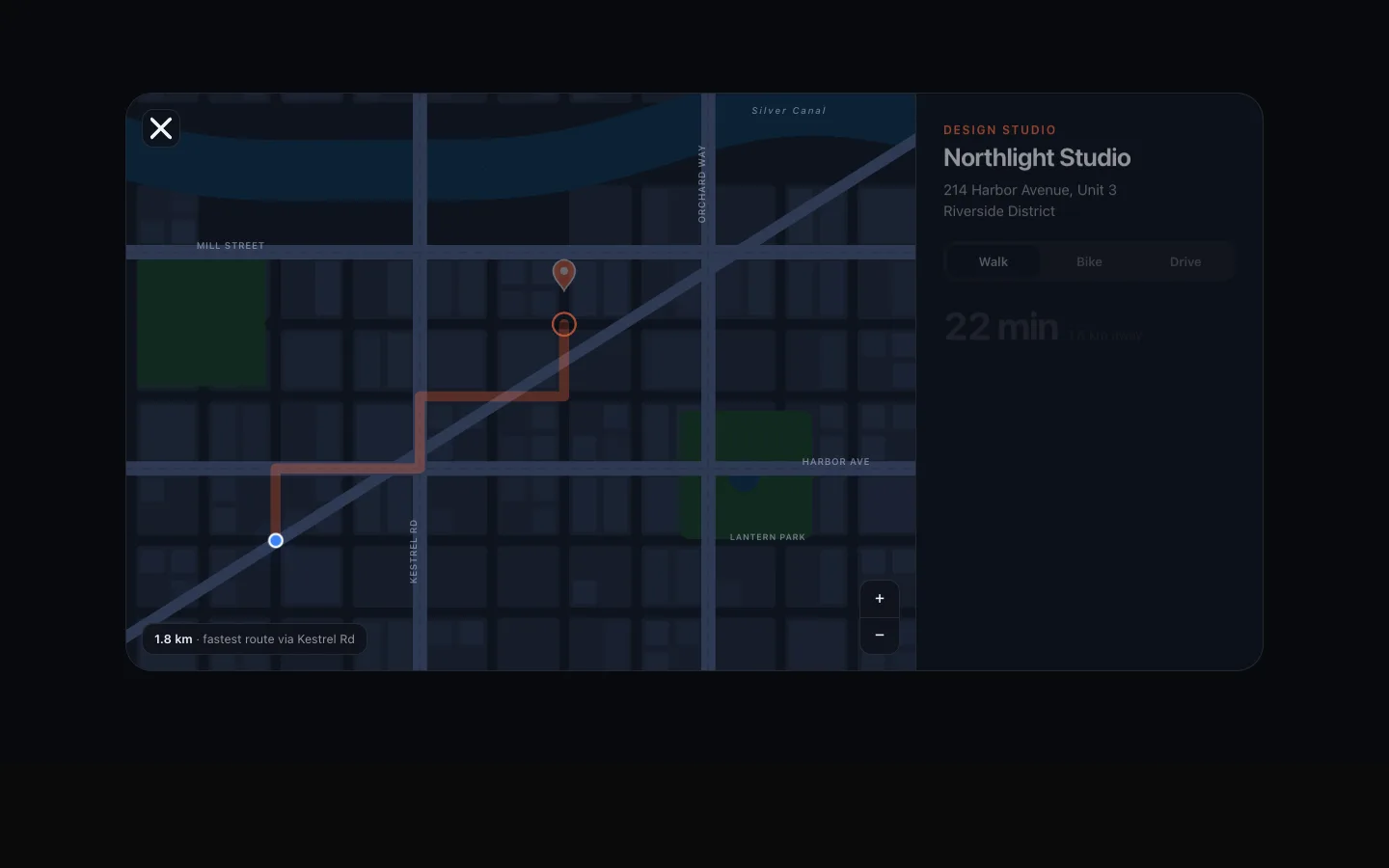
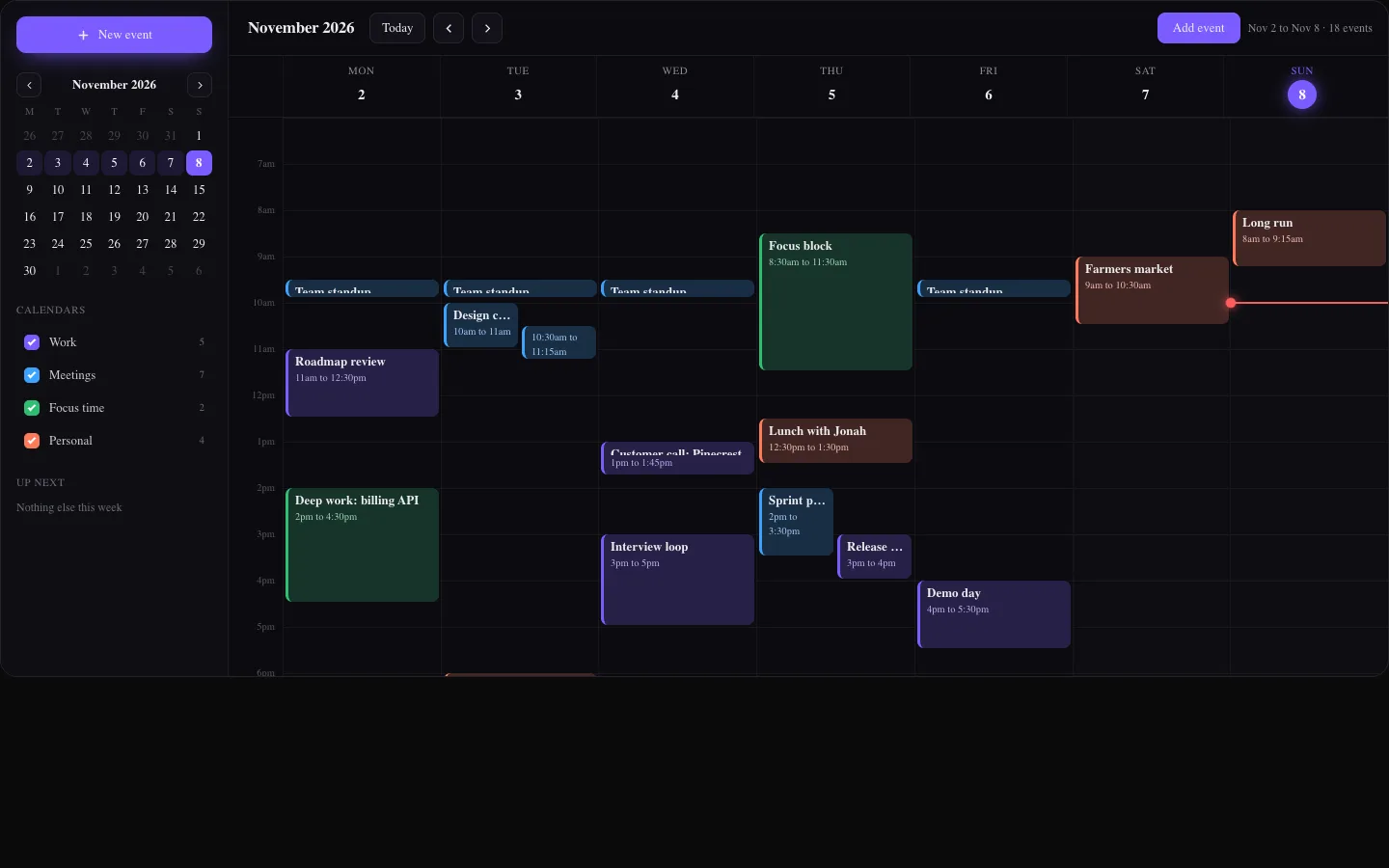
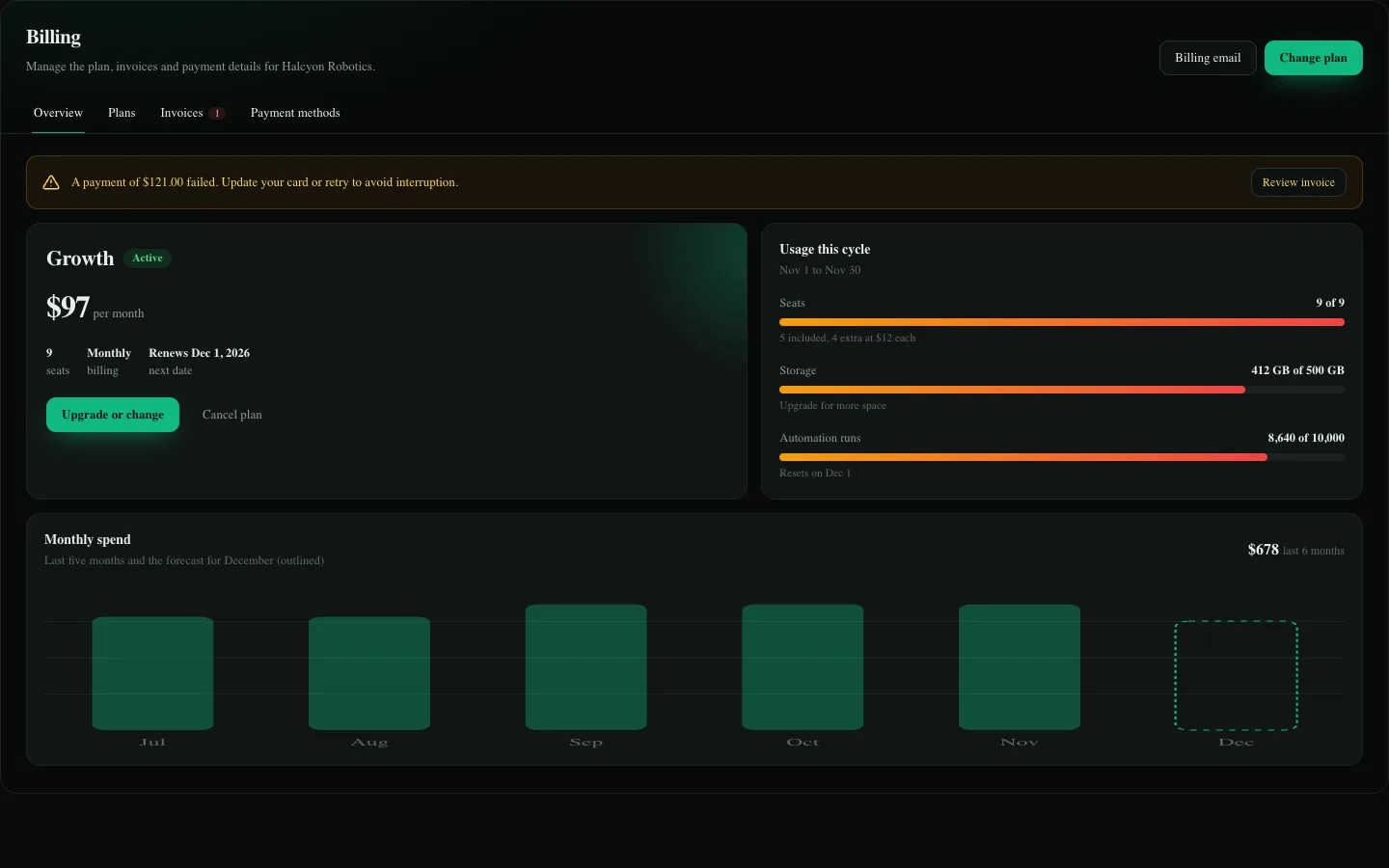
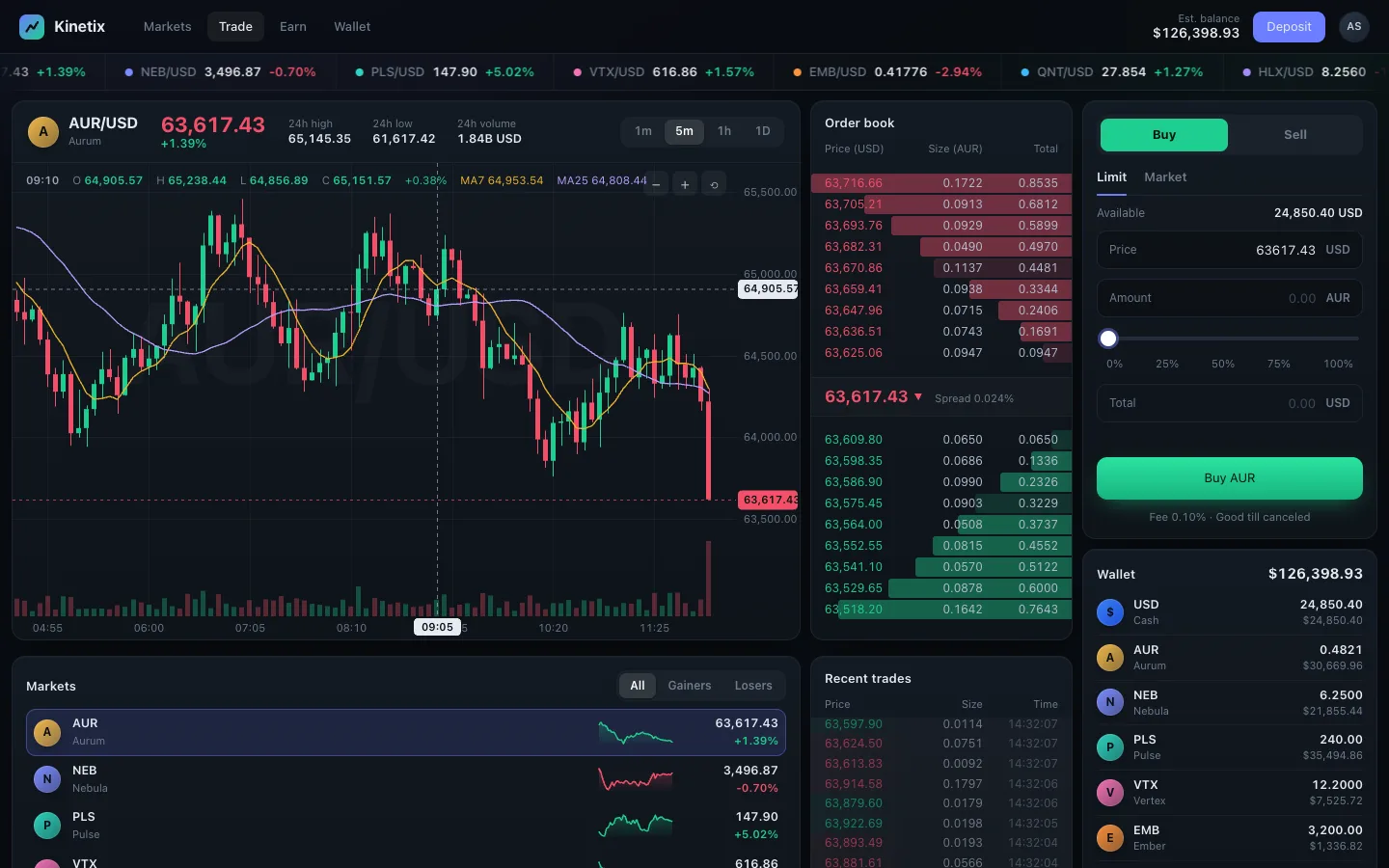
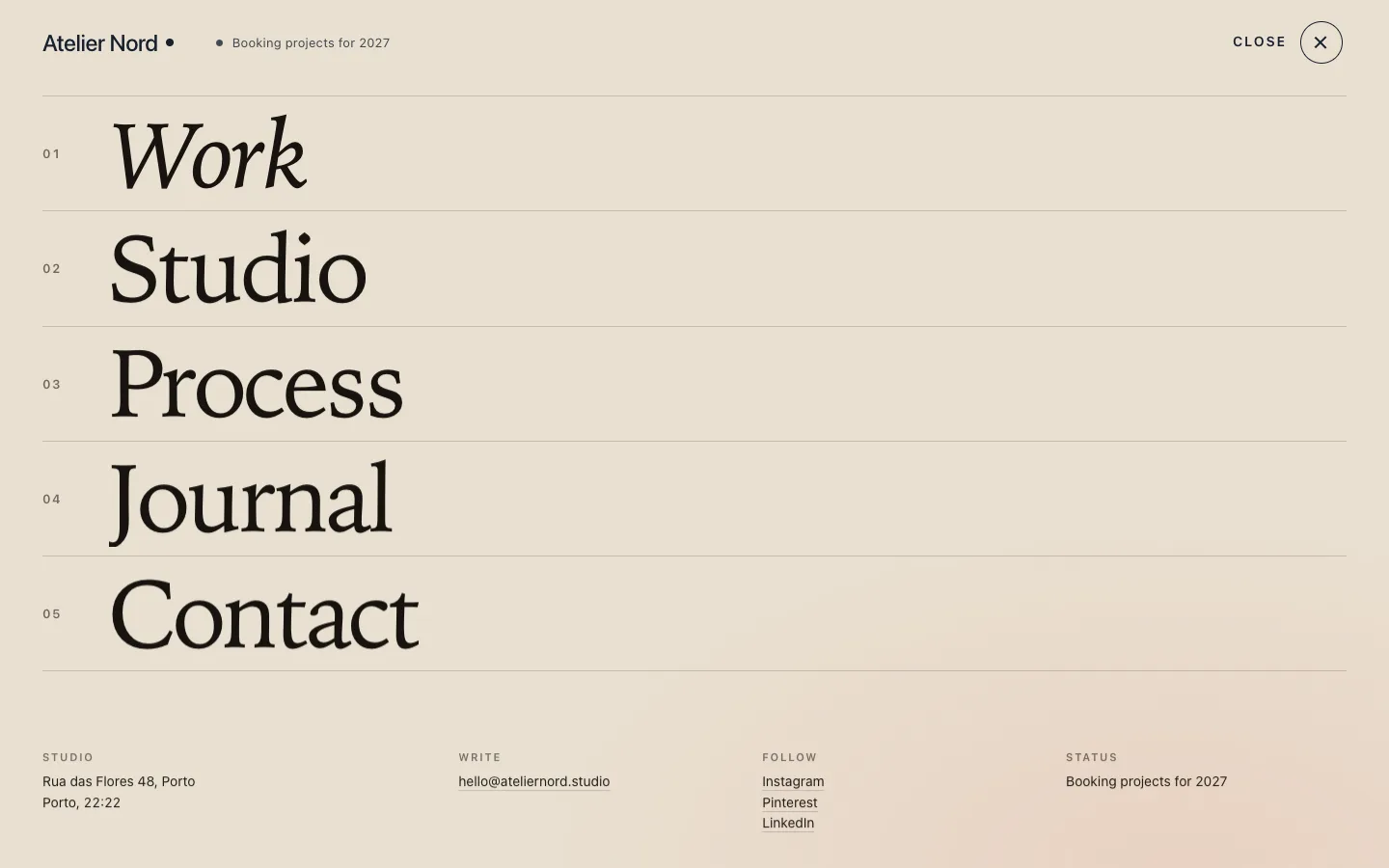
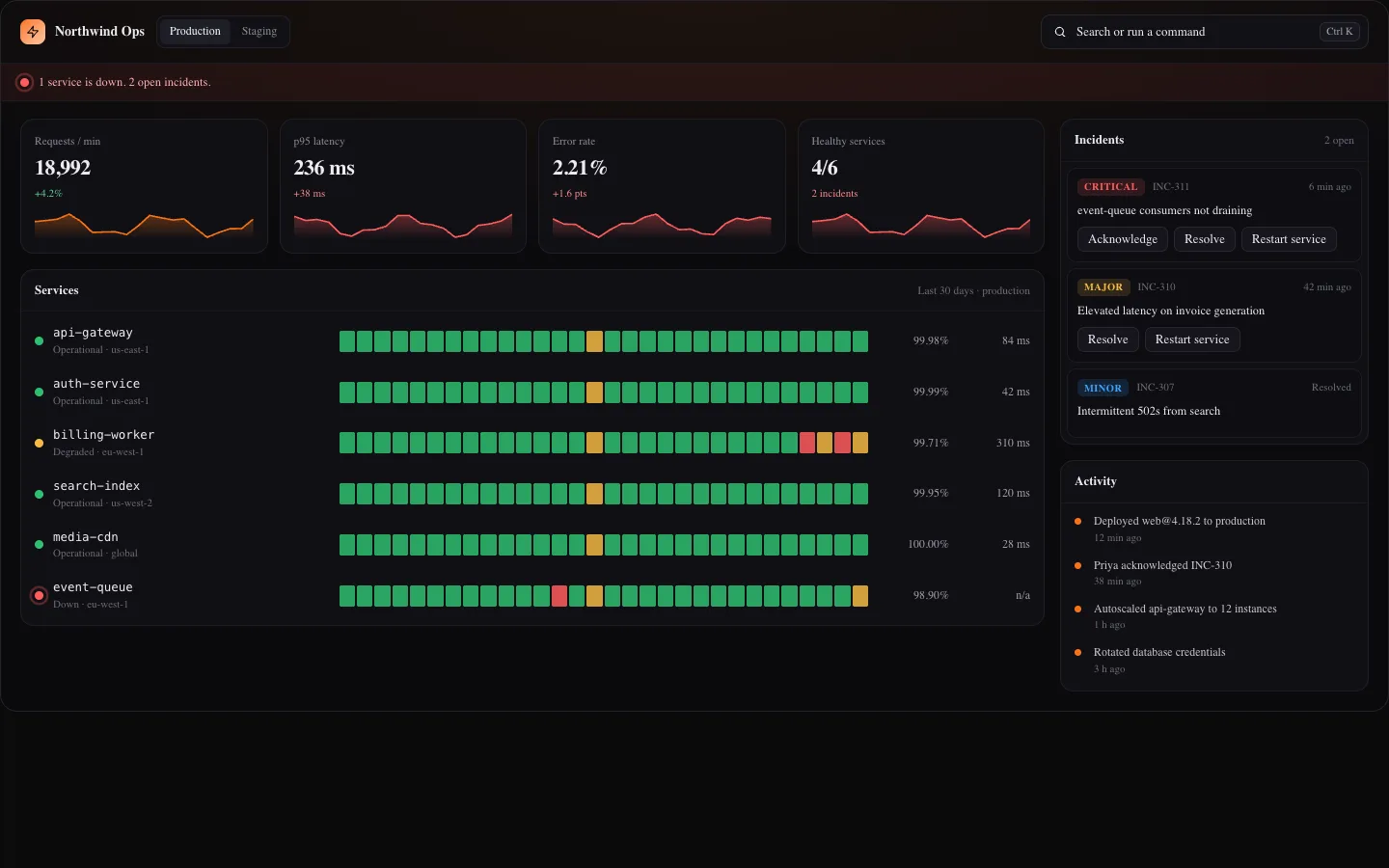
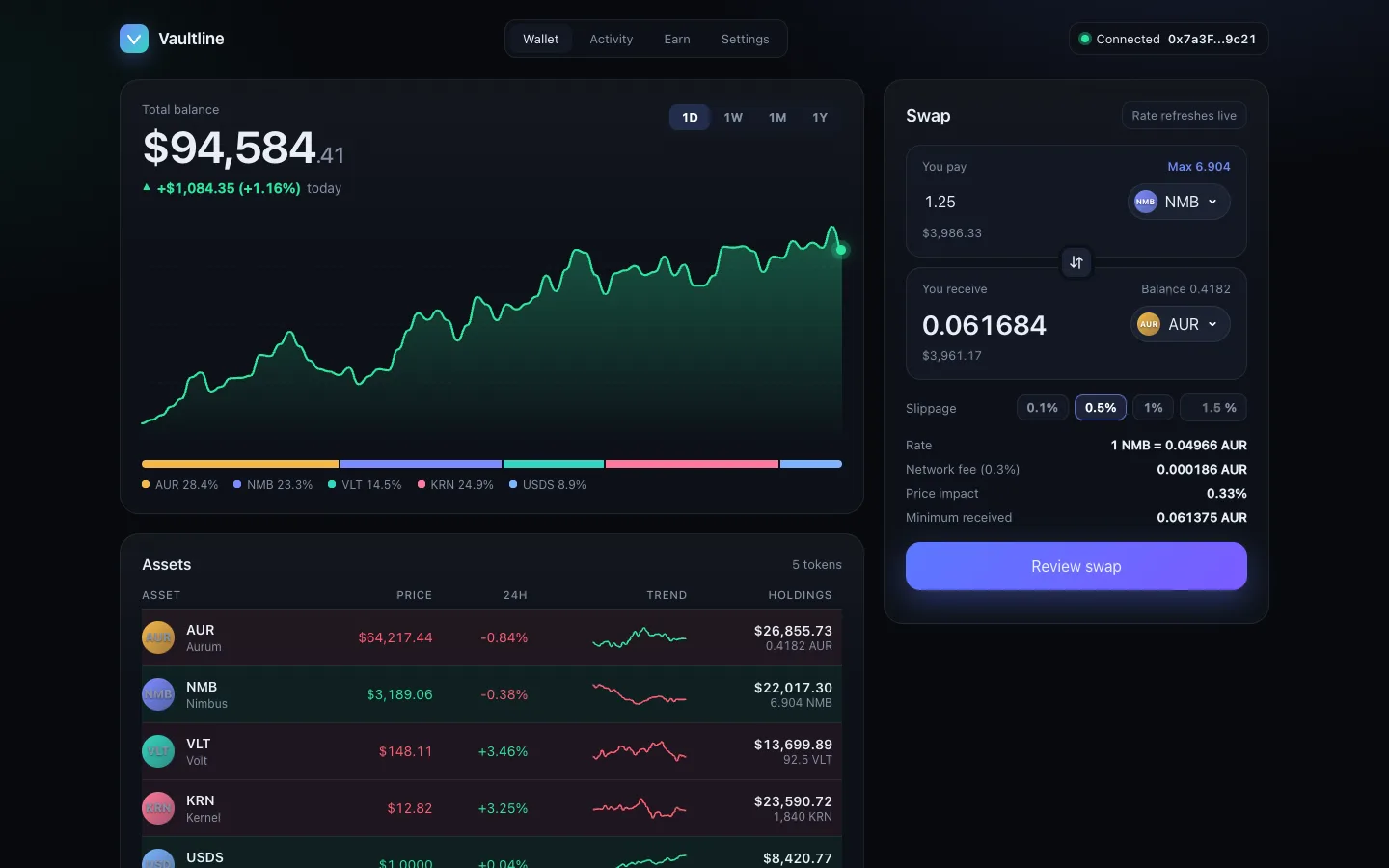
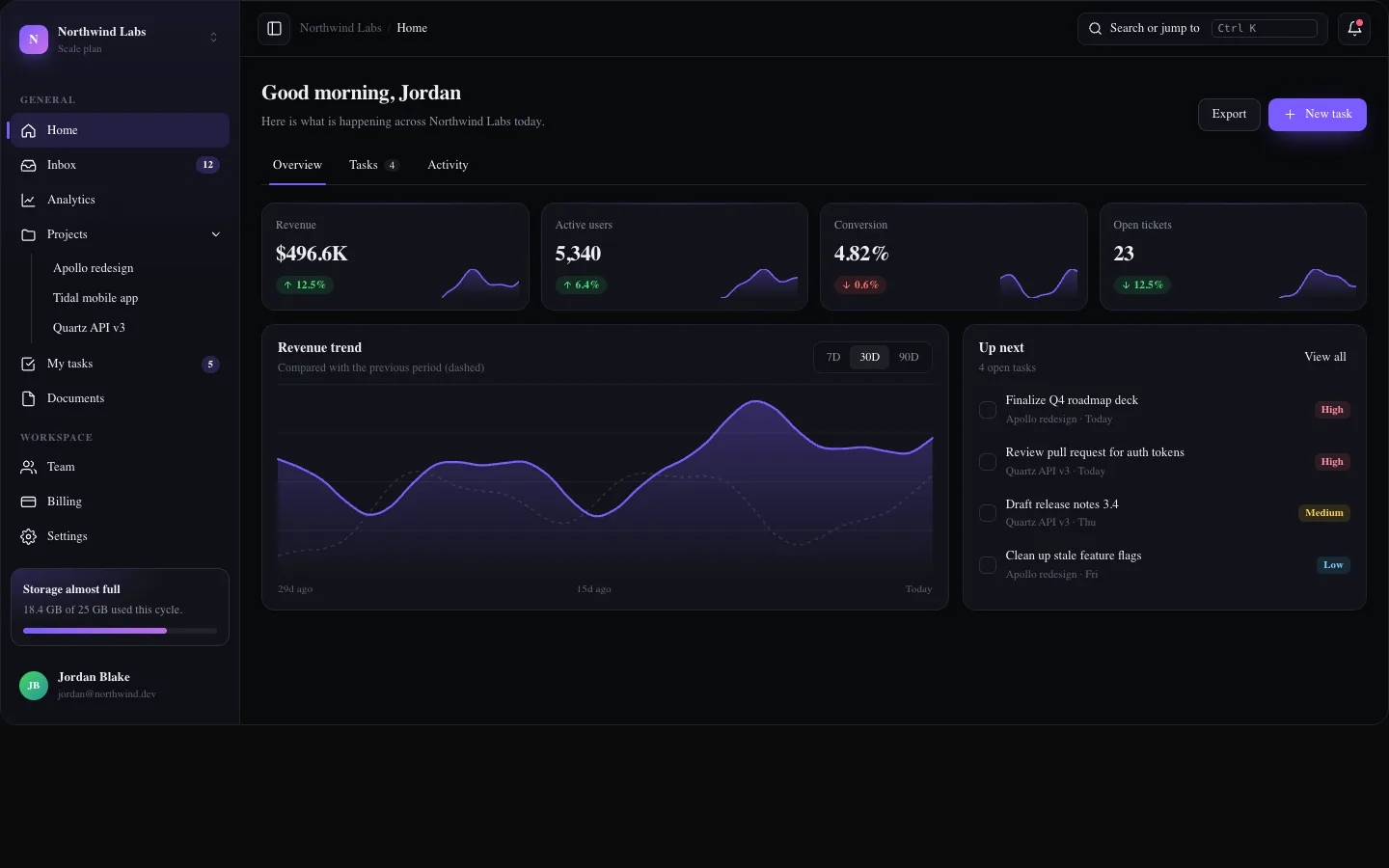
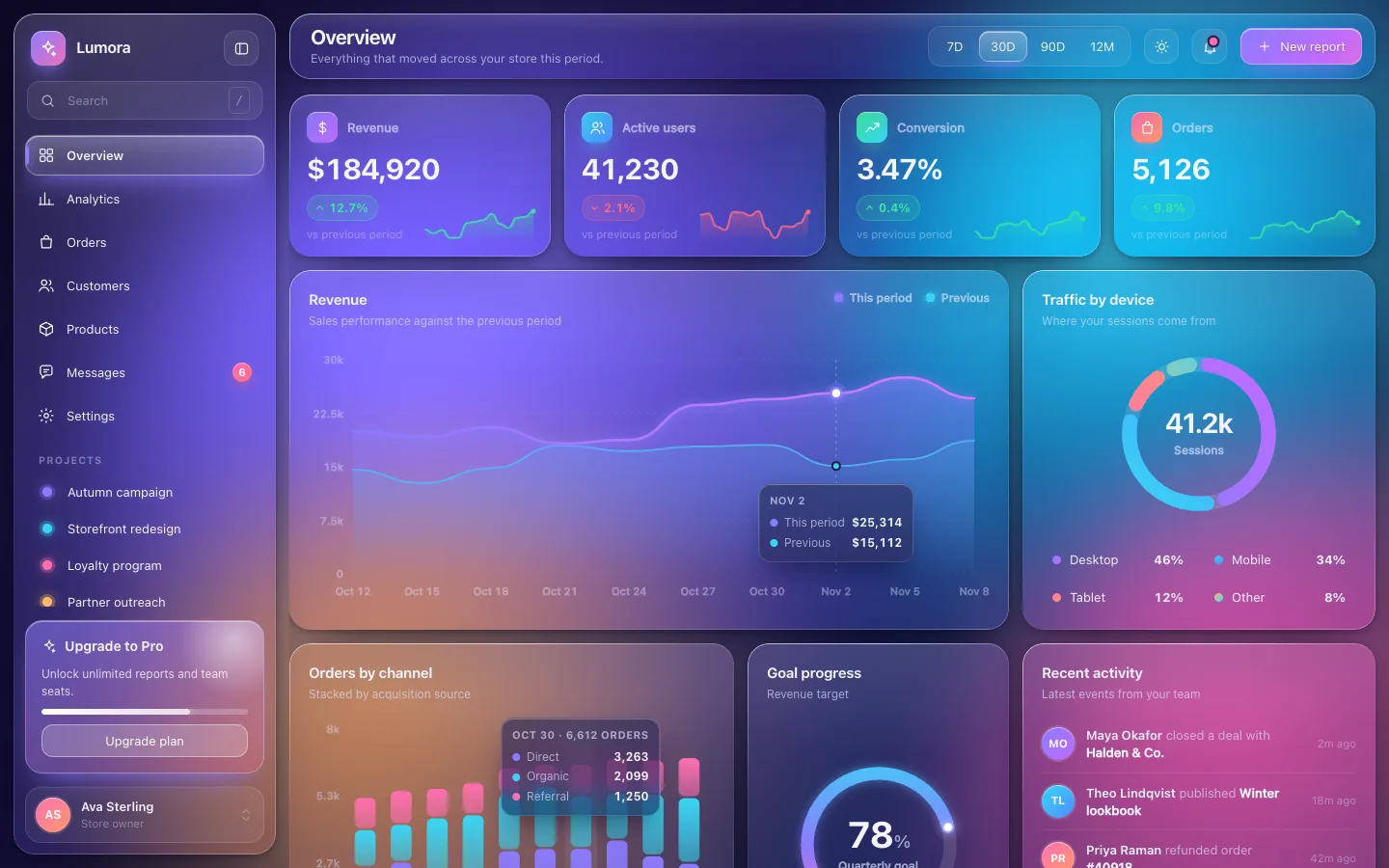
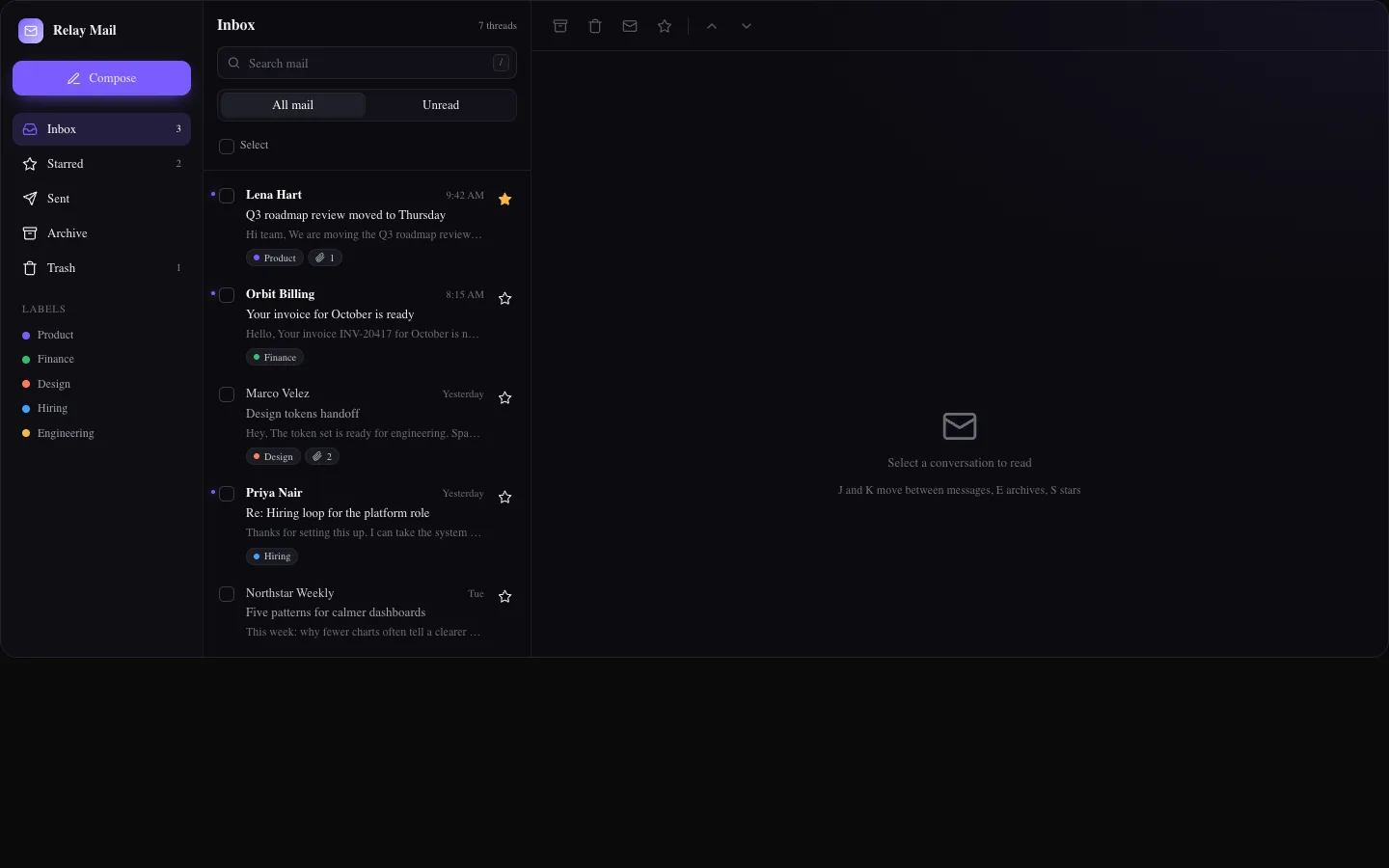
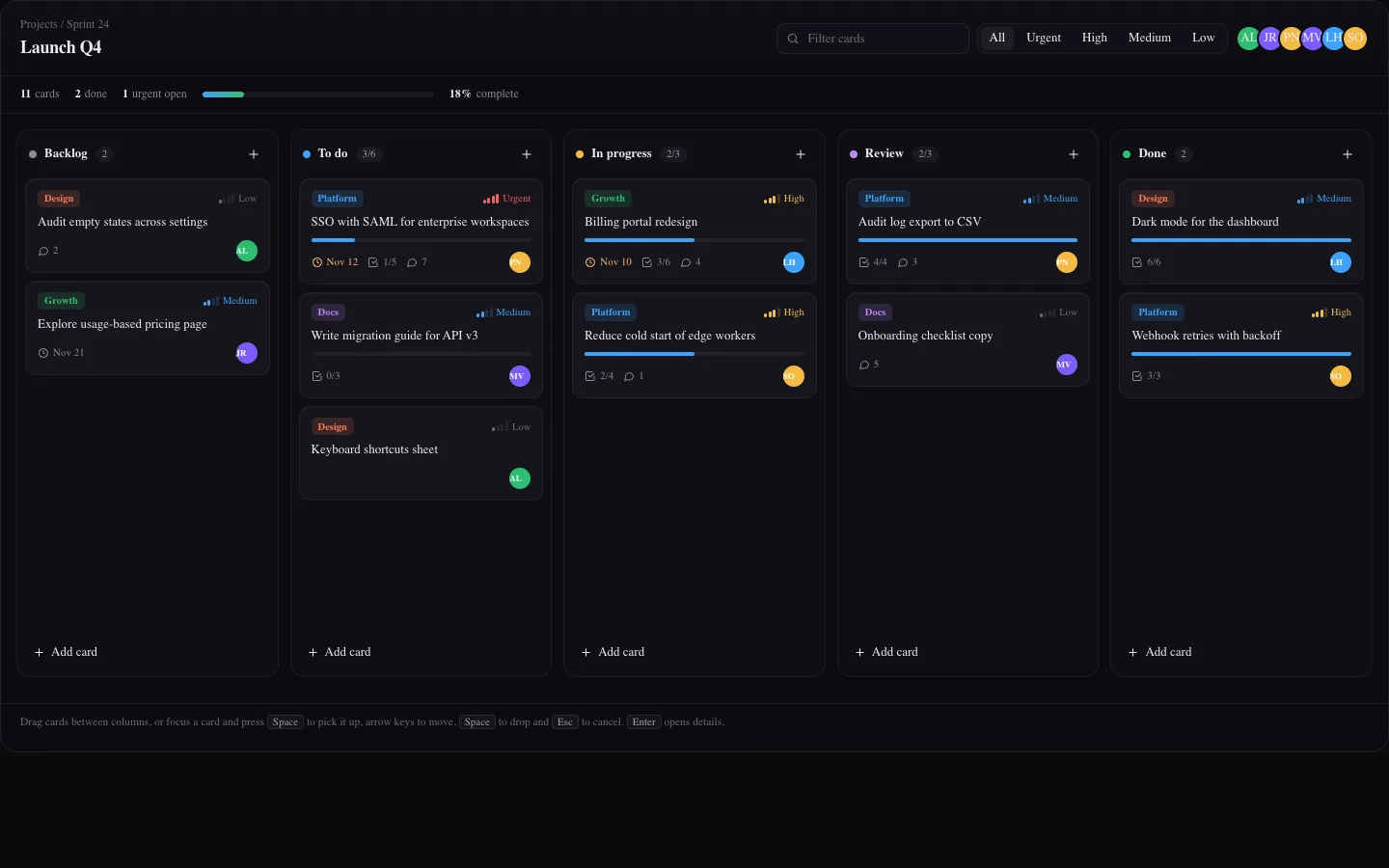
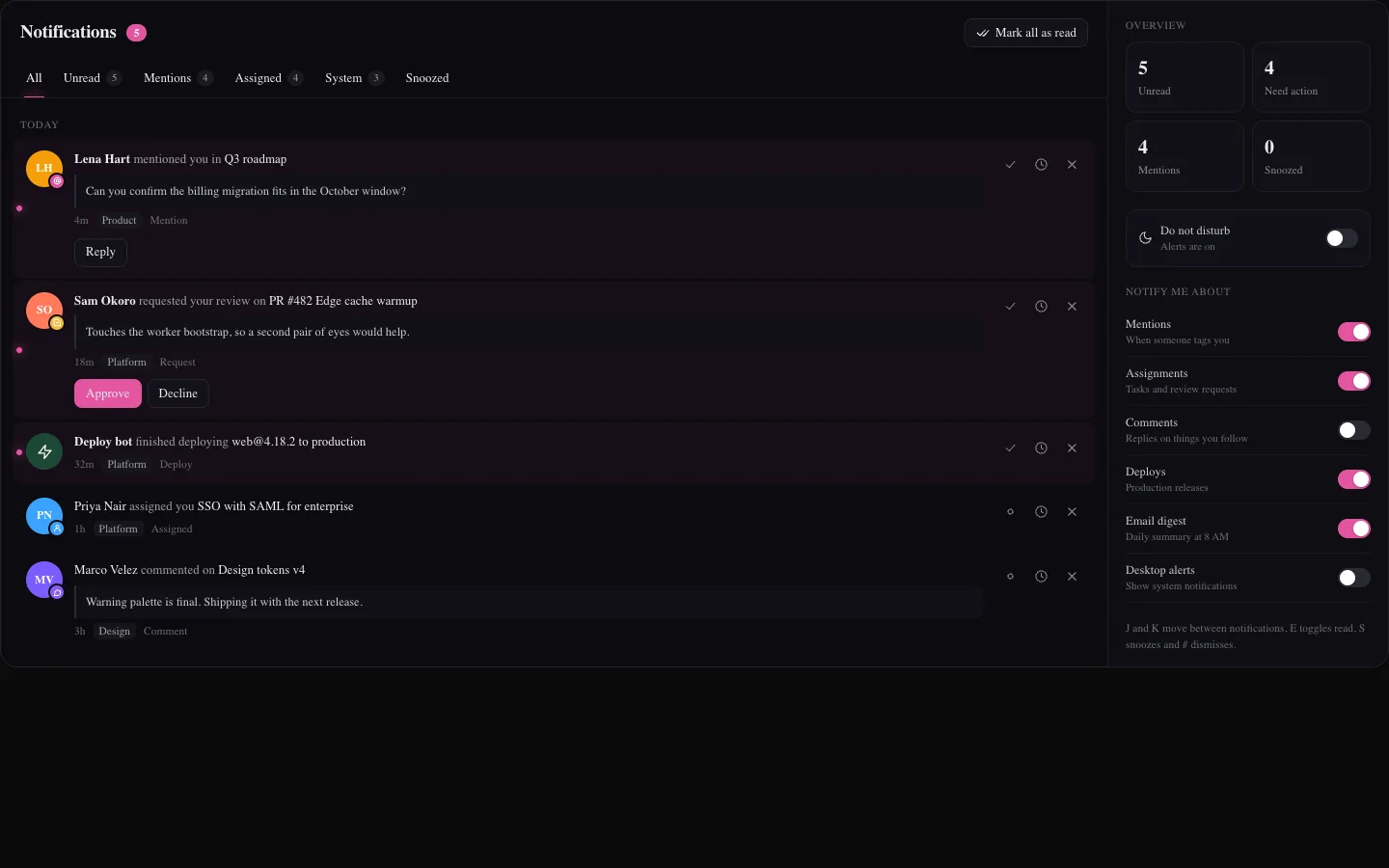
Hyperblur Pro is a software product for developers: React and Tailwind source code delivered digitally under a license. It is not a service, and the sample pages and app screens in the previews (dashboards, billing screens, landing pages) are design examples with fictional placeholder content. Nothing on this site offers health, financial, payment, consulting or advisory services.

Free and paid

Free stays free. Paid saves hours.

The split is simple: small pieces built around one idea are free. Heavy visuals, app screens and whole pages that take hours to build are in the paid plans.

01 / Free

Free

Launch pack, MIT licensed, free forever

  • Every effect, component and block already in the catalog
  • Text, buttons, loaders, hover, micro interactions, forms, modals, charts and more
  • Copy-paste, the shadcn CLI and the public MCP server
  • New small pieces keep landing in the free catalog
02 / Paid

Standard, Pro and Ultimate

New content, built to save you hours

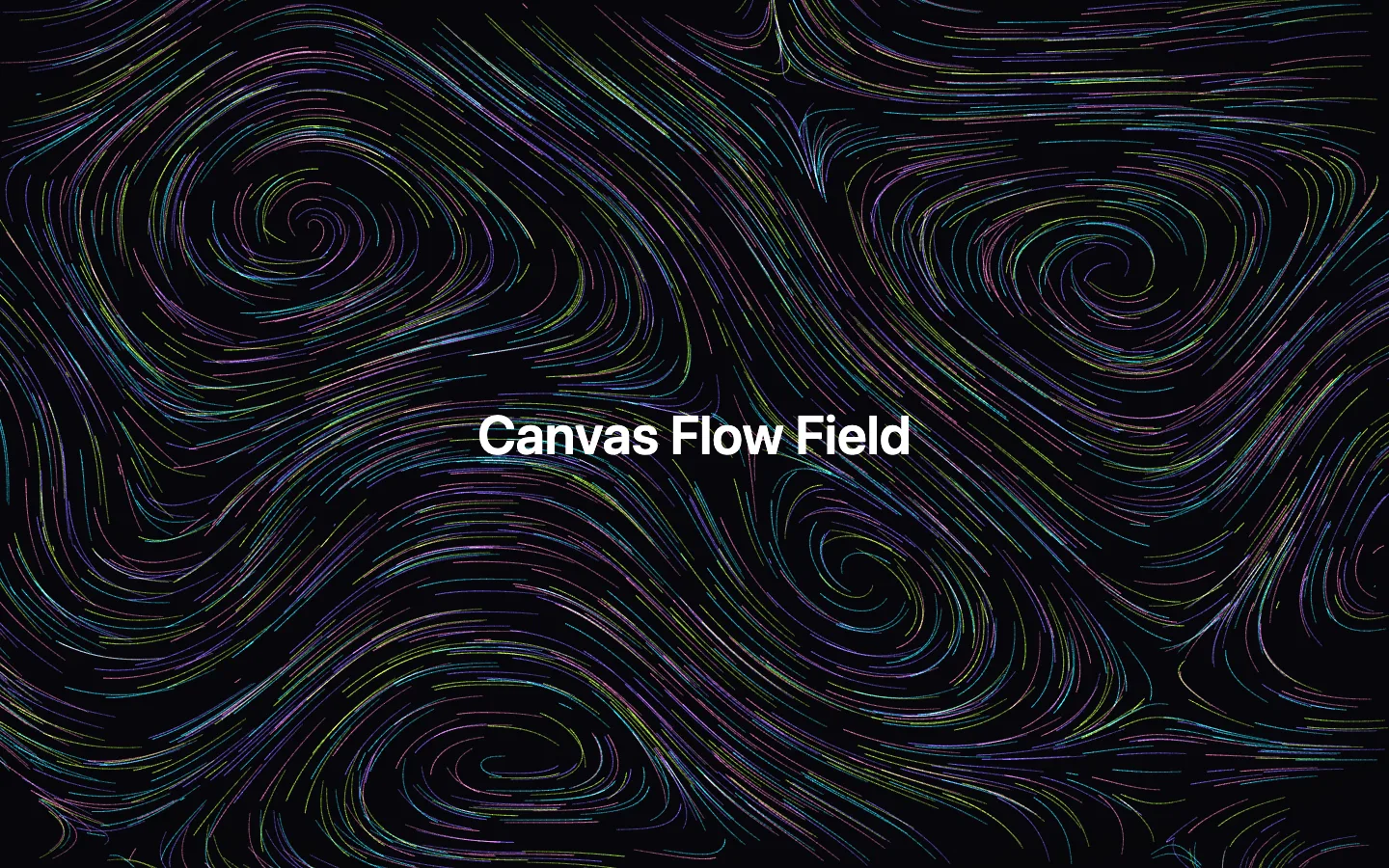
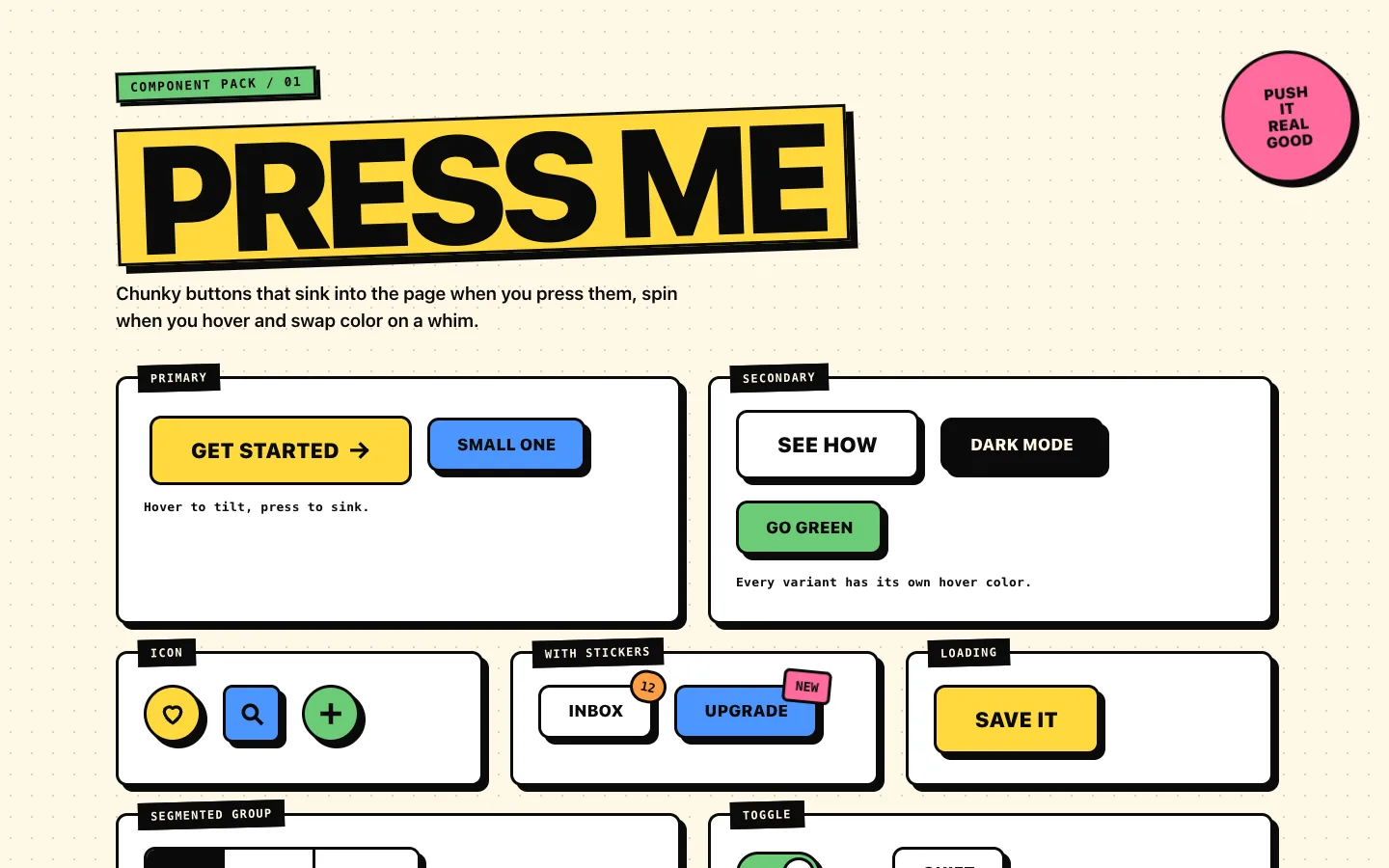
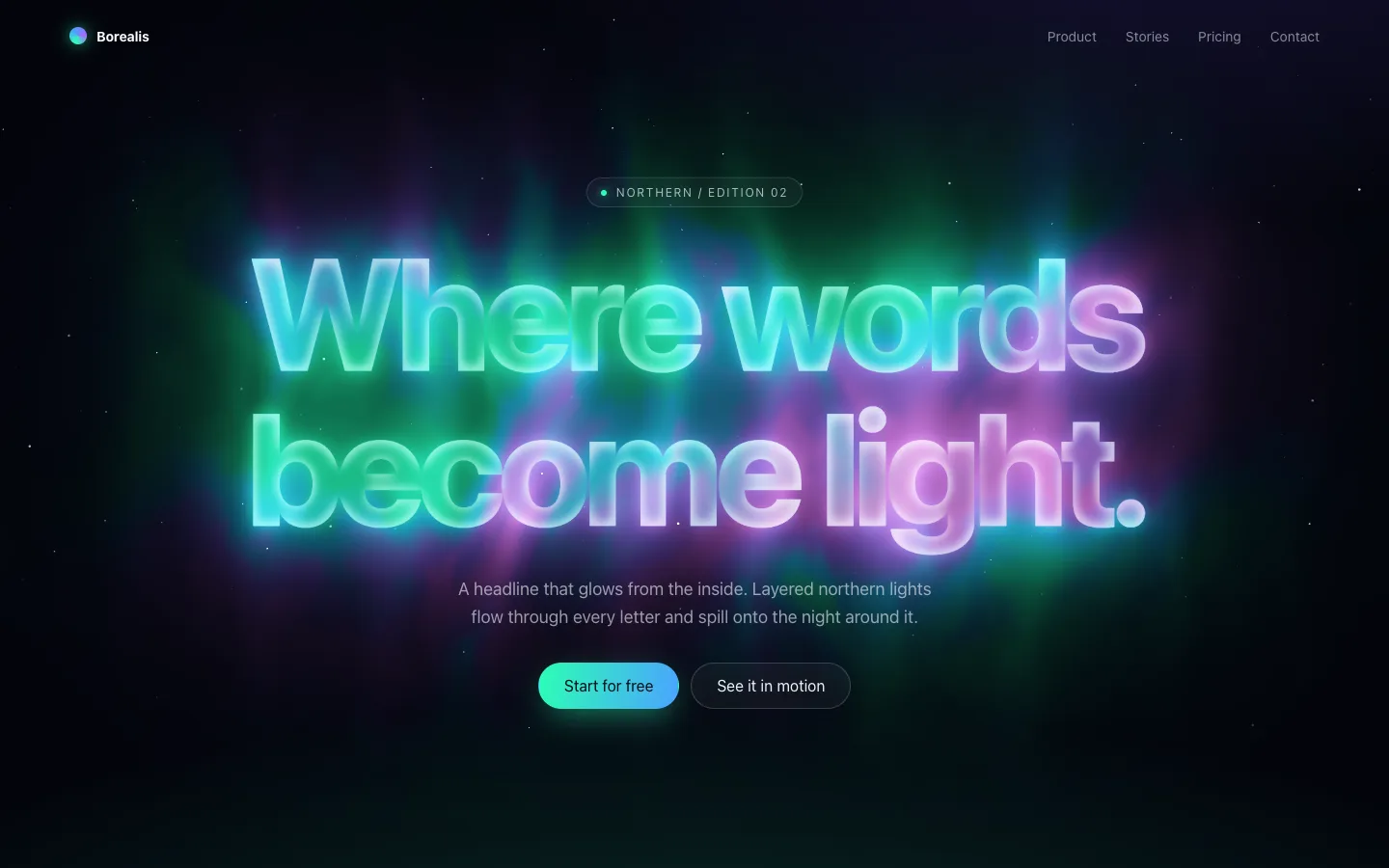
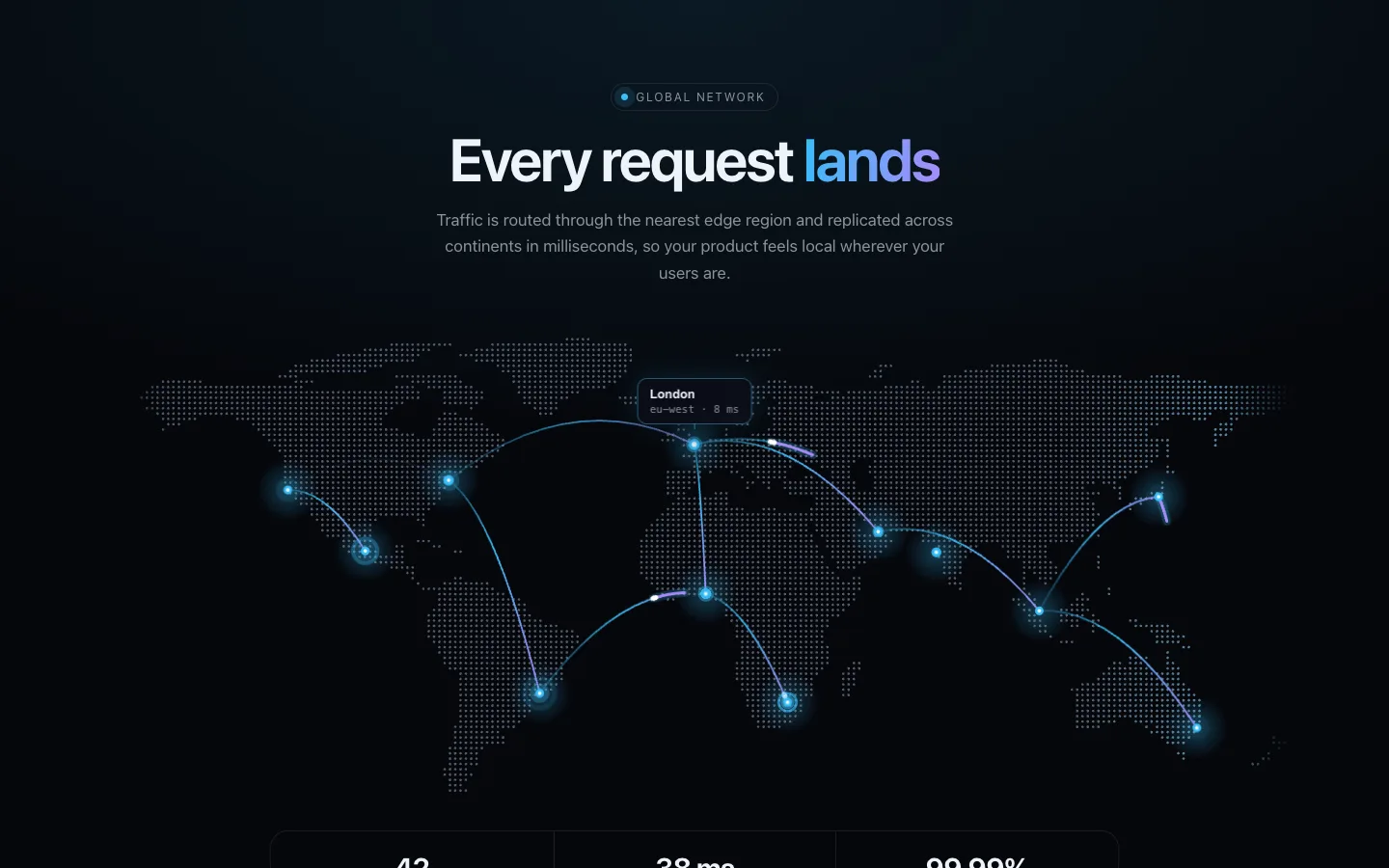
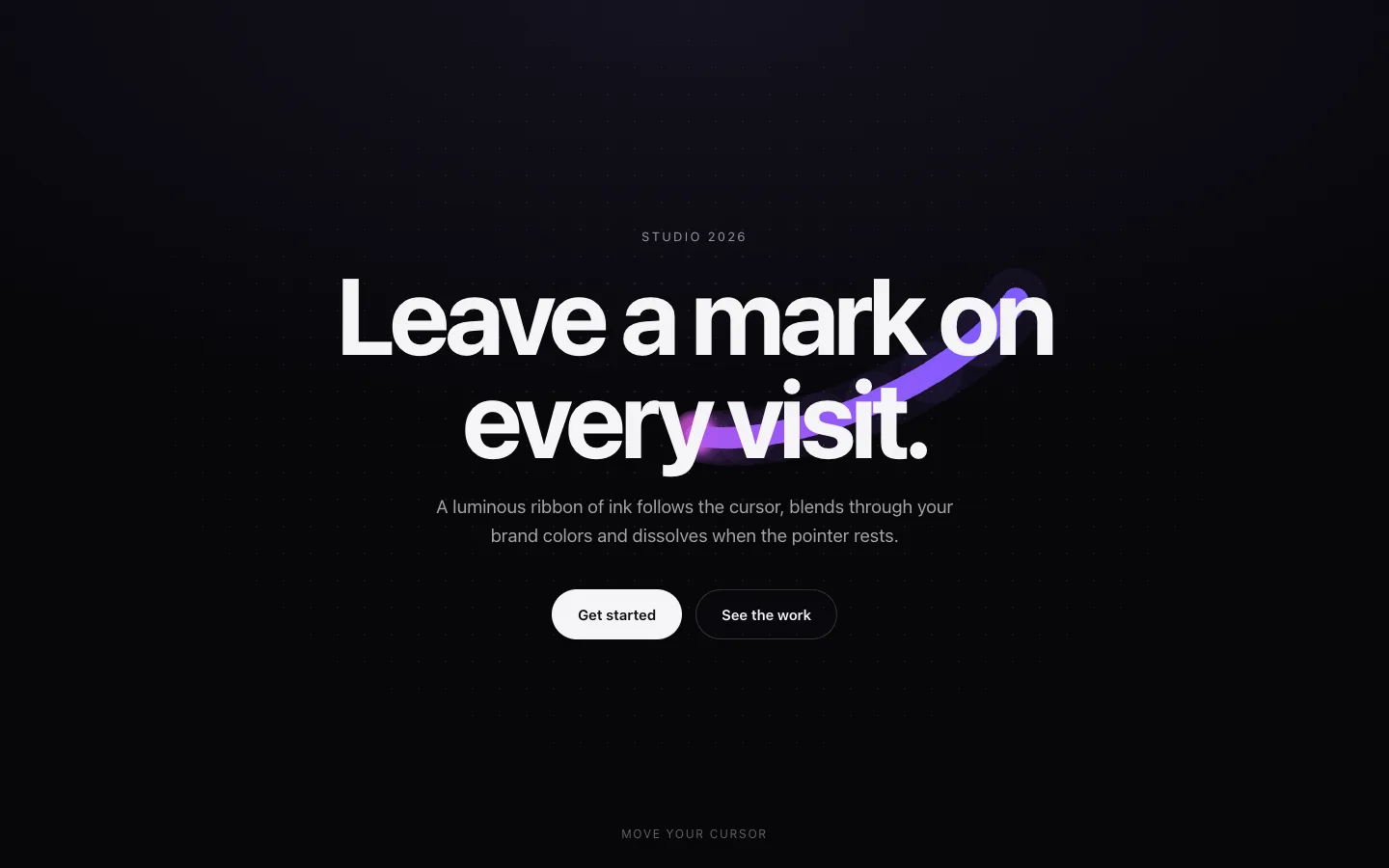
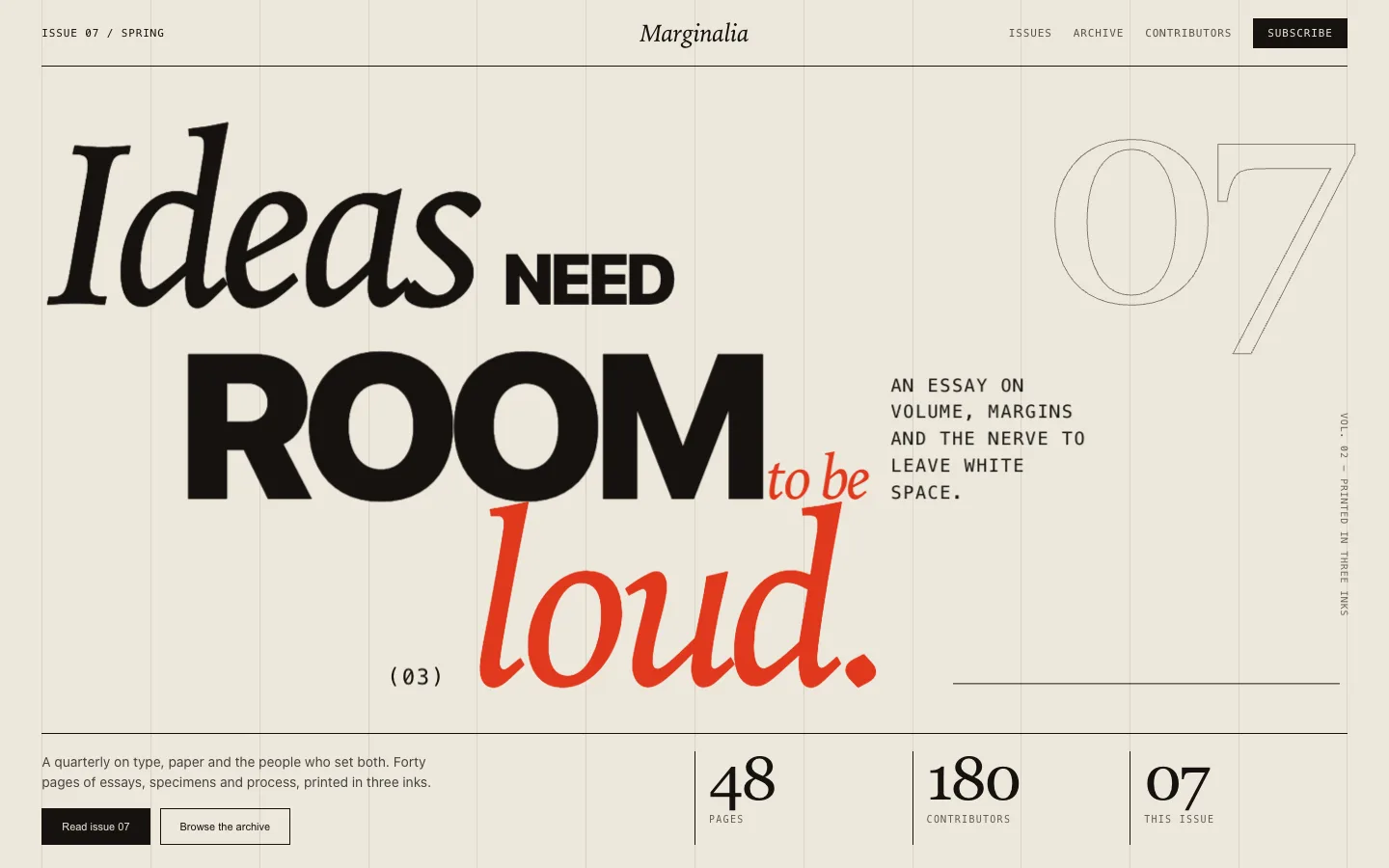
  • Standard: animated canvas and WebGL backgrounds, typography heroes, navigation, cursors and page sections
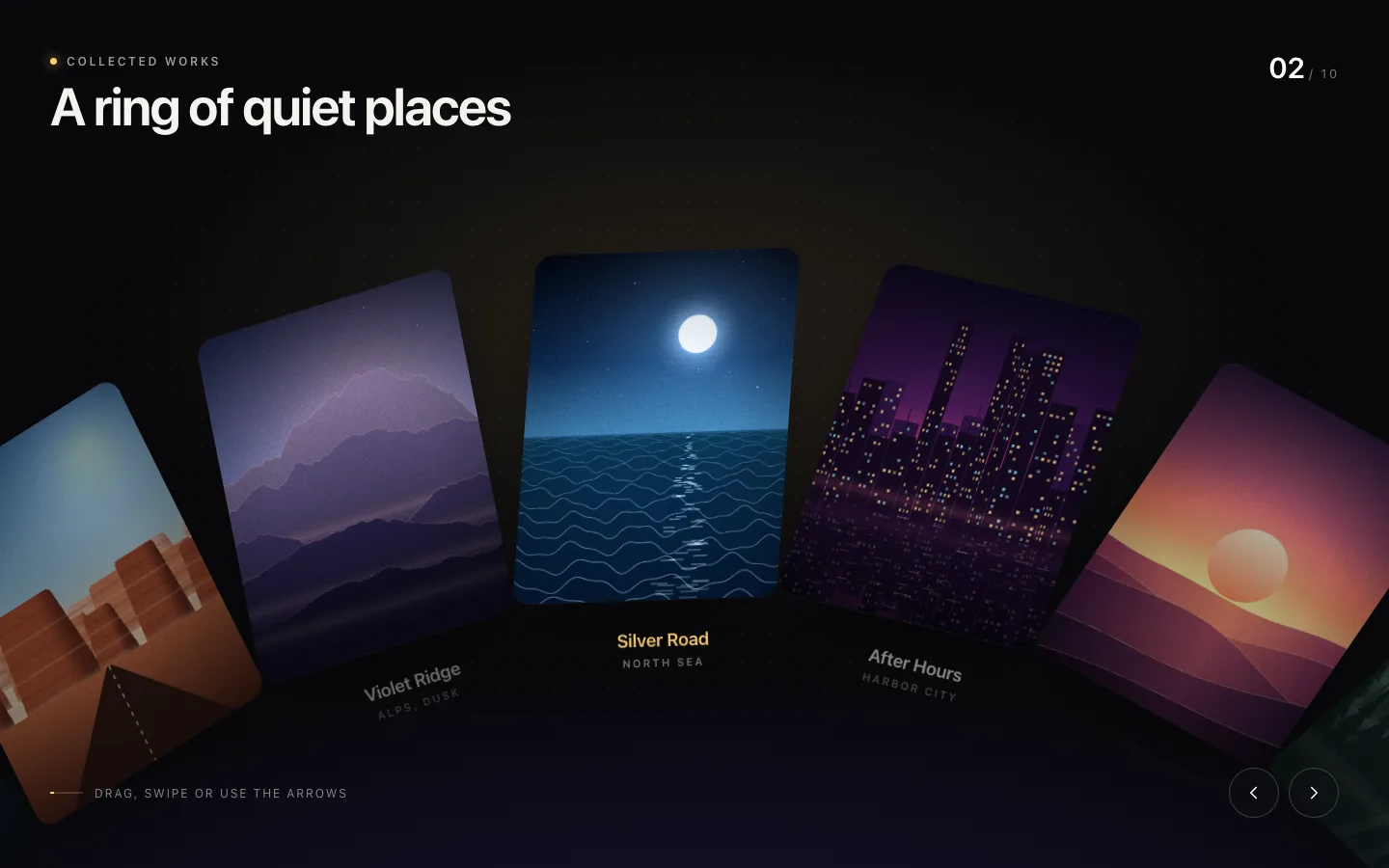
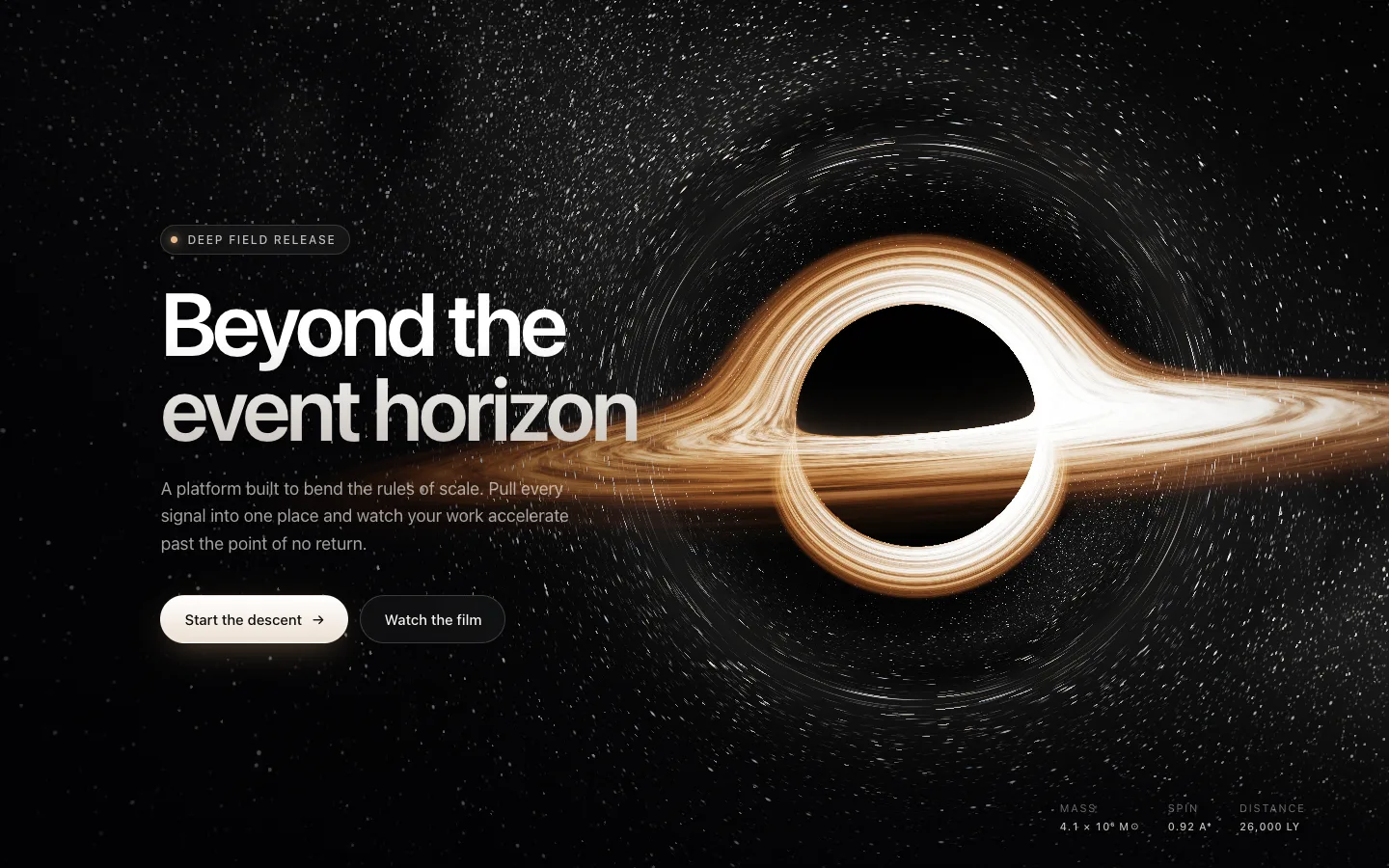
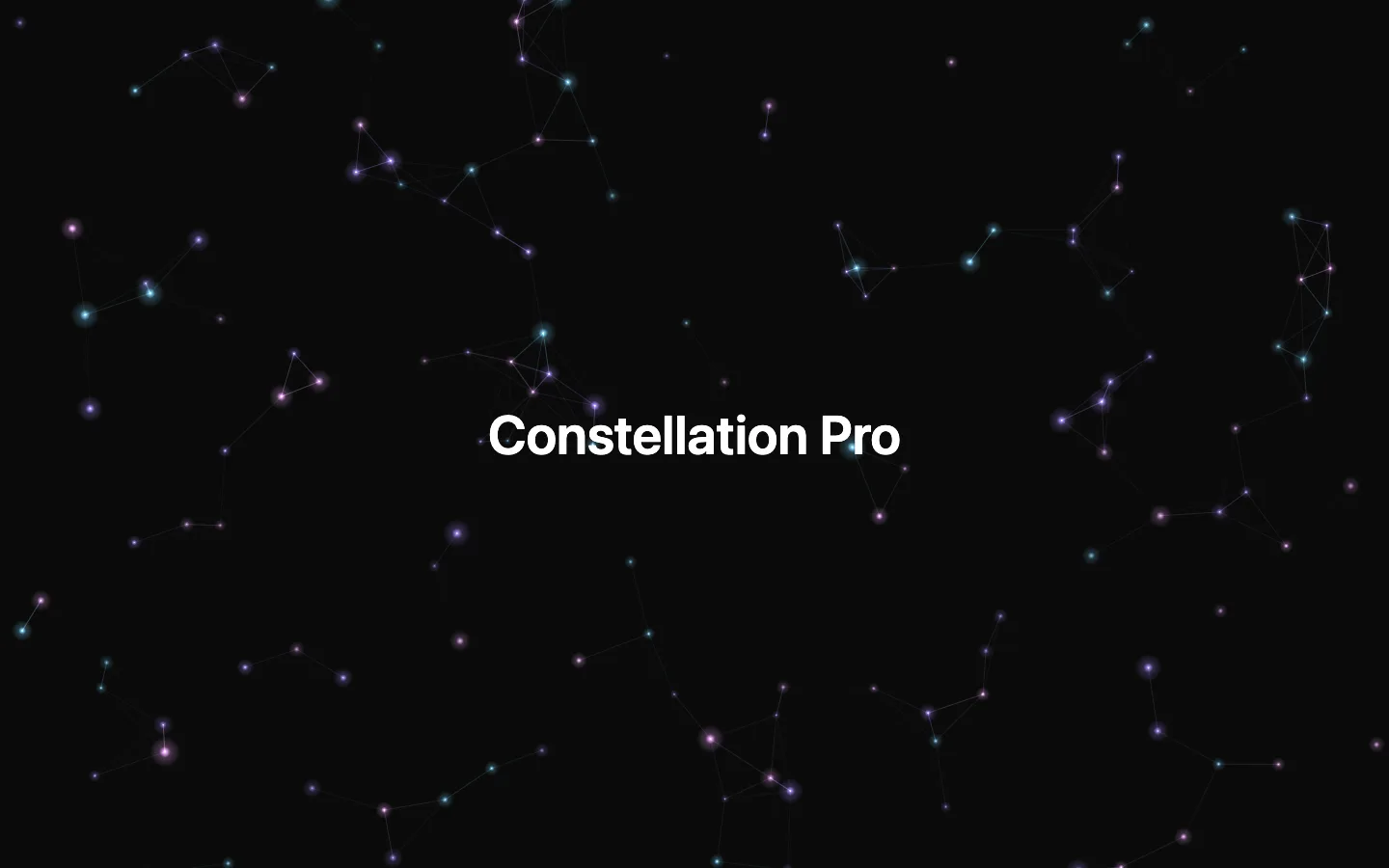
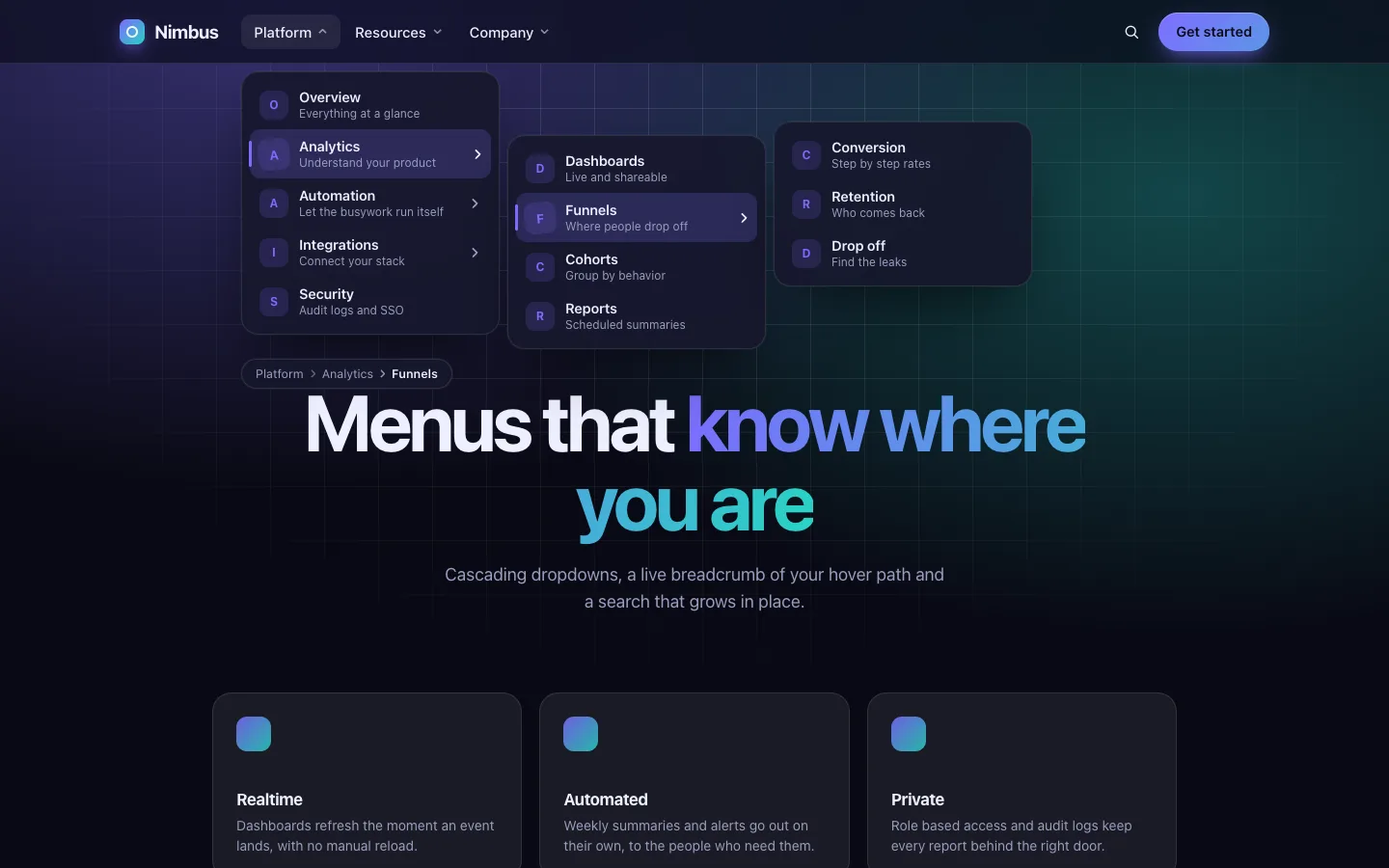
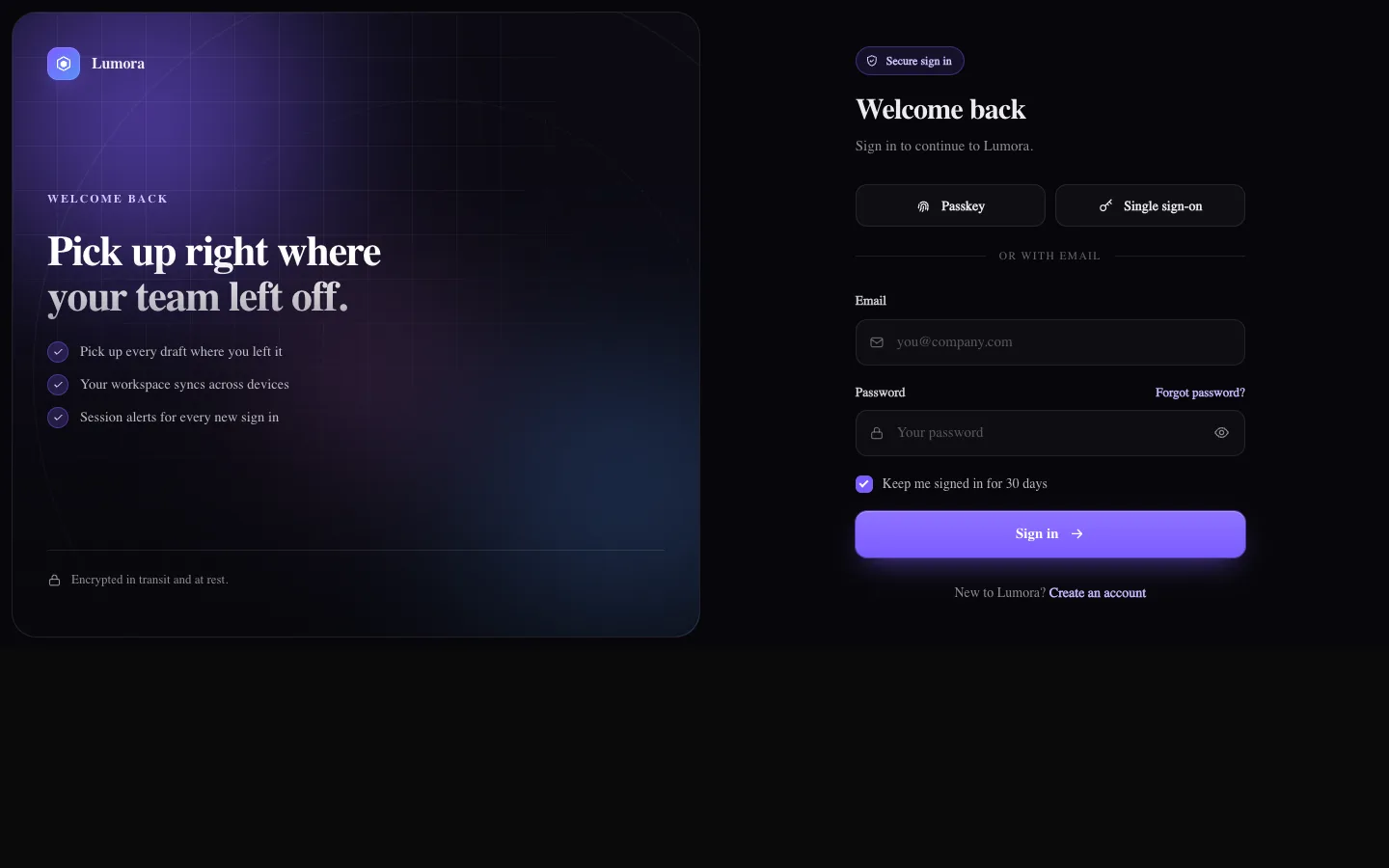
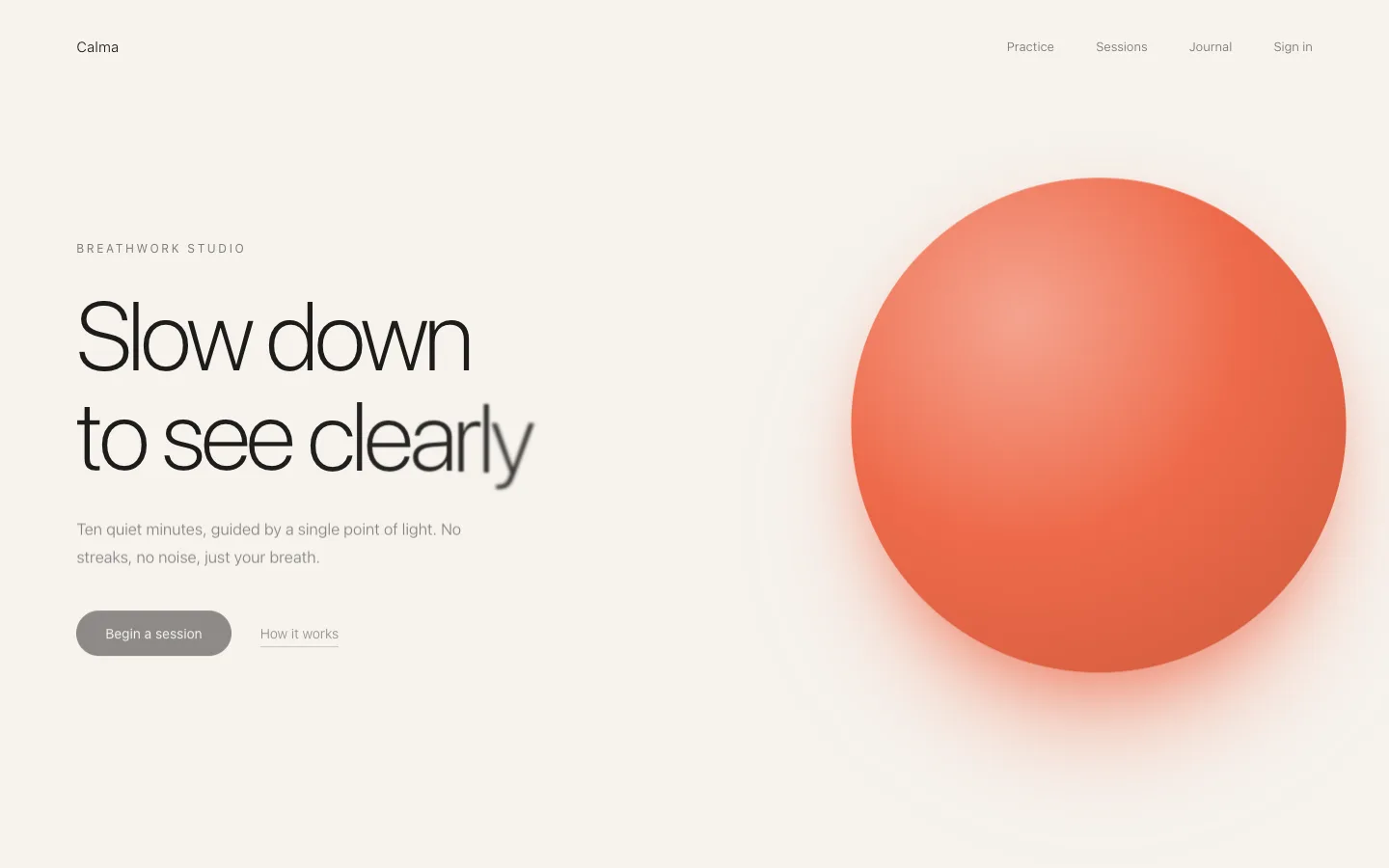
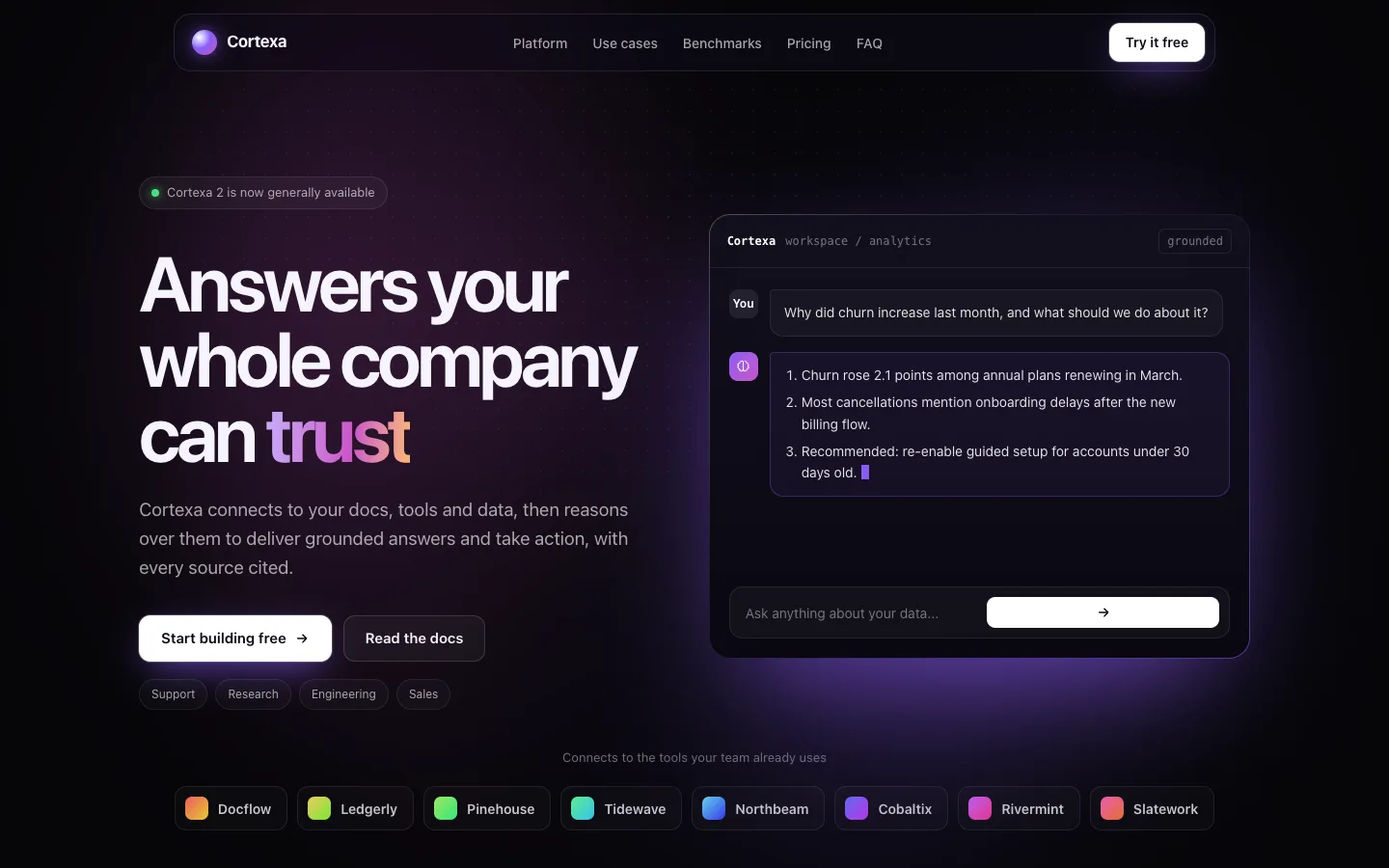
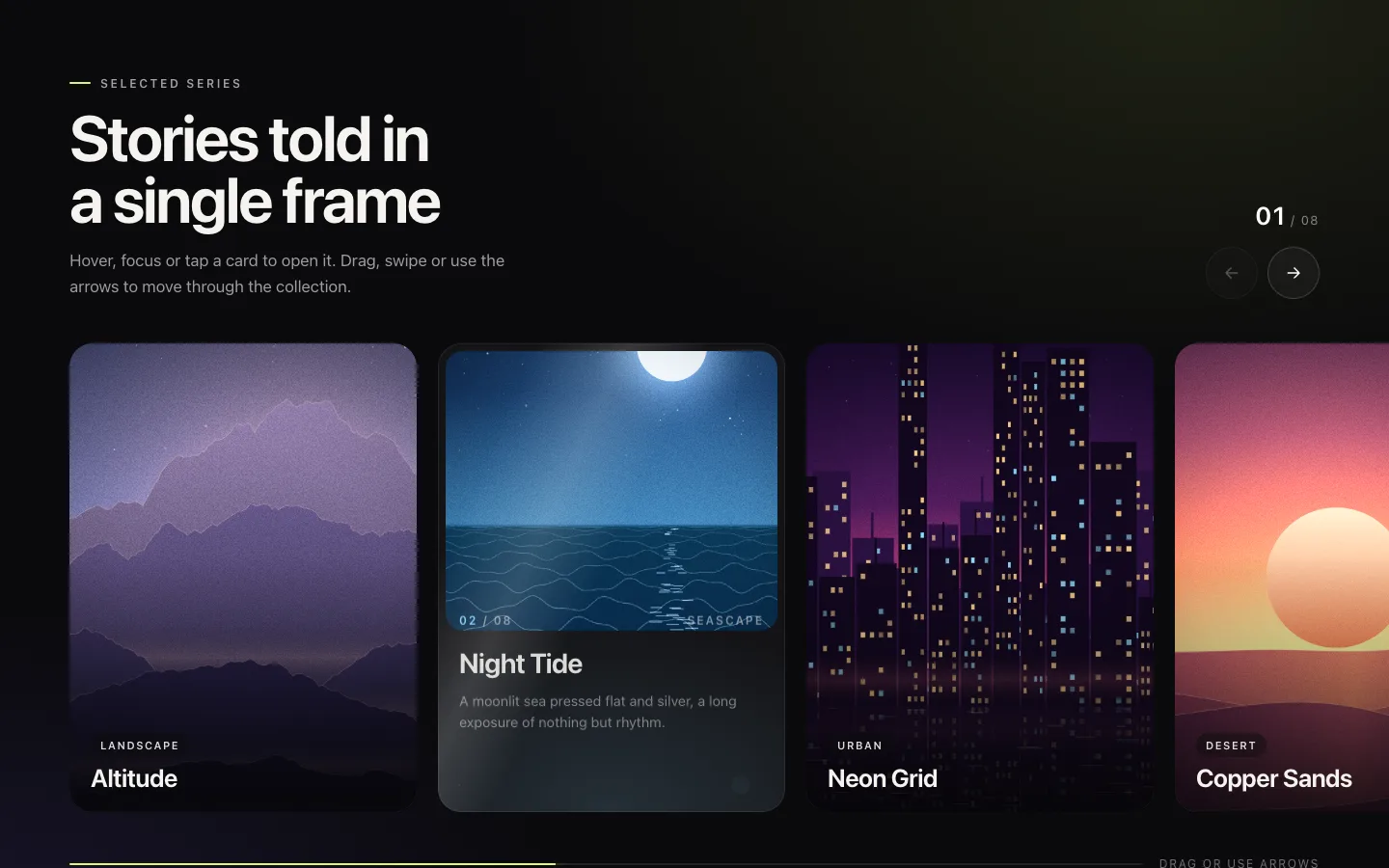
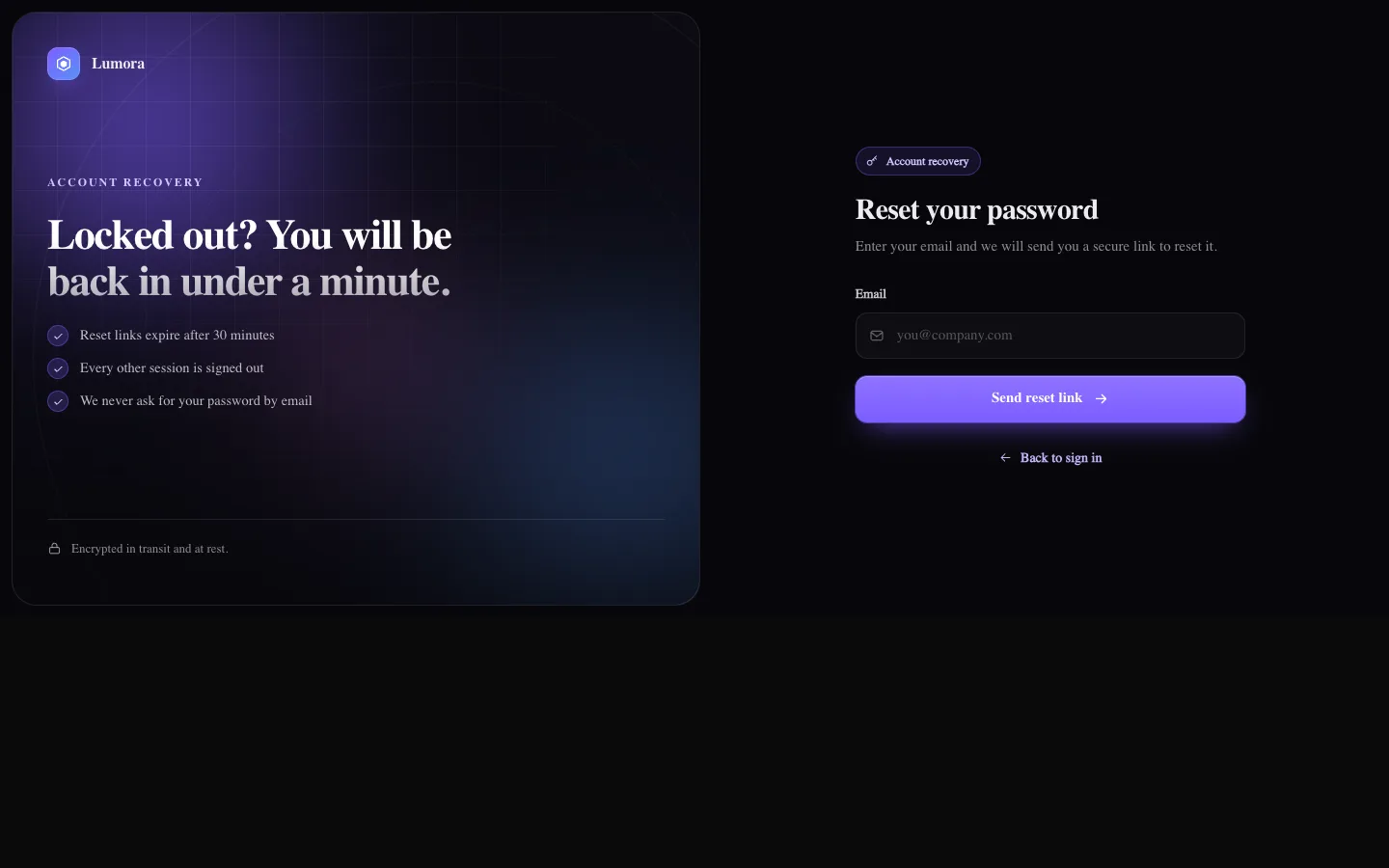
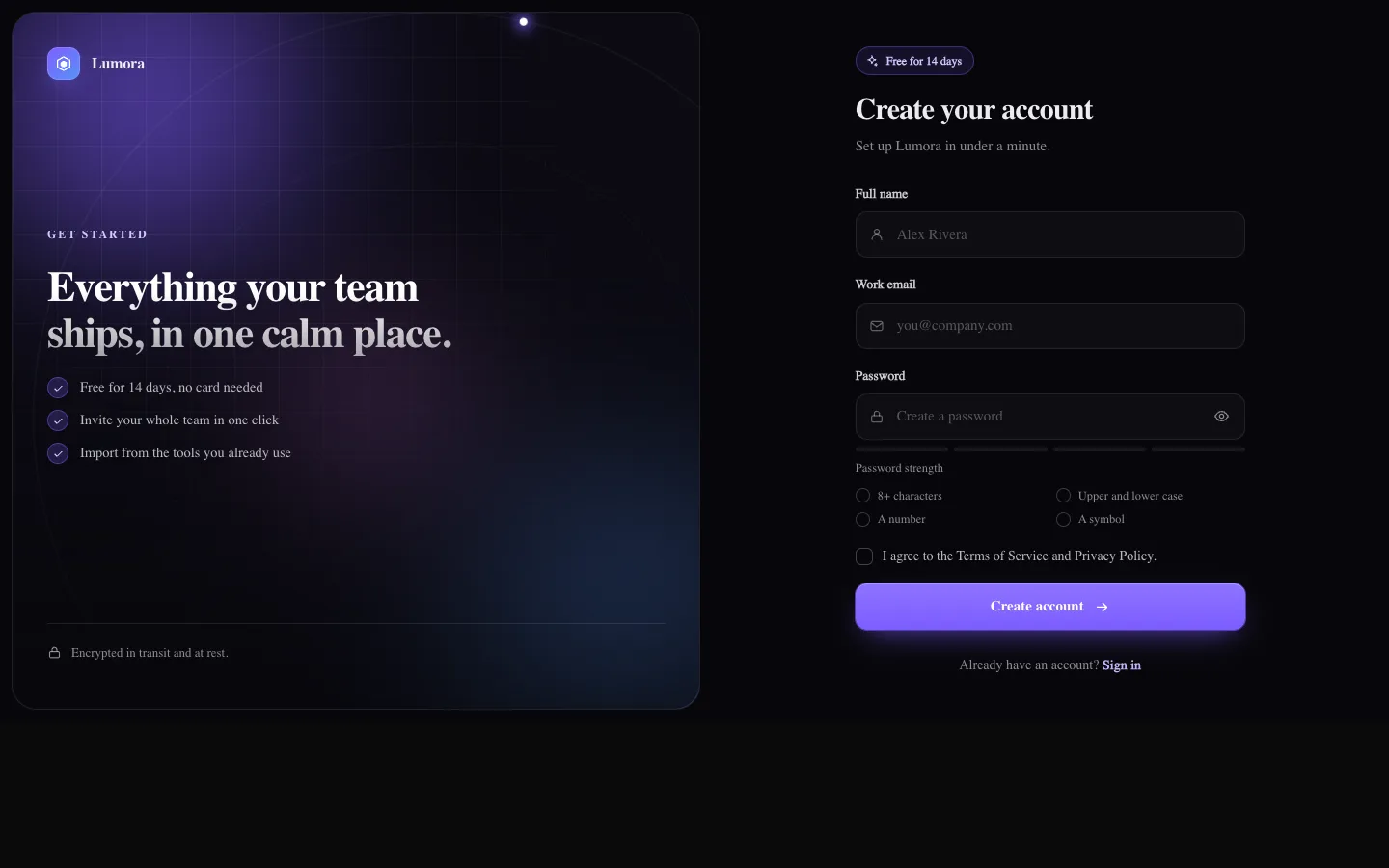
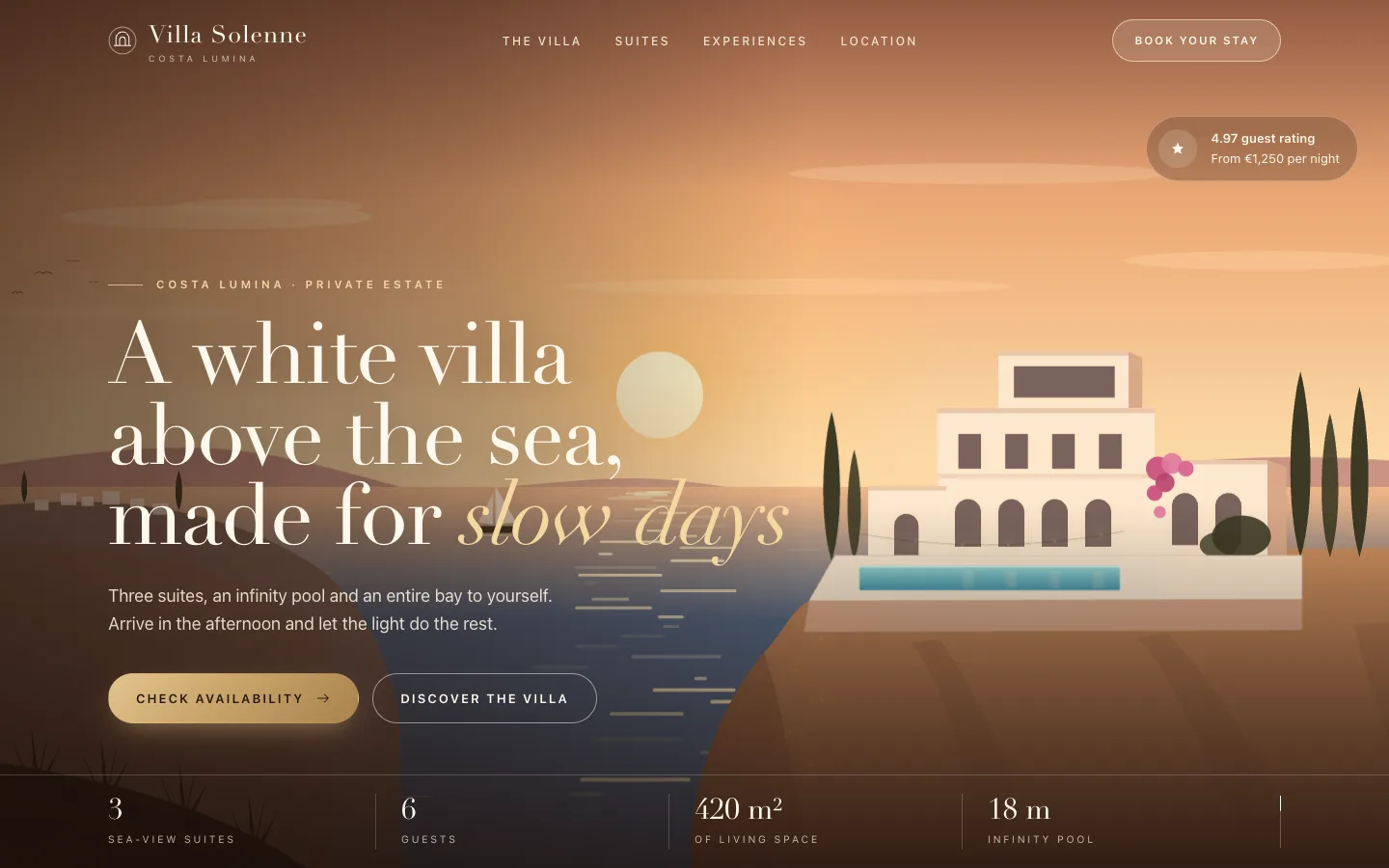
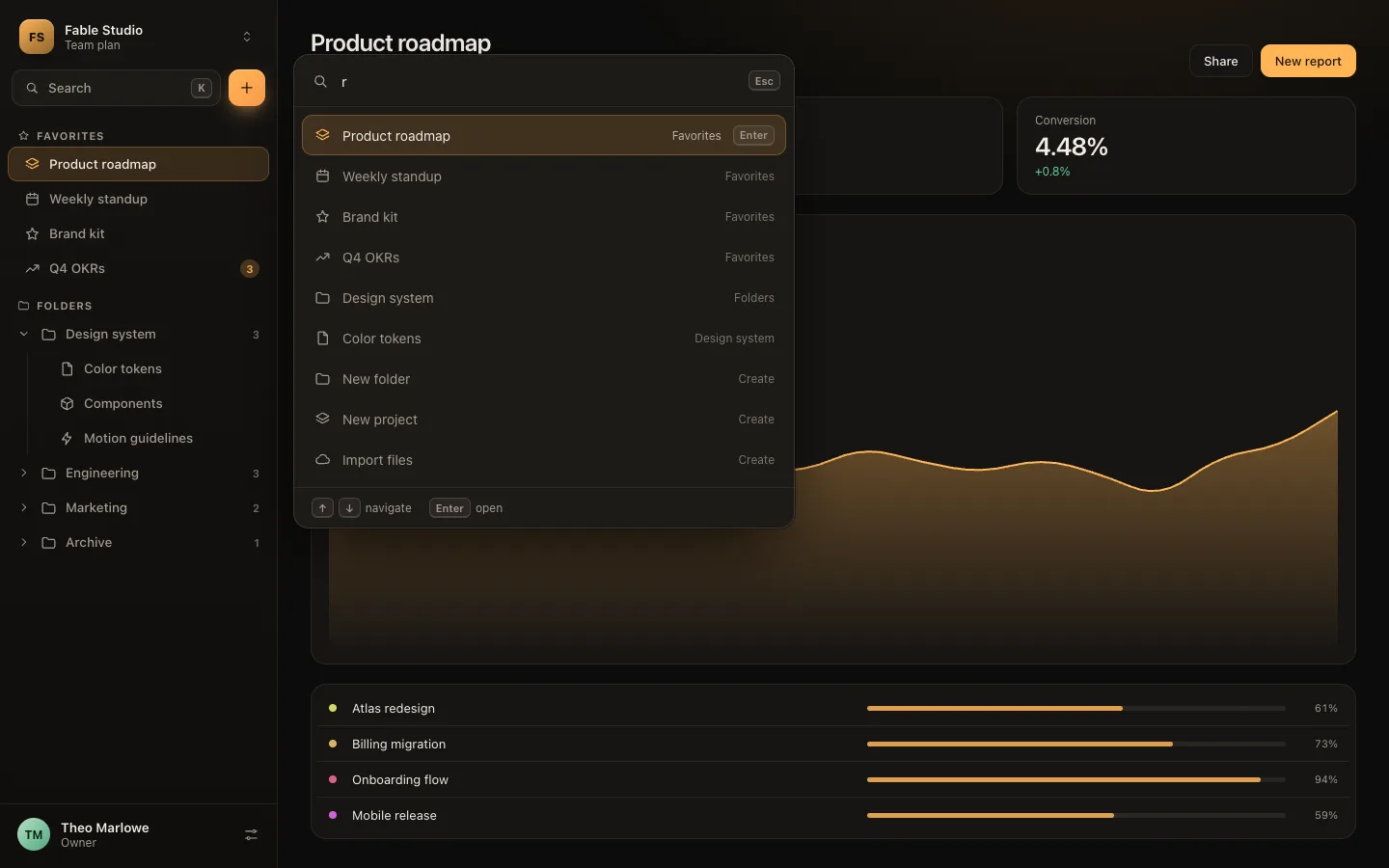
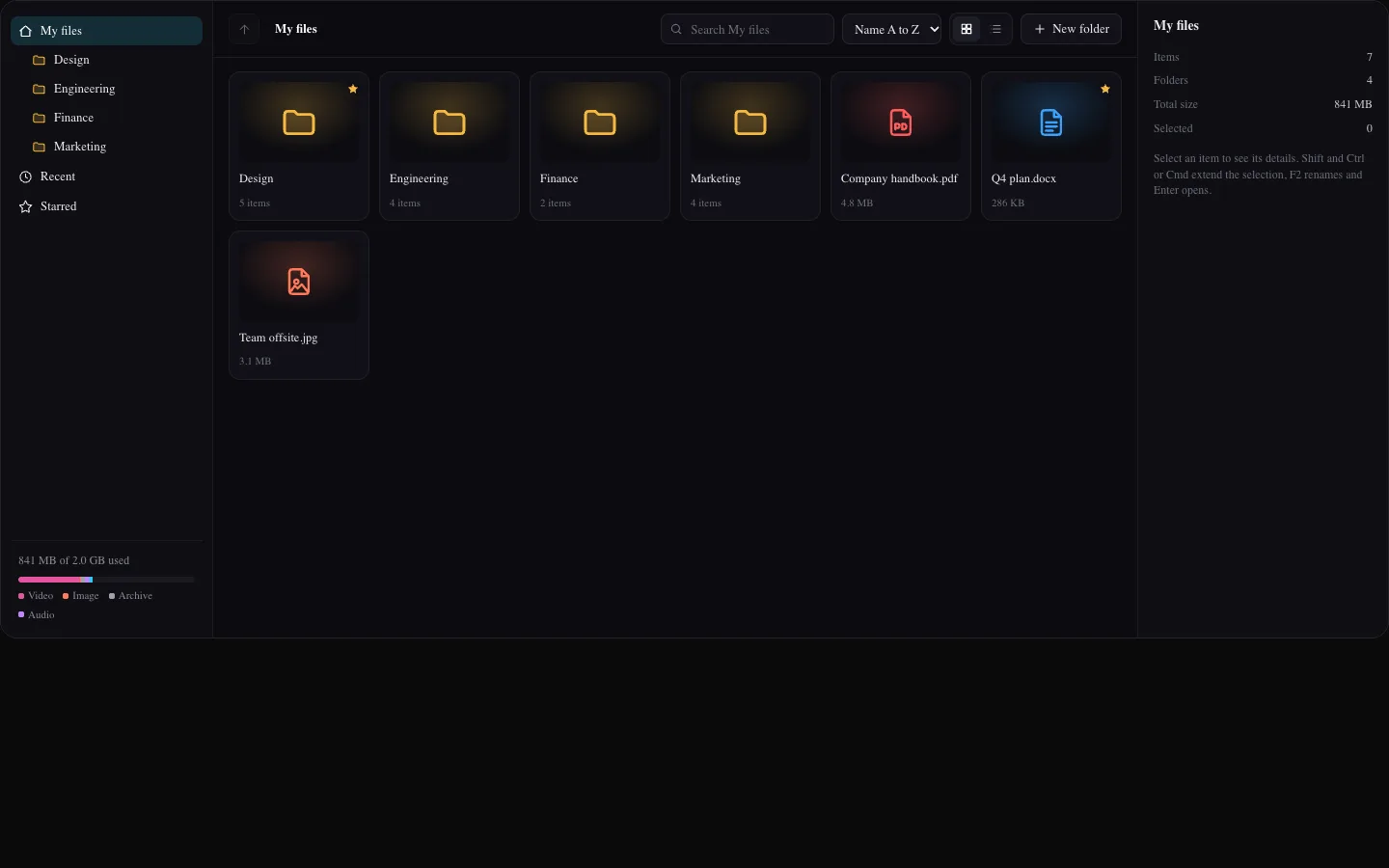
  • Pro: cinematic, scroll-driven heroes, app screens, auth flows and galleries
  • Ultimate: full page templates you can ship with your own copy, plus a team license
  • Install with one shadcn CLI command from your account, or with your license key
  • New items while your plan is active

The catalog
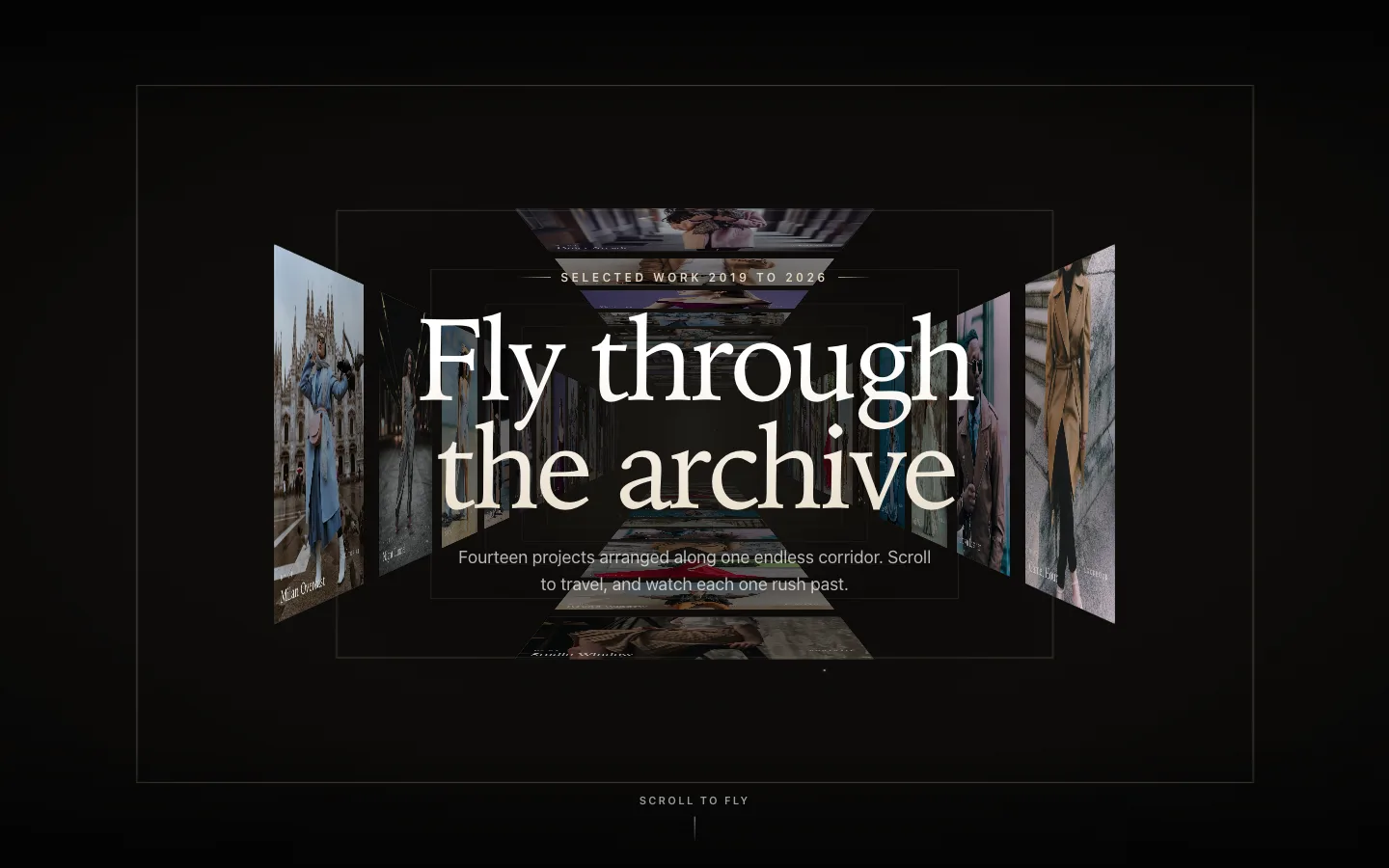
What is in Pro.

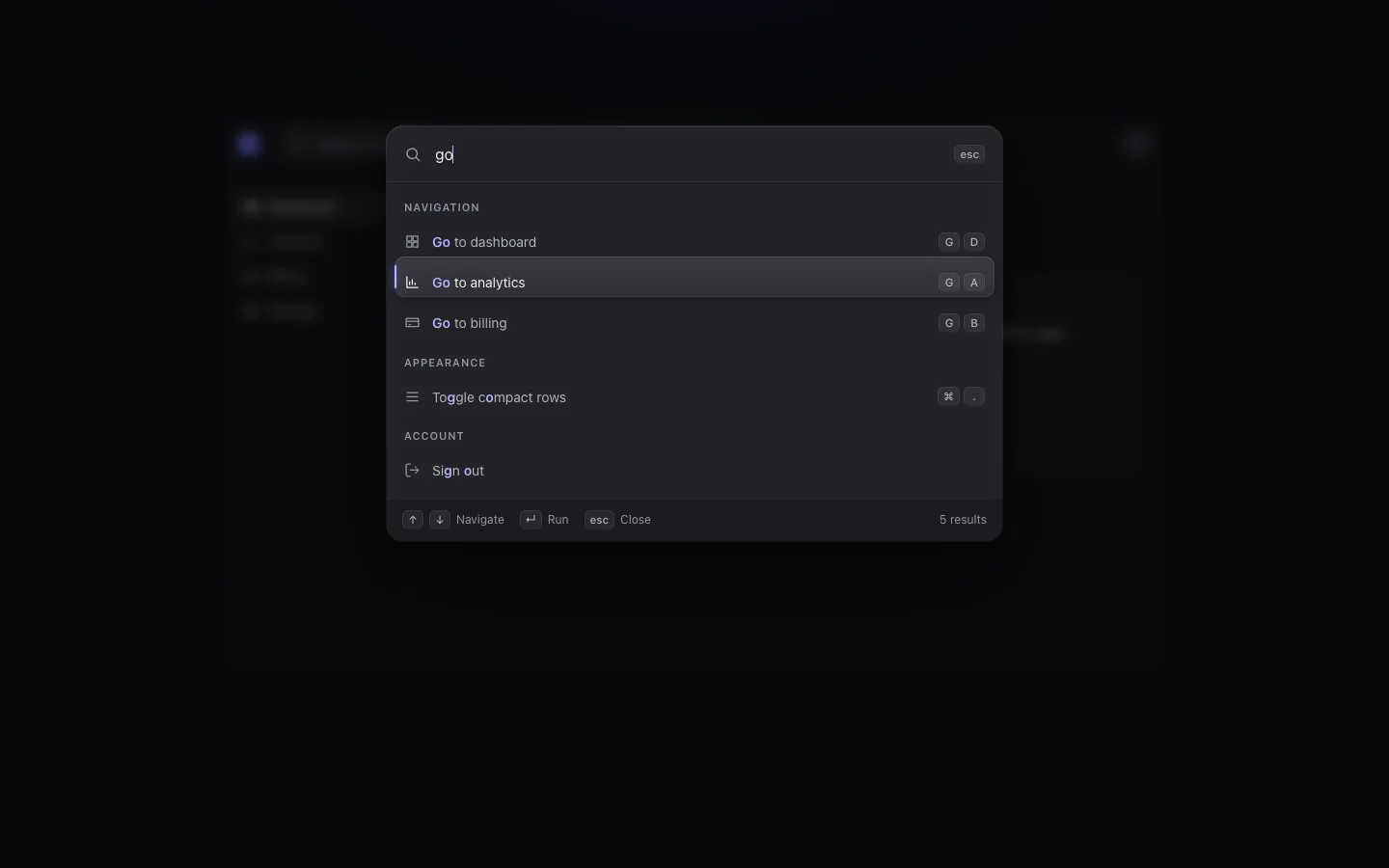
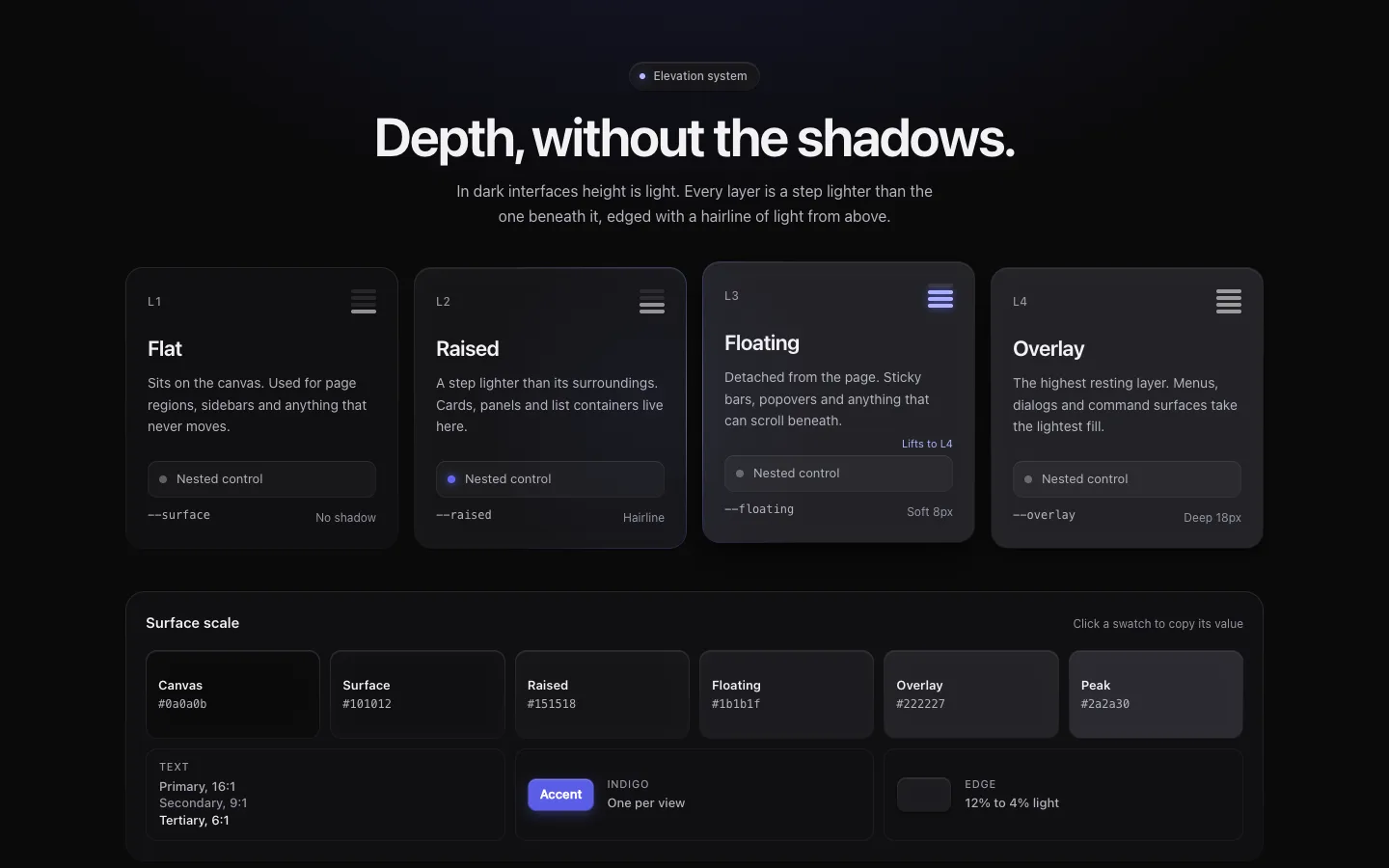
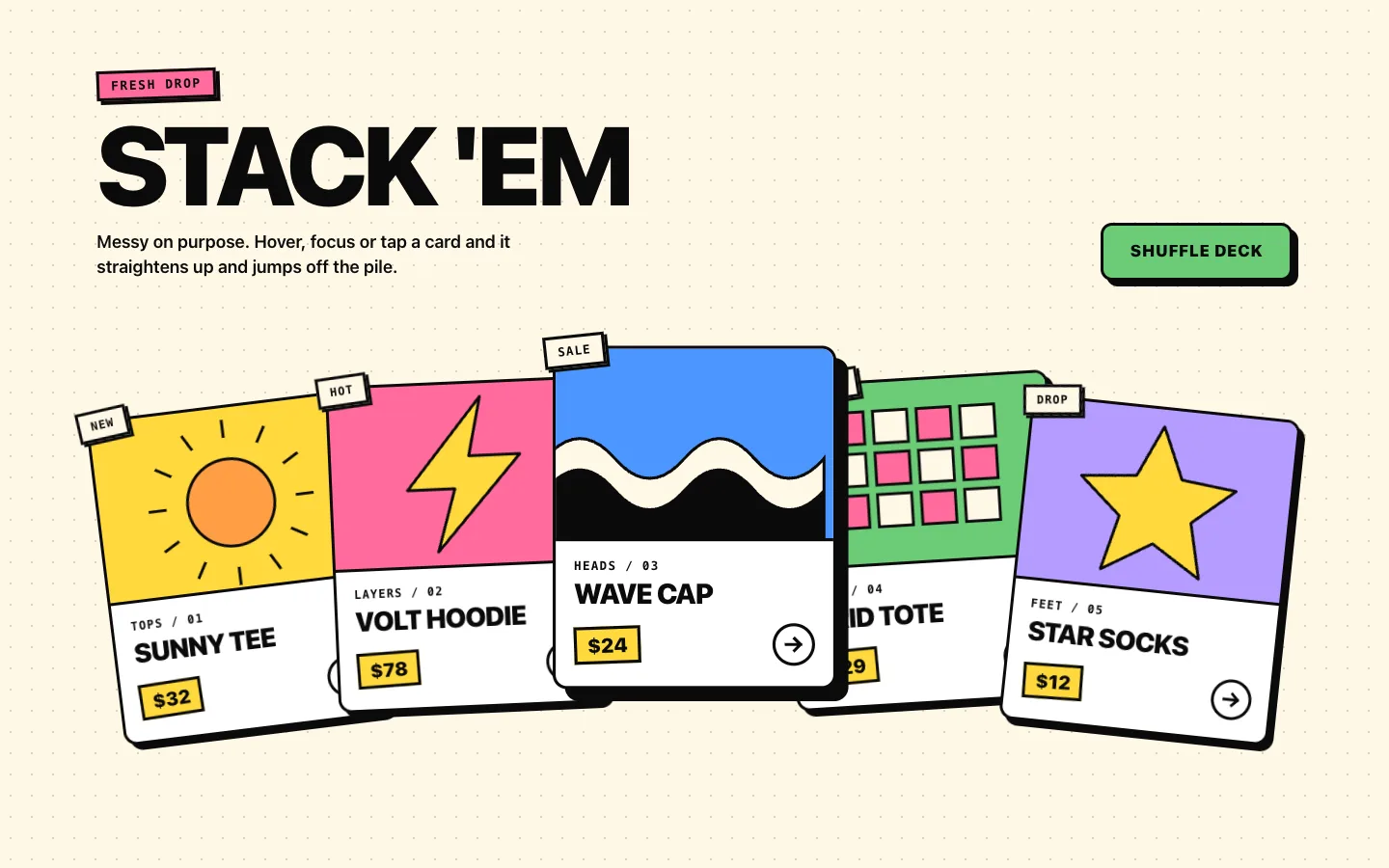
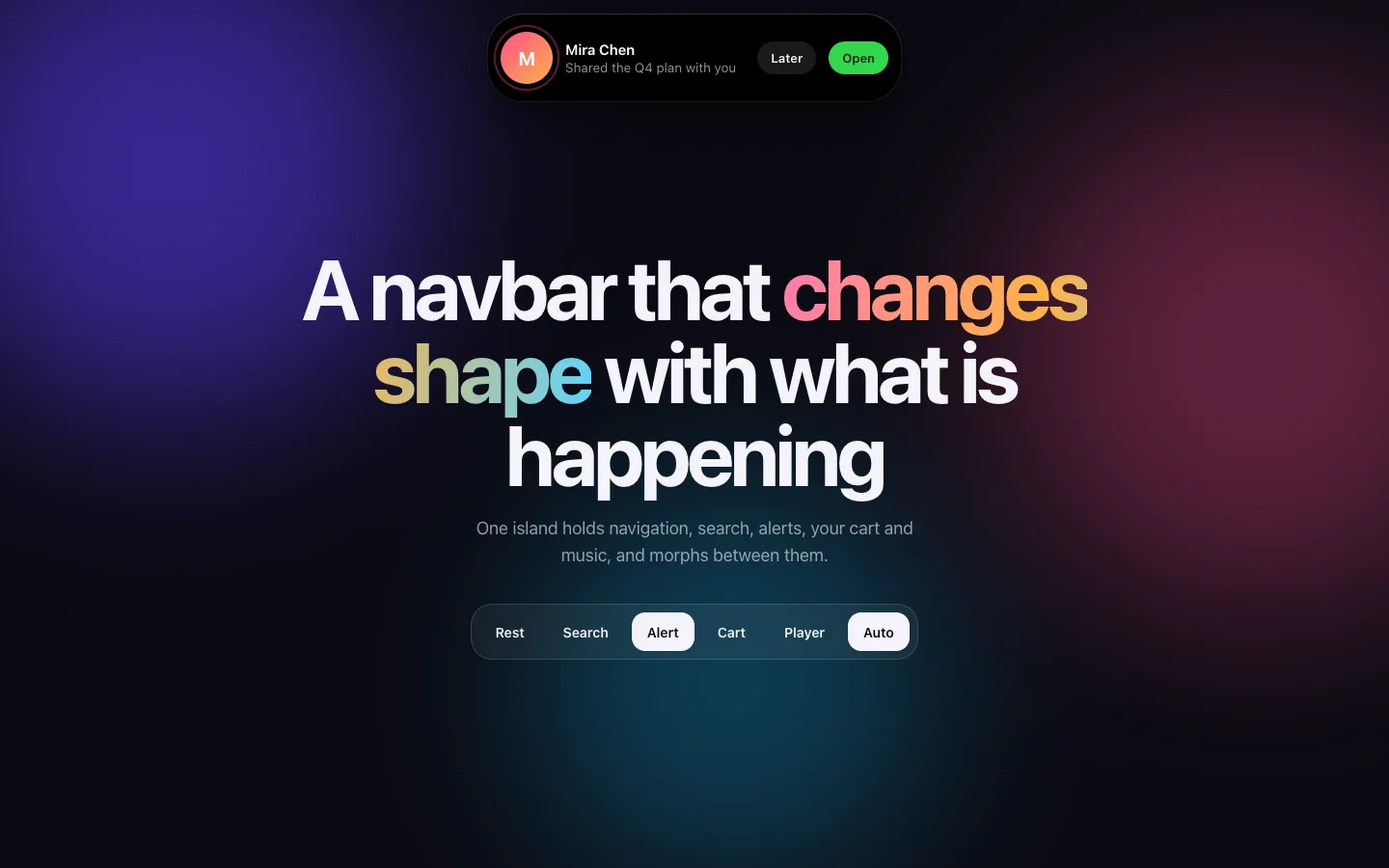
Every item shows its description and the plan it belongs to. Preview them live; the source opens for subscribers only.

How it works

Three steps, then it is yours.

01

Sign in and subscribe

Sign in with Google, pick a plan and pay on the secure checkout. Your account unlocks right away.

02

Copy or install

Open the premium library in your account. Copy the code, or copy a ready command and run it in your project. No keys to set up.

03

Own the code

It is plain React and Tailwind in your repo. Edit it freely and keep using it, even if you cancel later.
Using an AI agent or the shadcn CLI with a key?

Create a license key in your account, then add this to your components.json and export HYPERBLUR_KEY.

{
  "registries": {
    "@hyperblur-pro": {
      "url": "https://hyperblur.dev/api/pro/registry/{name}",
      "headers": { "Authorization": "Bearer ${HYPERBLUR_KEY}" }
    }
  }
}

FAQ

Questions, answered.

What happens to the effects that are free today?
They stay free and MIT licensed. Pro is new content on top of the catalog, not a paywall around what you already use.
What if I cancel?
Your access to new premium content stops at the end of the paid period. Code you already installed stays yours to keep using in your projects.
Can I get a refund?
Yes, within 14 days of your first payment. See the refund policy for details.
Which plan do I need?
Each item page shows the plan it belongs to. Standard covers backgrounds, type effects and interface pieces, Pro adds the cinematic heroes, app screens and auth flows, and Ultimate adds every full page template. Every plan includes the ones before it.
Can I use paid items in client work?
Yes. Standard and Pro are licensed to one developer, Ultimate to a team of up to five, and every license covers any number of your own and client projects. You may not resell or republish the source as a library, kit or template pack.
How many machines can use one key?
A Standard or Pro key works on a few machines per day, which is plenty for one person. An Ultimate key allows five times that, for a team of up to five. If you hit a limit by mistake, write to support@hyperblur.dev.

Updates

Stay up to date.

There is no sign-up form. Star the repository or follow the releases and you will see every new premium item and the launch itself the moment it ships.