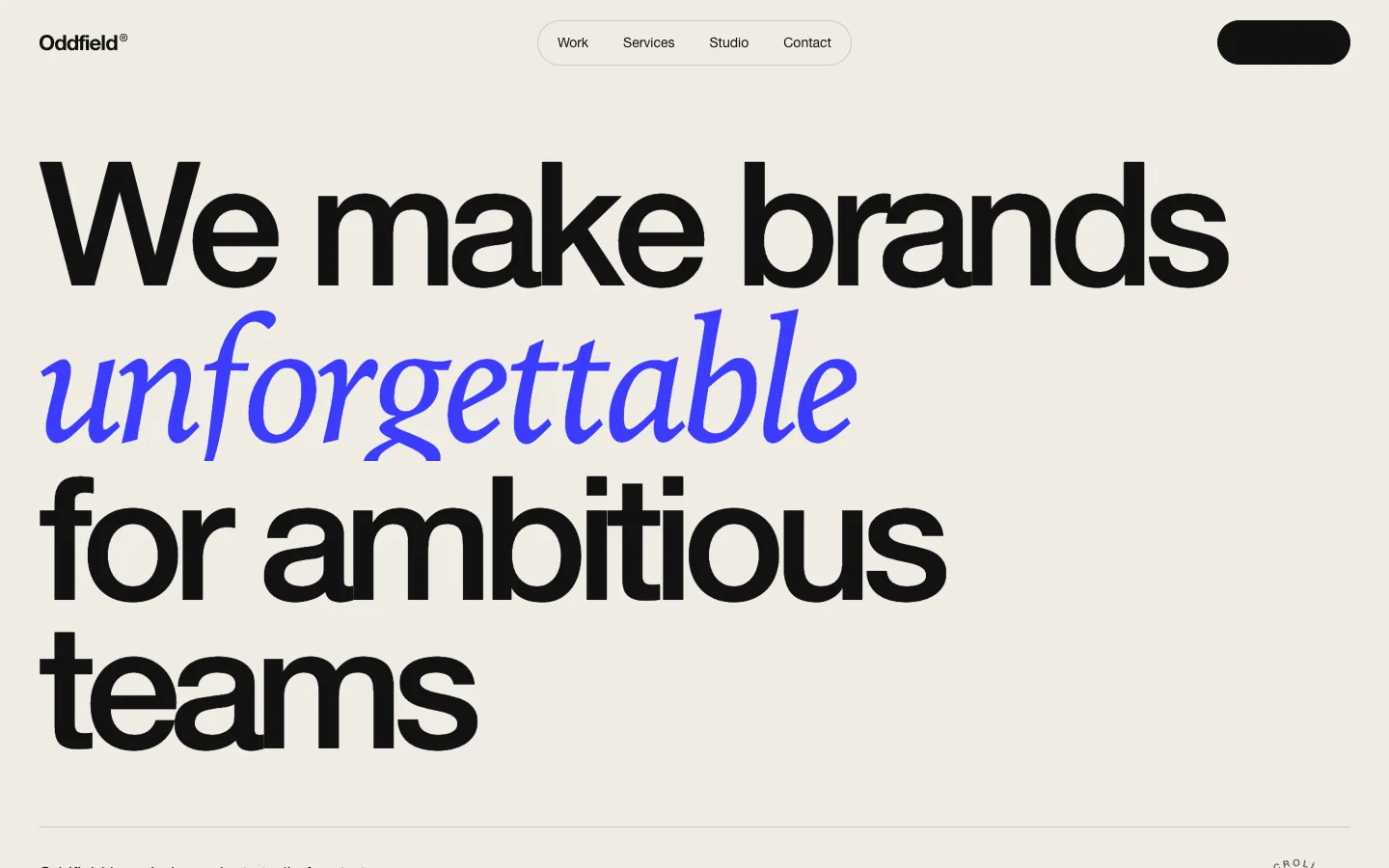
Agency Studio Page
templateAn editorial agency landing page with oversized type, a rotating serif word in the headline, showreel panel, client marquee, staggered case studies, a numbered services accordion, process timeline, awards table, team and a giant contact block. Every piece of copy is a prop.
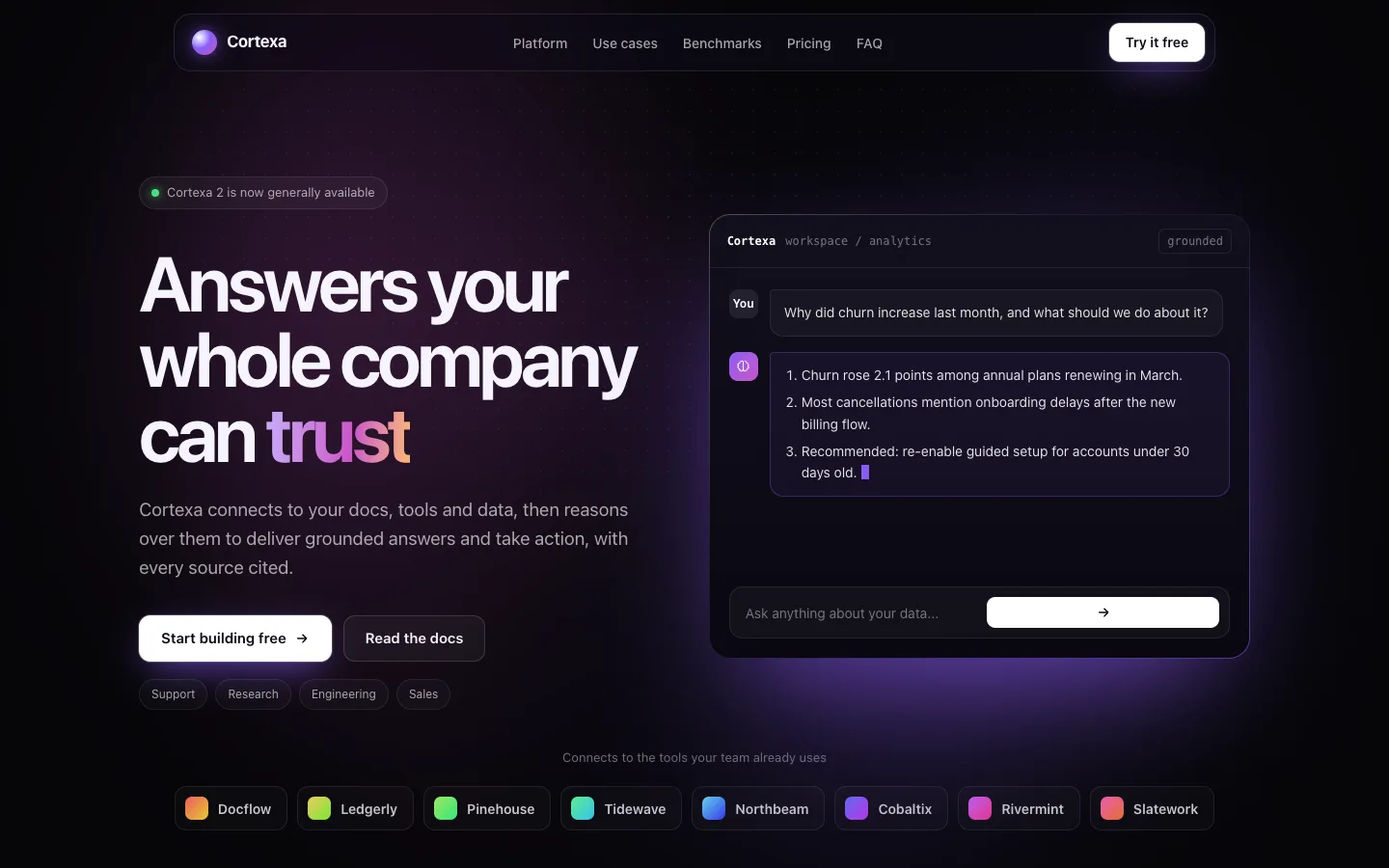
AI Product Page
templateA complete dark landing page for an AI product: floating nav, hero with a streaming assistant console, integrations, capability grid, tabbed use cases, pipeline steps, benchmark bars, testimonials, pricing with a usage estimator, FAQ, CTA and footer.
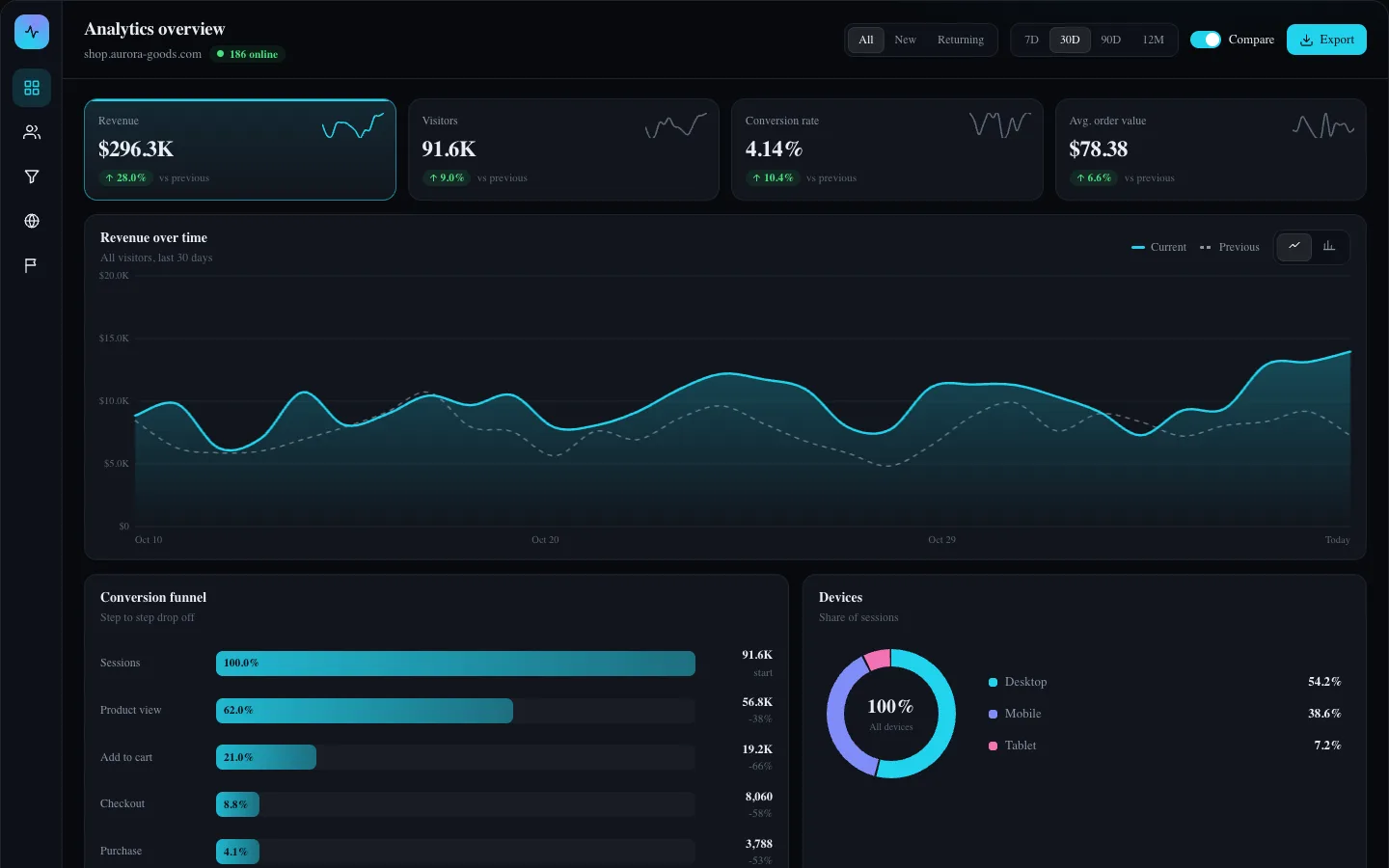
Analytics Overview Screen
app-screensA full analytics screen with selectable KPI tabs driving a line or bar chart with period comparison, audience segments, a conversion funnel, a devices donut, sortable channels, realtime visitors, country filter, goals and CSV export.
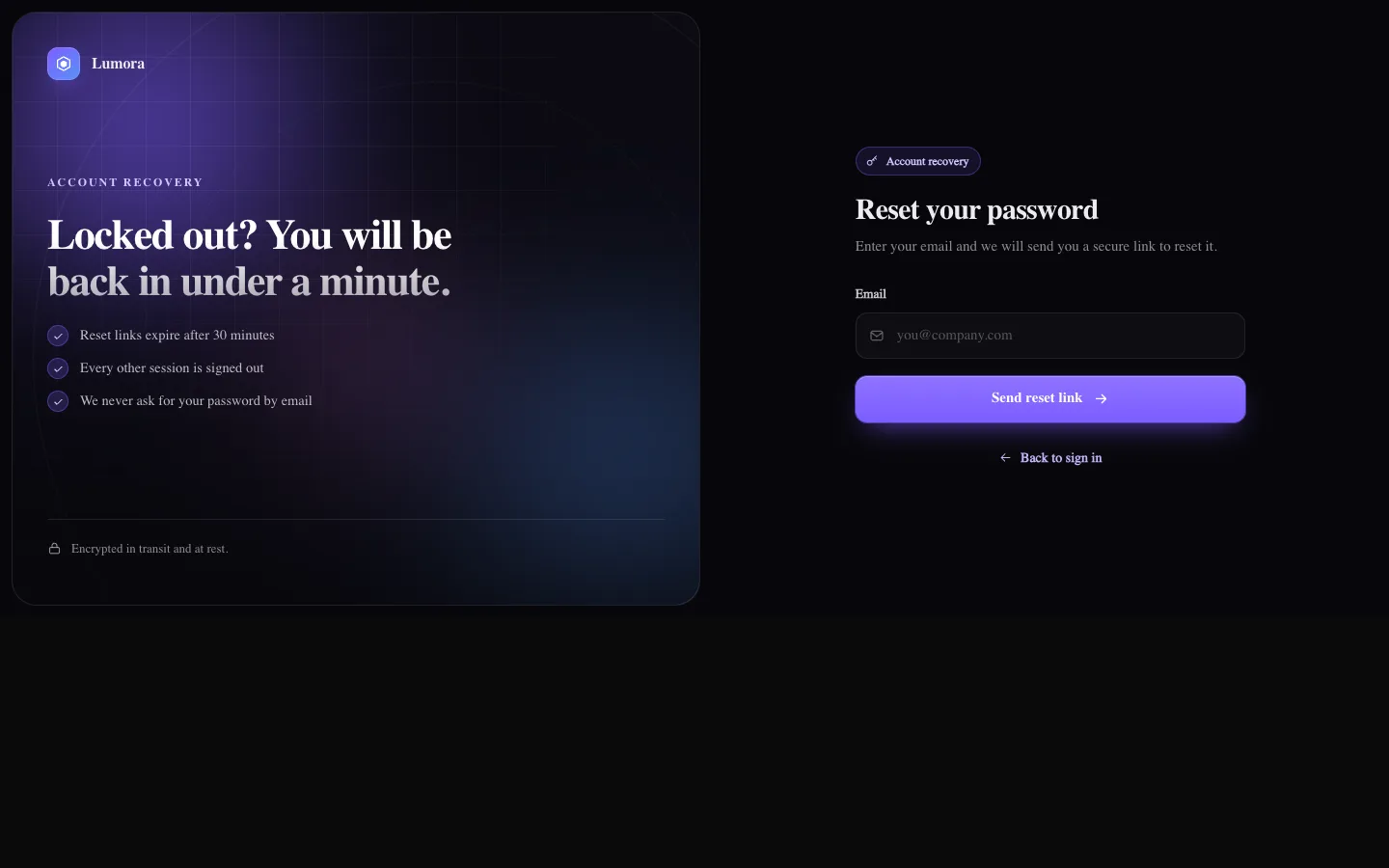
Auth Flow: Reset Password
auth-flowsTwo-step password recovery in the same split layout: request a link by email with a resend countdown, then choose a new password with strength meter and confirmation, each with loading and success states.
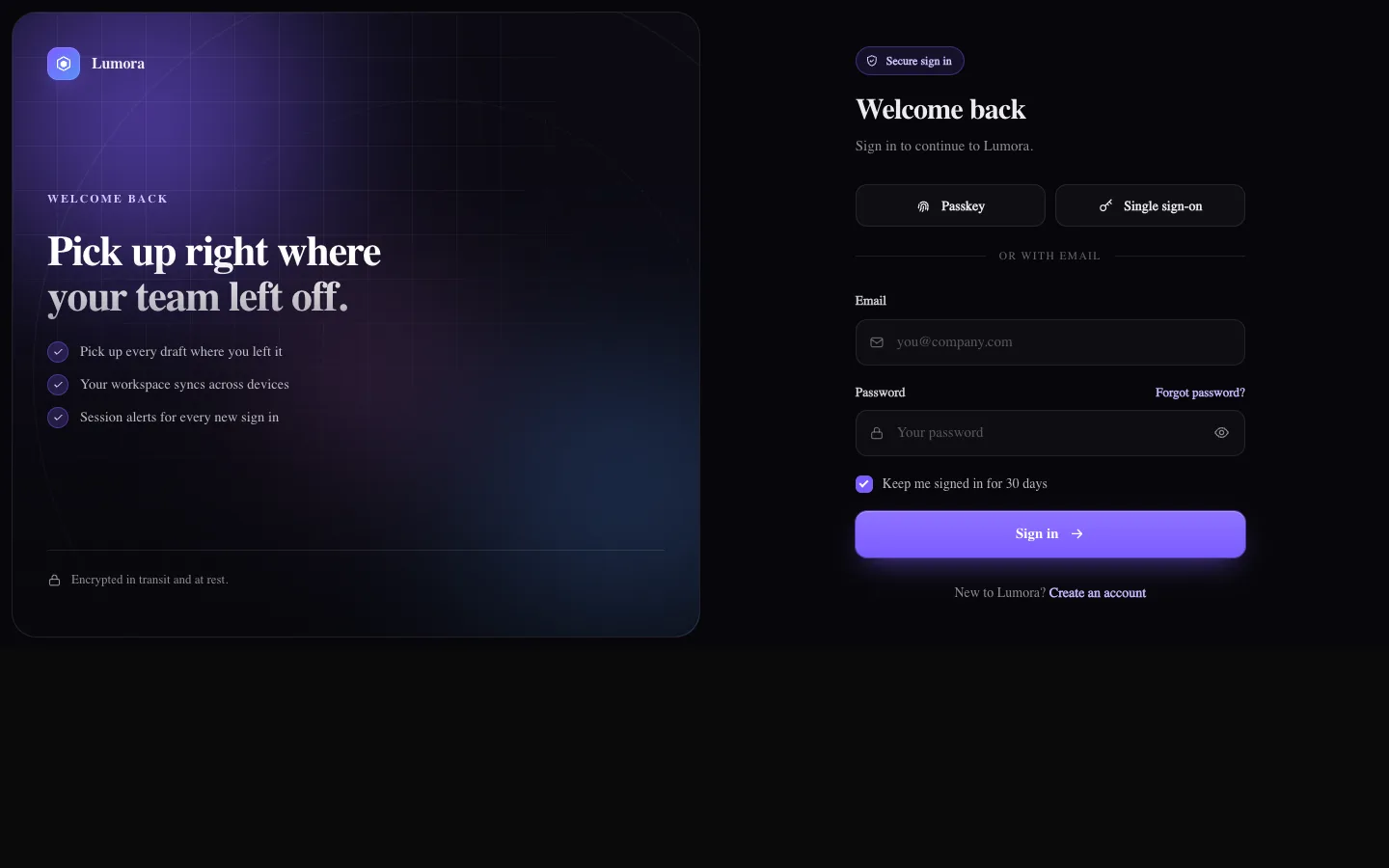
Auth Flow: Sign In
auth-flowsSplit-screen sign in with an animated aurora brand panel, inline validation, show/hide password, caps lock warning, passkey and SSO buttons, async loading and a success state. Part of a four-screen auth set.
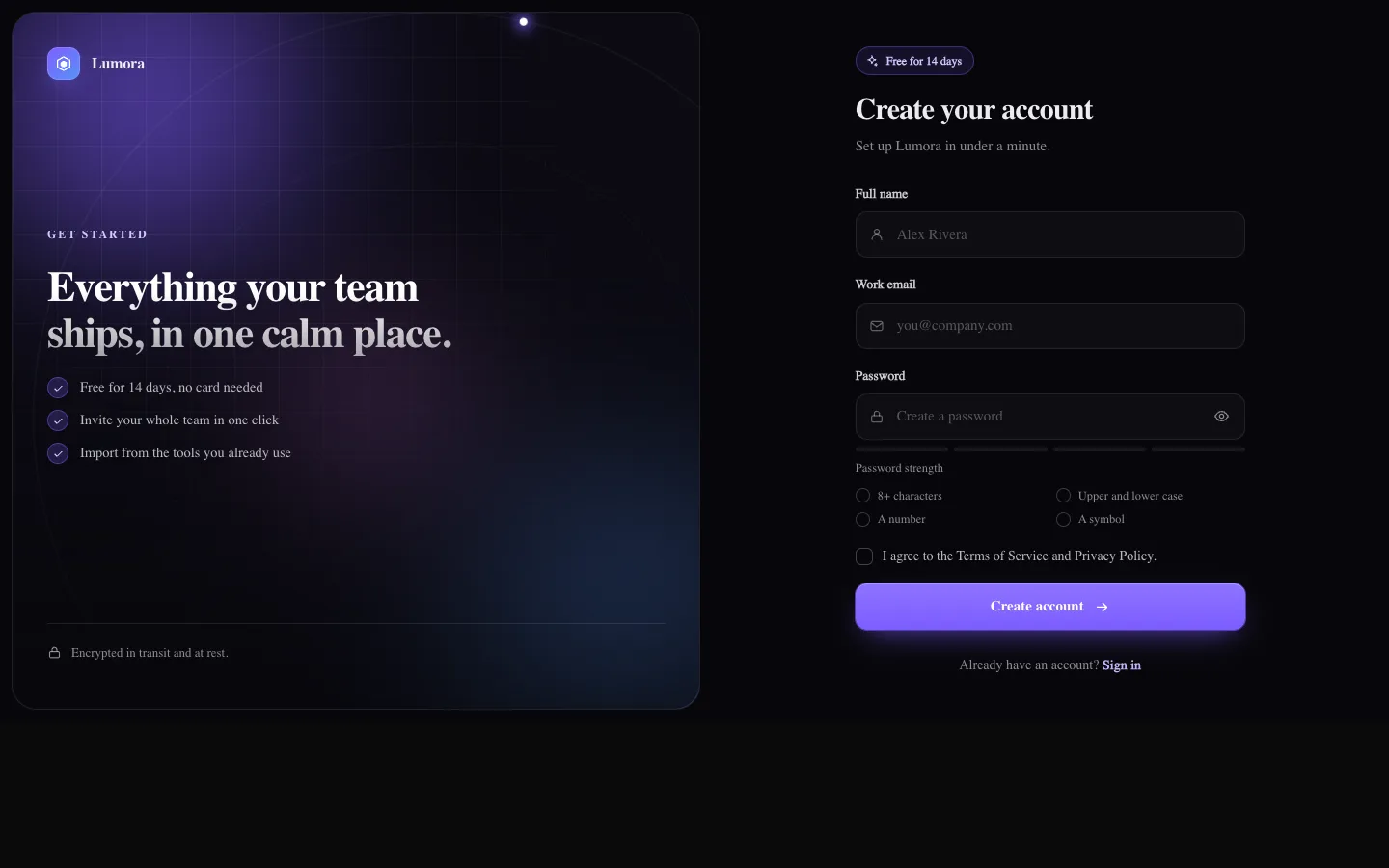
Auth Flow: Sign Up
auth-flowsSplit-screen account creation with name, email and password, a live four-step strength meter with a rule checklist, terms checkbox, async loading and a check-your-inbox success state that links to verification.
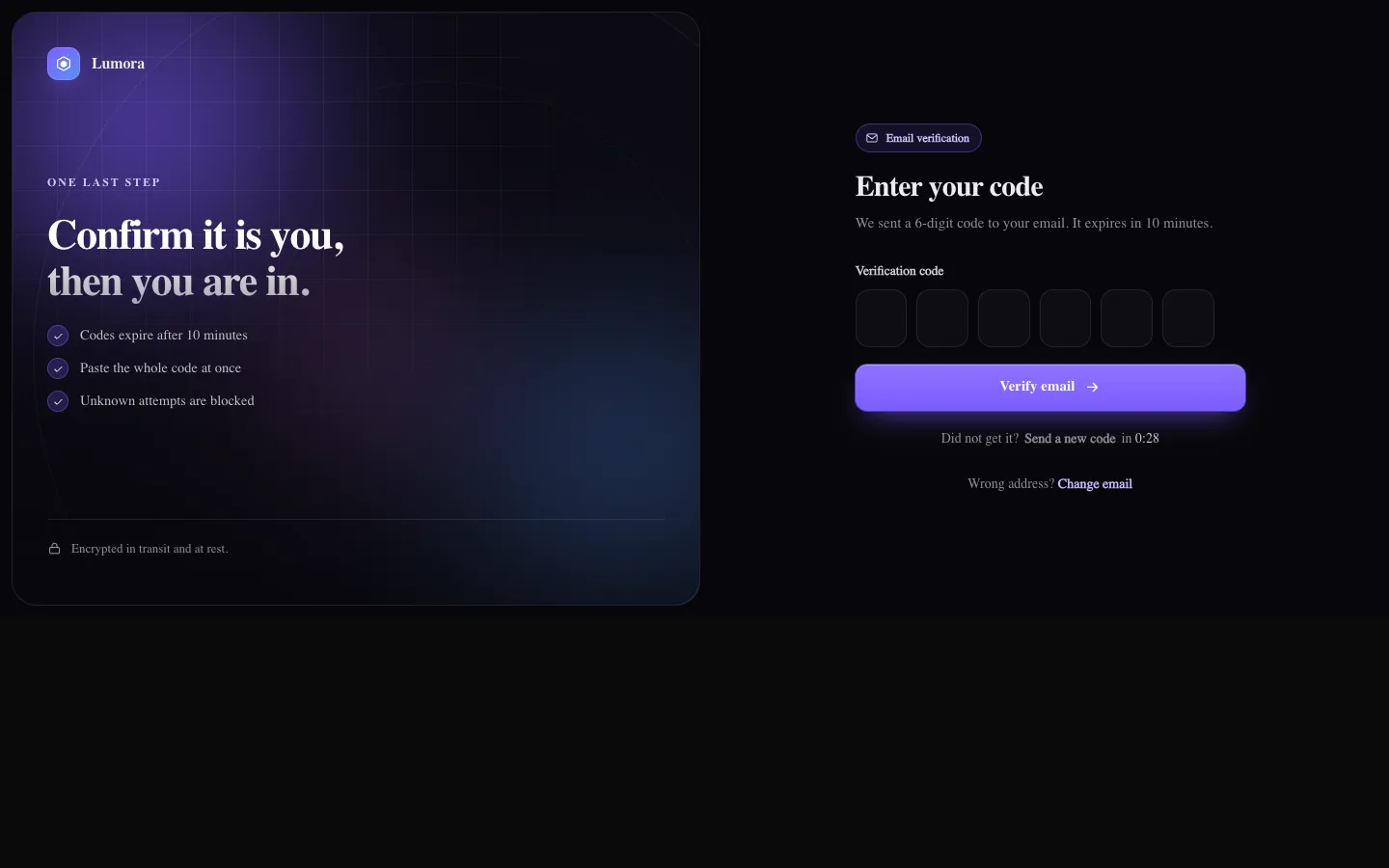
Auth Flow: Verify Email
auth-flowsOne-time code screen with separate digit cells that auto-advance, accept a pasted or autofilled code, support arrow keys and backspace, auto-submit, shake on a wrong code and offer a resend countdown.
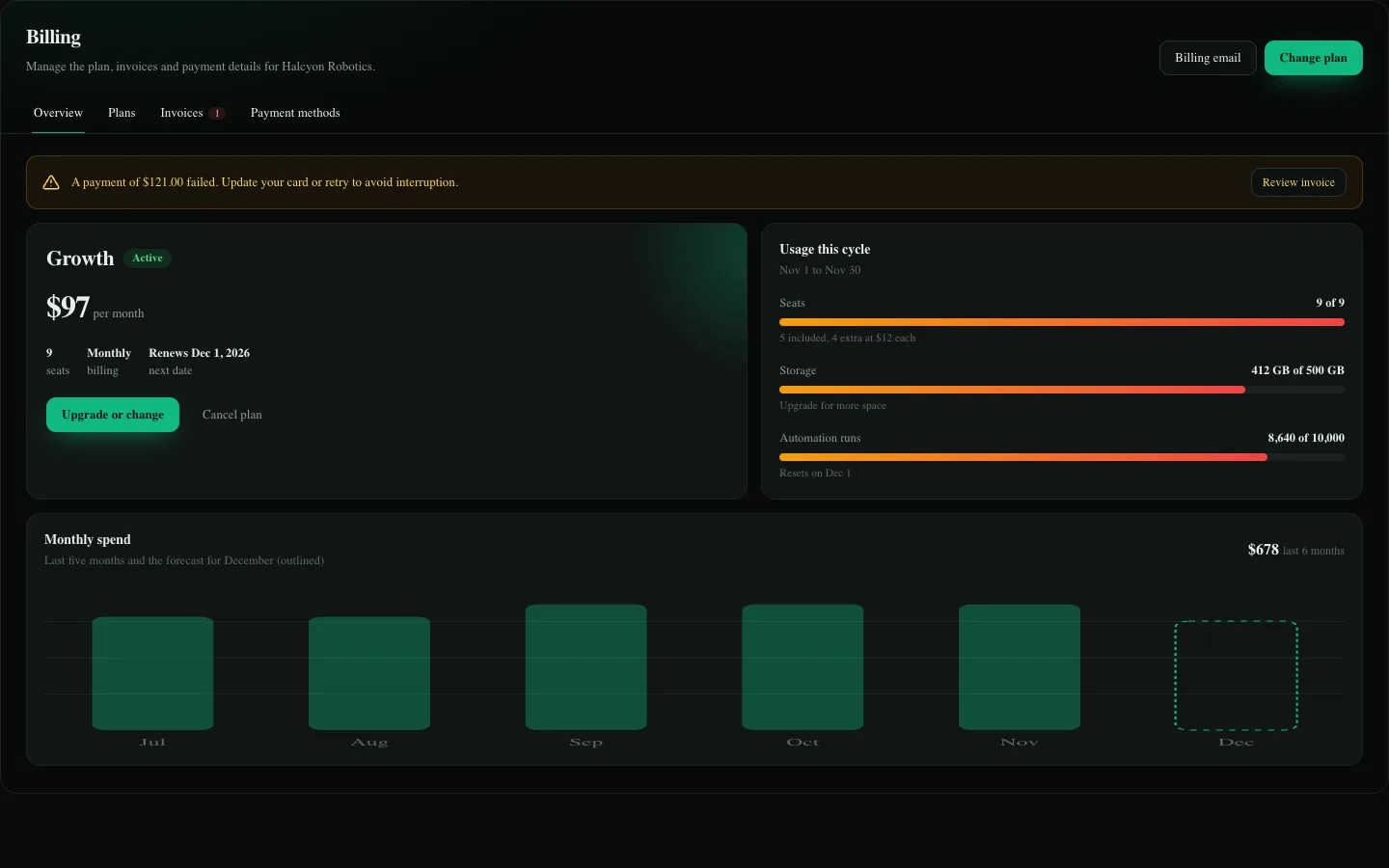
Billing and Plans Screen
app-screensA complete billing area with plan overview, usage meters and a spend chart, plan picker with monthly or annual pricing, seat stepper, promo codes and a live summary, a comparison table, filterable invoices with retry, cards on file and a cancel flow.
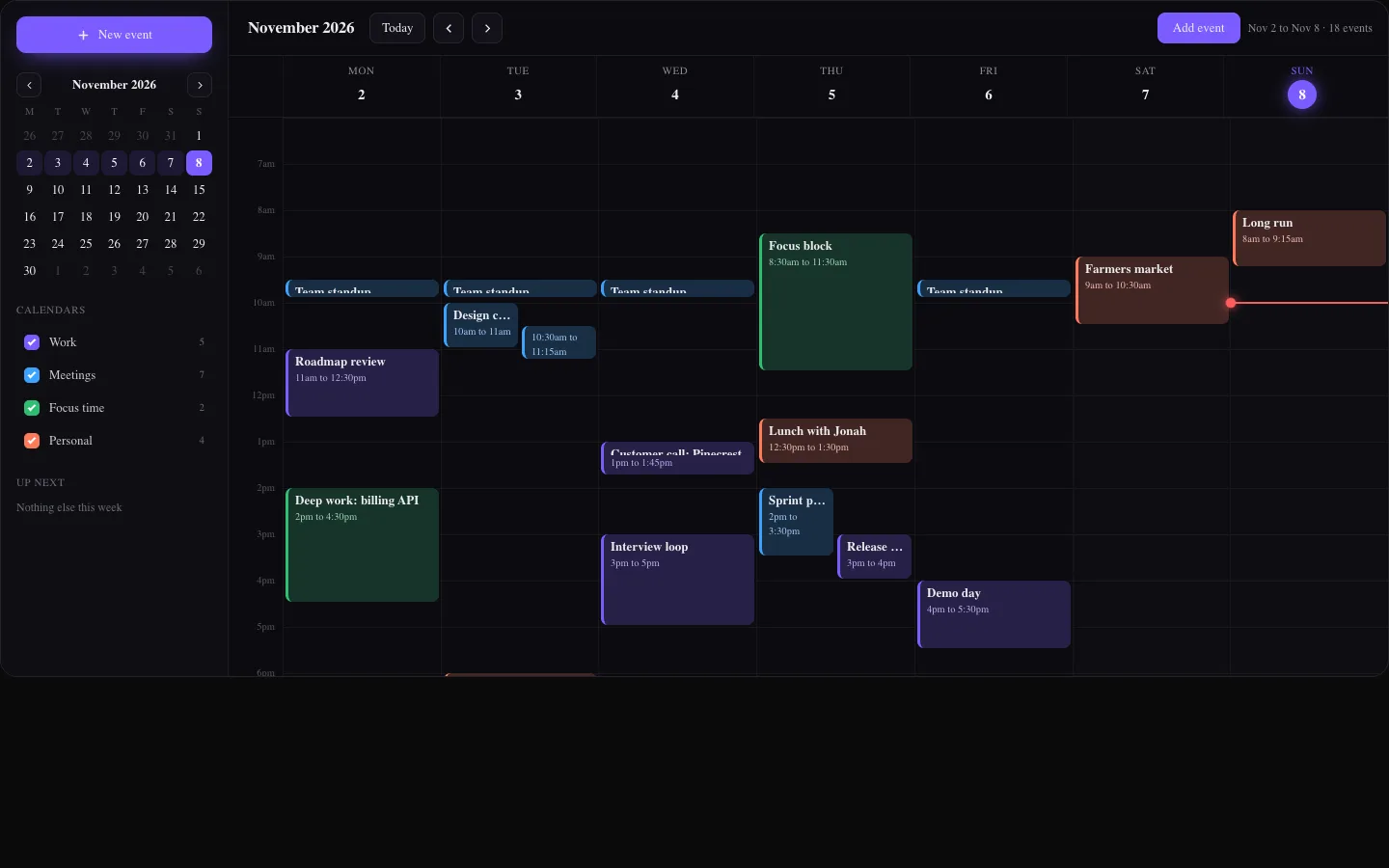
Calendar Week Screen
app-screensA full calendar week view with events positioned on a time grid, side-by-side layout for overlaps, a live now line, week navigation, a mini month picker, calendar toggles, an up-next agenda and an add event dialog opened from any time slot.
Constellation Pro
backgrounds-proA drifting node graph with depth, twinkling glow sprites and distance-faded links. Nodes swirl toward the pointer and light up the links around it.
Canvas Flow Field
backgrounds-proThousands of particles drift along an evolving Perlin noise field and leave glowing additive trails. The pointer swirls, repels or attracts them and a click sends a short burst.
Canvas Glow Orbs
backgrounds-proLarge soft orbs drift through a smooth flow field and mix with additive blending, breathing in size and brightness. Orbs shift with depth parallax under the pointer and brighten as it passes near them.
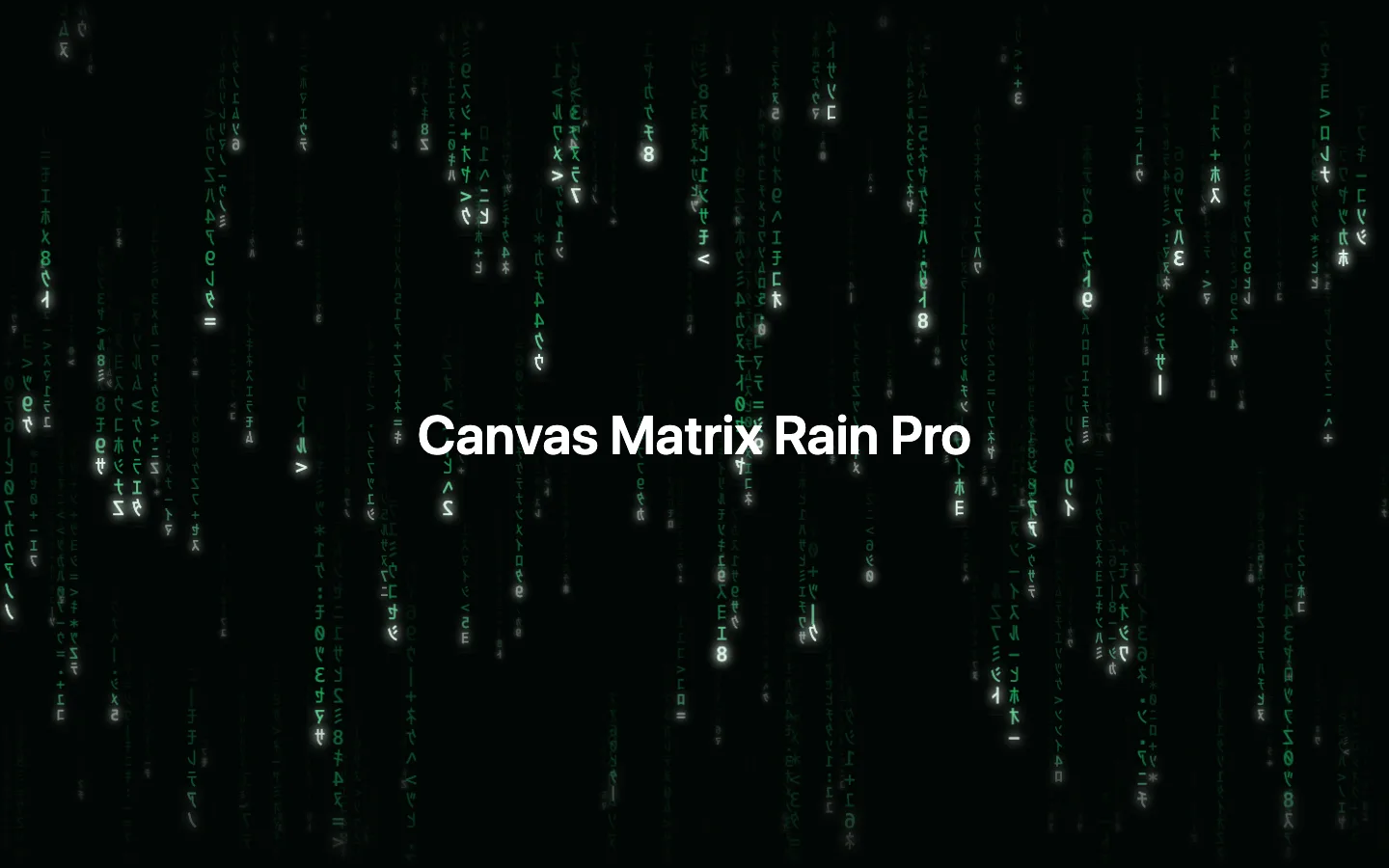
Canvas Matrix Rain Pro
backgrounds-proRefined code rain with up to three depth layers, glowing heads, mutating trails and a custom glyph set, drawn from pre-rendered glyph atlases for speed. Streams near the pointer speed up and light up under a soft spotlight.
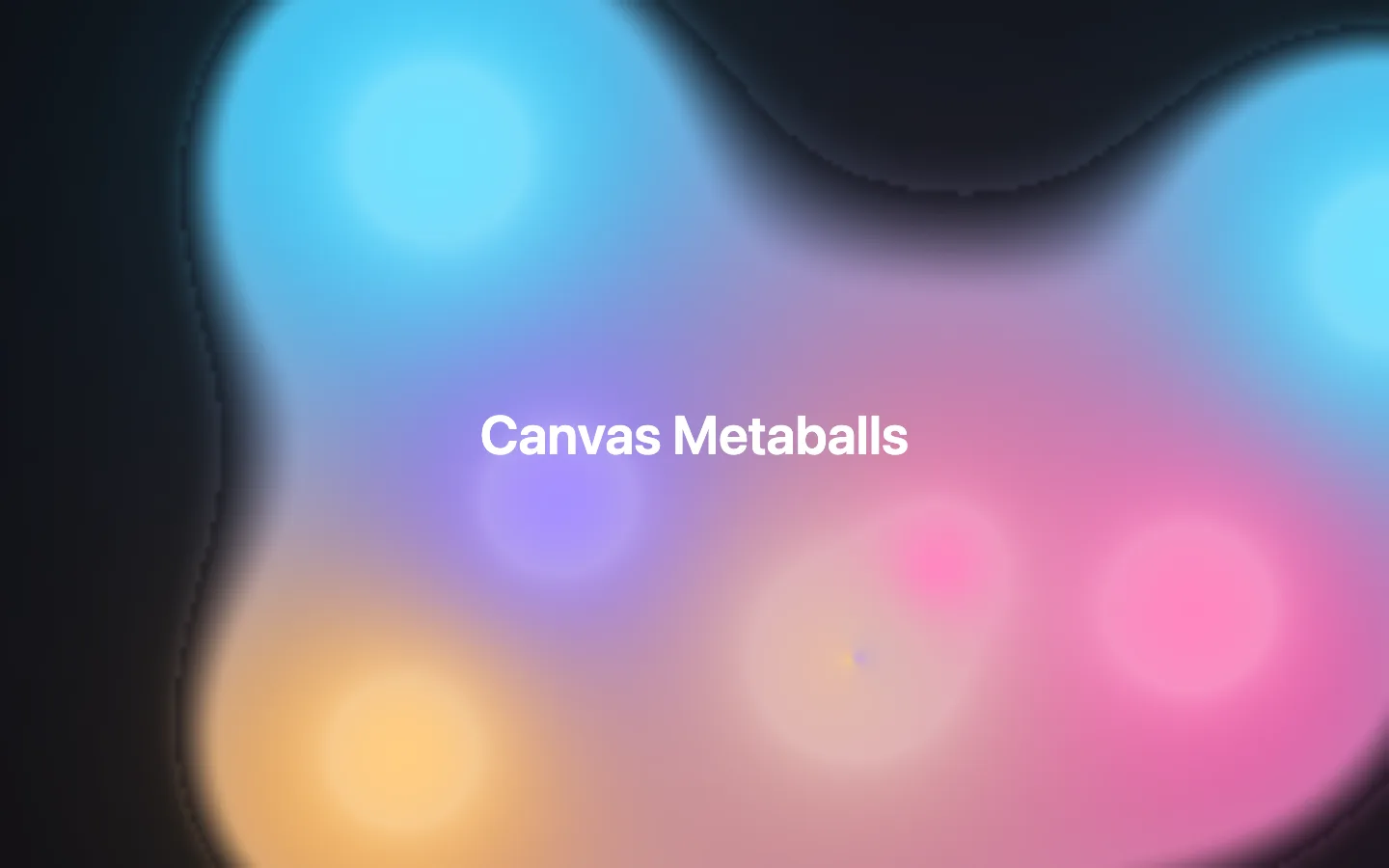
Canvas Metaballs
backgrounds-proSoft liquid blobs that drift, merge and split with color blending at the seams, plus an extra blob that trails the pointer. Renders an isofield at adaptive resolution so it stays smooth on large screens.
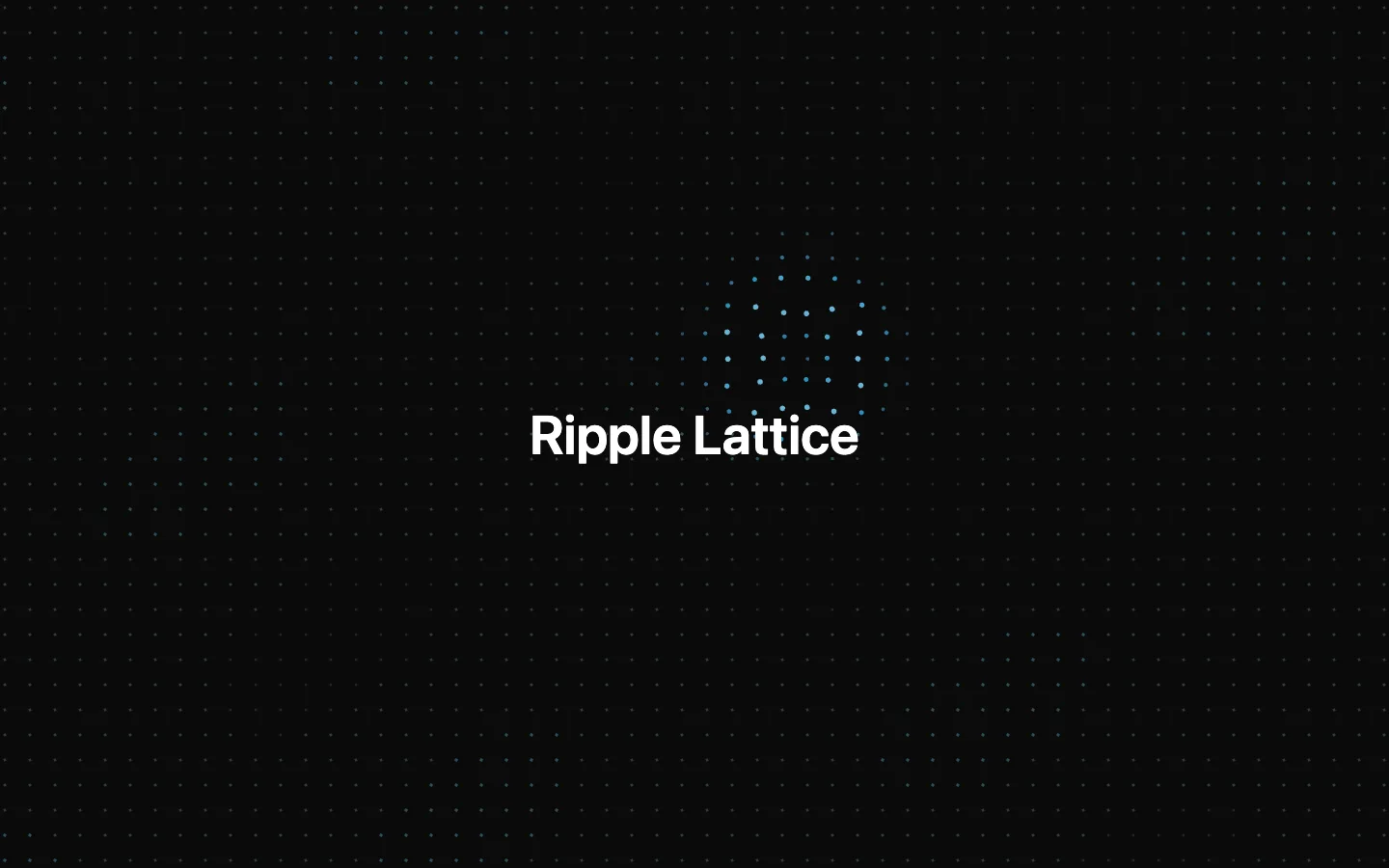
Ripple Lattice
backgrounds-proA calm dot lattice that behaves like a liquid surface: clicks send out strong ripples, pointer movement leaves a trail of small ones, and dots brighten and swell as each wavefront passes.
Starfield Warp
backgrounds-proA deep 3D starfield that twinkles at rest and stretches into glowing streaks with motion trails at warp. Warp is driven by a prop, page scroll velocity and press-and-hold, and the vanishing point leans toward the pointer.
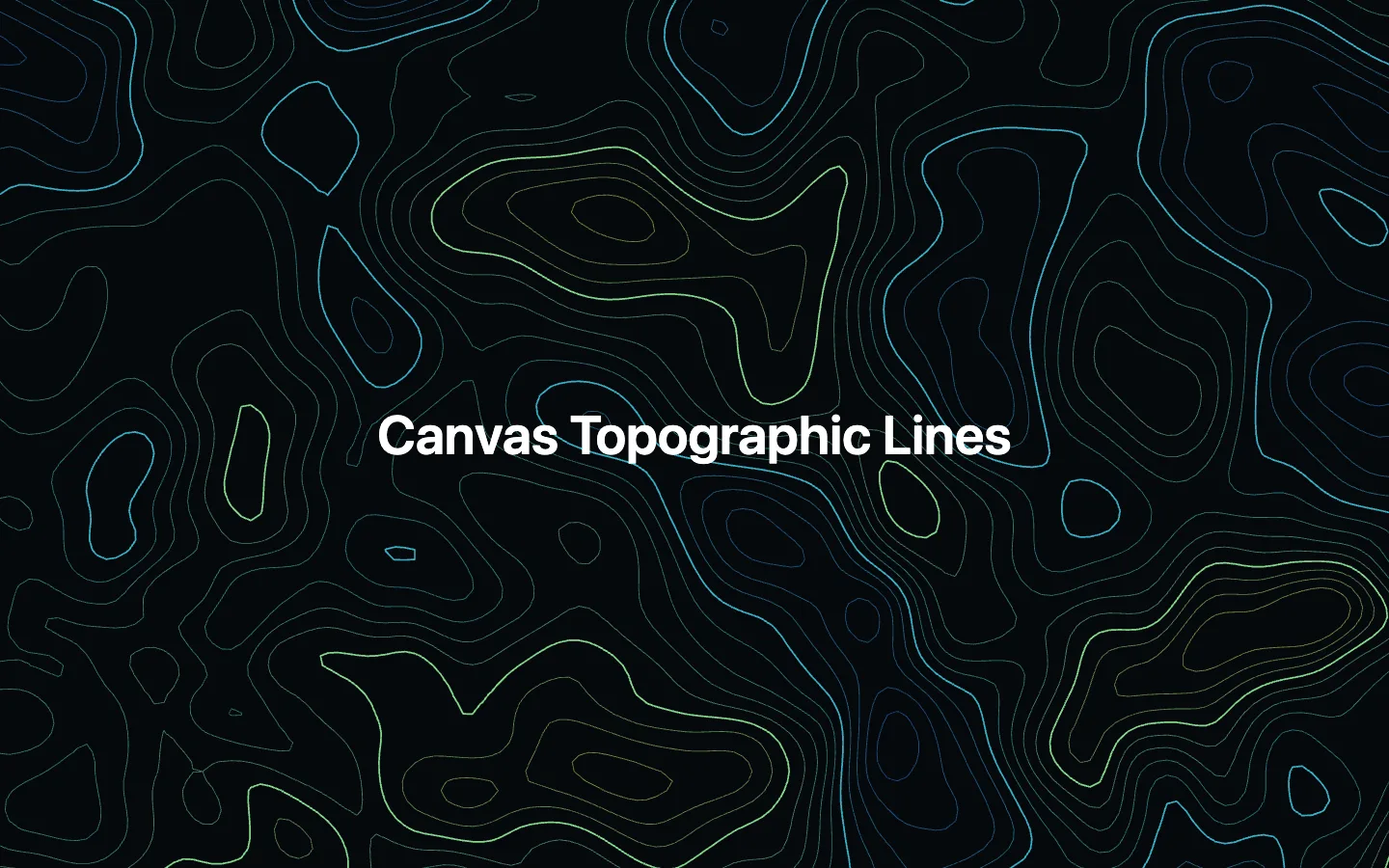
Canvas Topographic Lines
backgrounds-proAnimated contour lines traced with marching squares over a slowly evolving, domain-warped noise terrain. The pointer raises a hill that the contours ripple around.
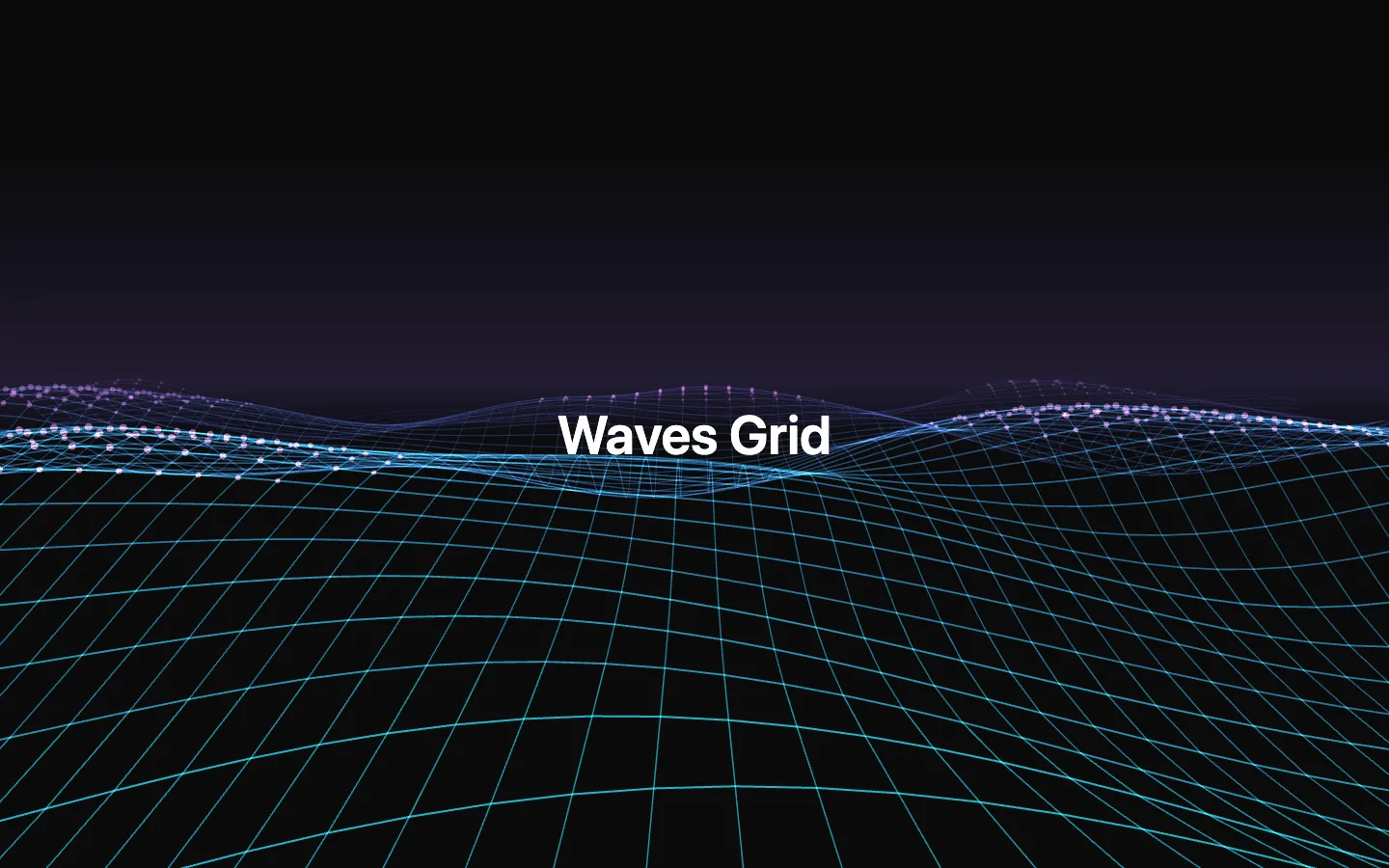
Waves Grid
backgrounds-proA wireframe ocean in true perspective: a grid of layered sine waves rolls toward the viewer with depth fog and glowing crests. The pointer raises a swell where it touches the surface and gently turns the camera.
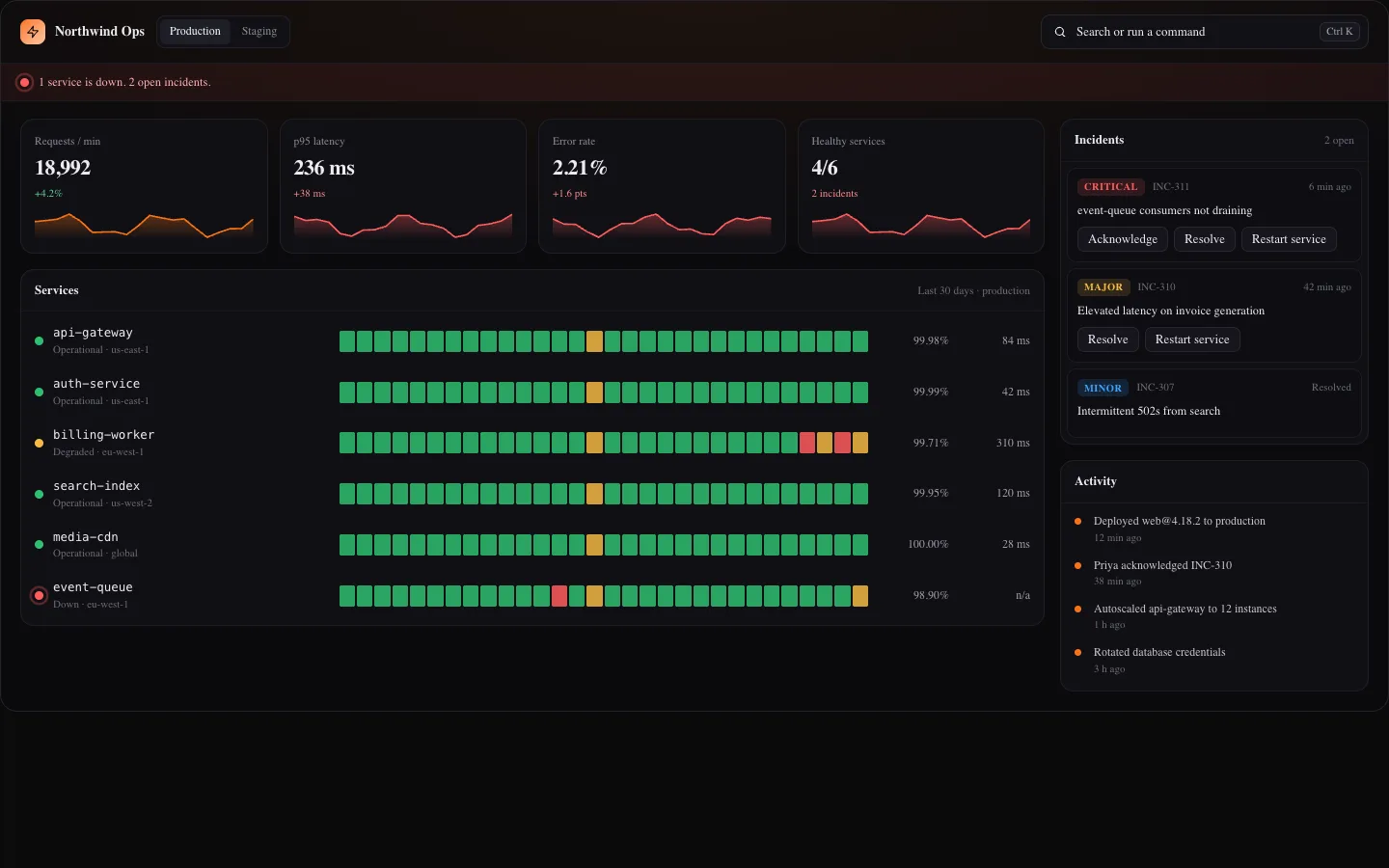
Command Center Screen
app-screensAn operations status screen with live KPI sparklines, service health with 30 day uptime bars, incidents and an activity feed, driven by a Ctrl or Cmd K command palette with fuzzy search, highlighted matches, nested pages and recent commands.
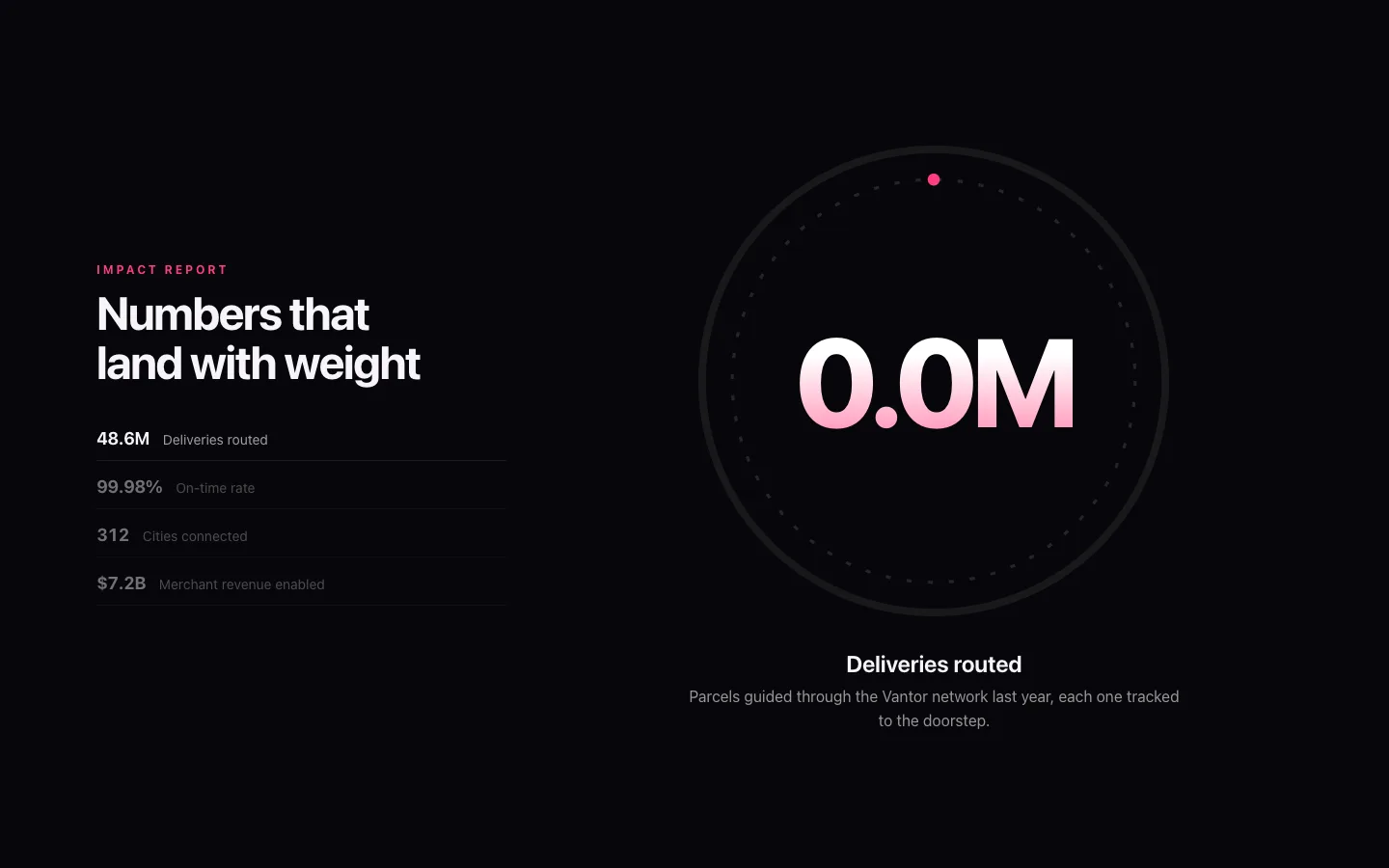
Counter Impact Scroll
cinematicA pinned stats section where each figure counts up inside a glowing dial as you scroll, then lands with a shockwave, spark burst and punch before the next one takes over. Under reduced motion every stat is shown at its final value in a clean card grid.
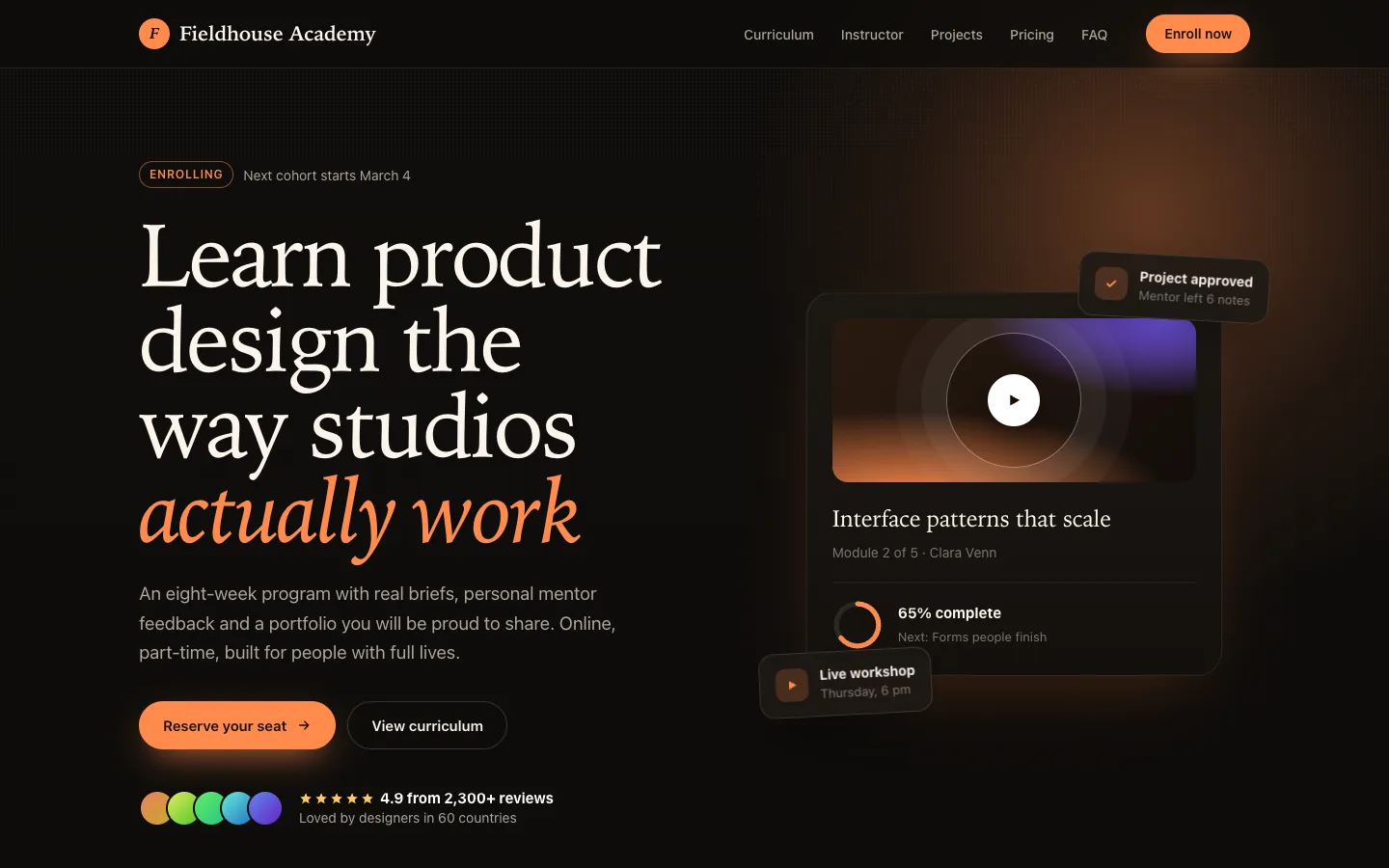
Course Academy Page
templateA complete warm, editorial landing page for an online course or academy: hero with a course progress card, alumni marquee, outcomes, expandable curriculum with a sticky summary, instructor profile, format steps, student project gallery, reviews, pricing with seat availability, FAQ, CTA and footer.
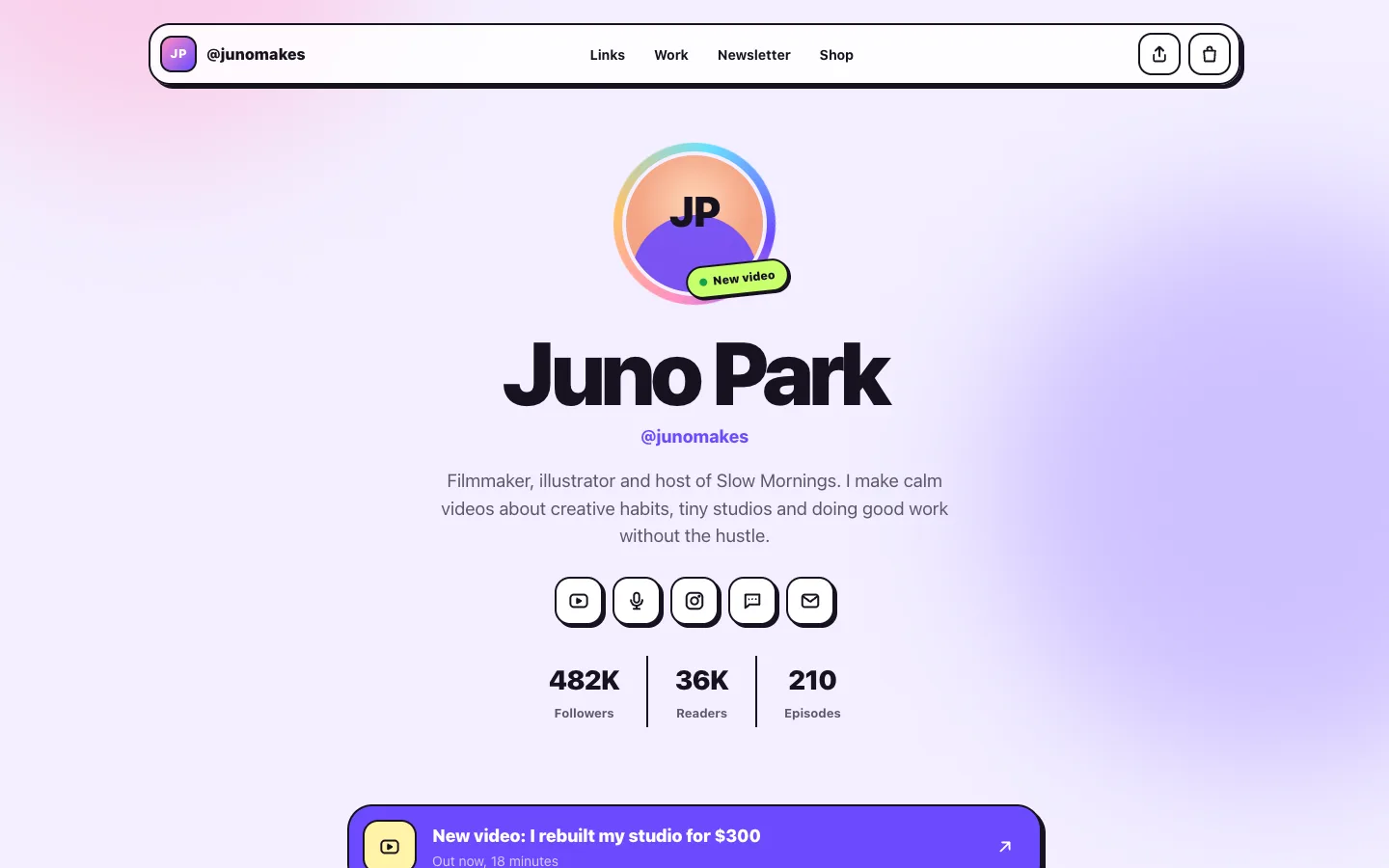
Creator Hub Page
templateA playful creator home page in a soft neo-brutalist style: animated profile hero, link hub, filterable latest work, spotlight player, newsletter signup, merch shop with a live bag counter, memberships, community wall and collab contact. Every piece of copy is a prop.
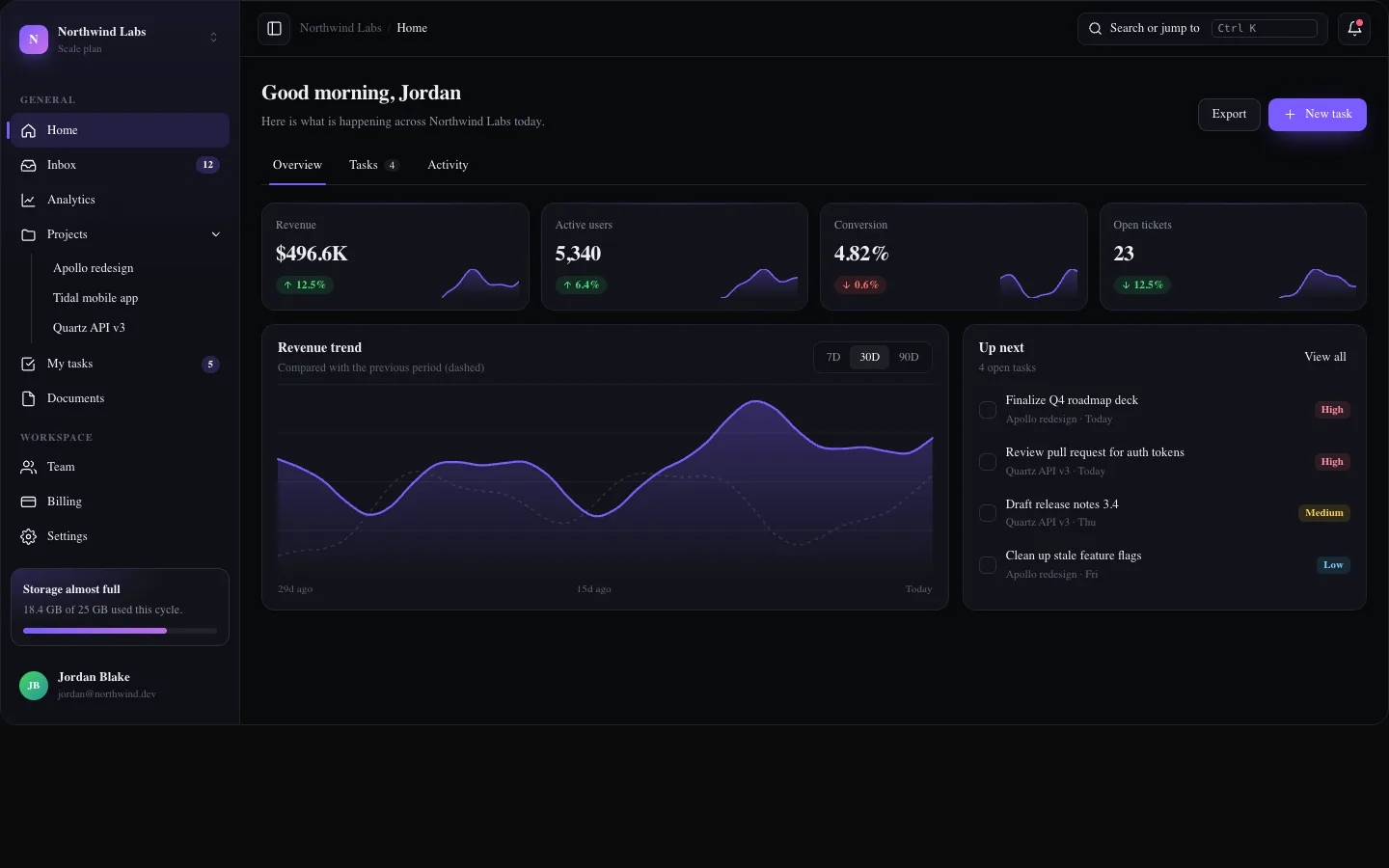
Dashboard Shell Pro
app-screensA complete app shell with a collapsible sidebar, workspace switcher, nested navigation, command palette, notifications and an overview page with KPIs, an interactive revenue chart, tasks and activity.
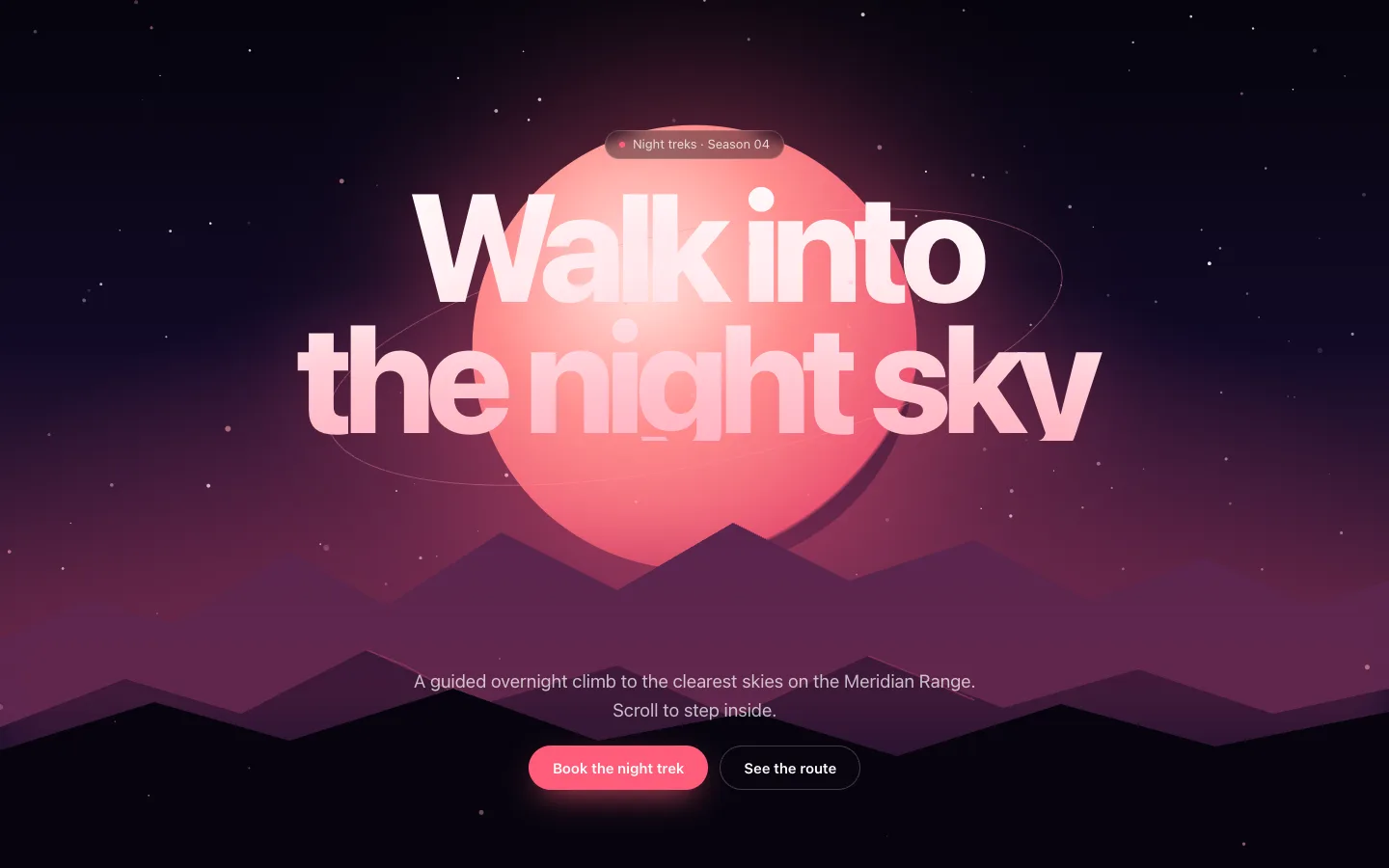
Depth Parallax Hero
cinematicA pinned night landscape built from eight depth layers that the camera pushes through as you scroll, with the headline tucked between ridges, pointer-driven parallax and highlight cards rising at the end. Reduced motion shows the composed scene and cards without movement.
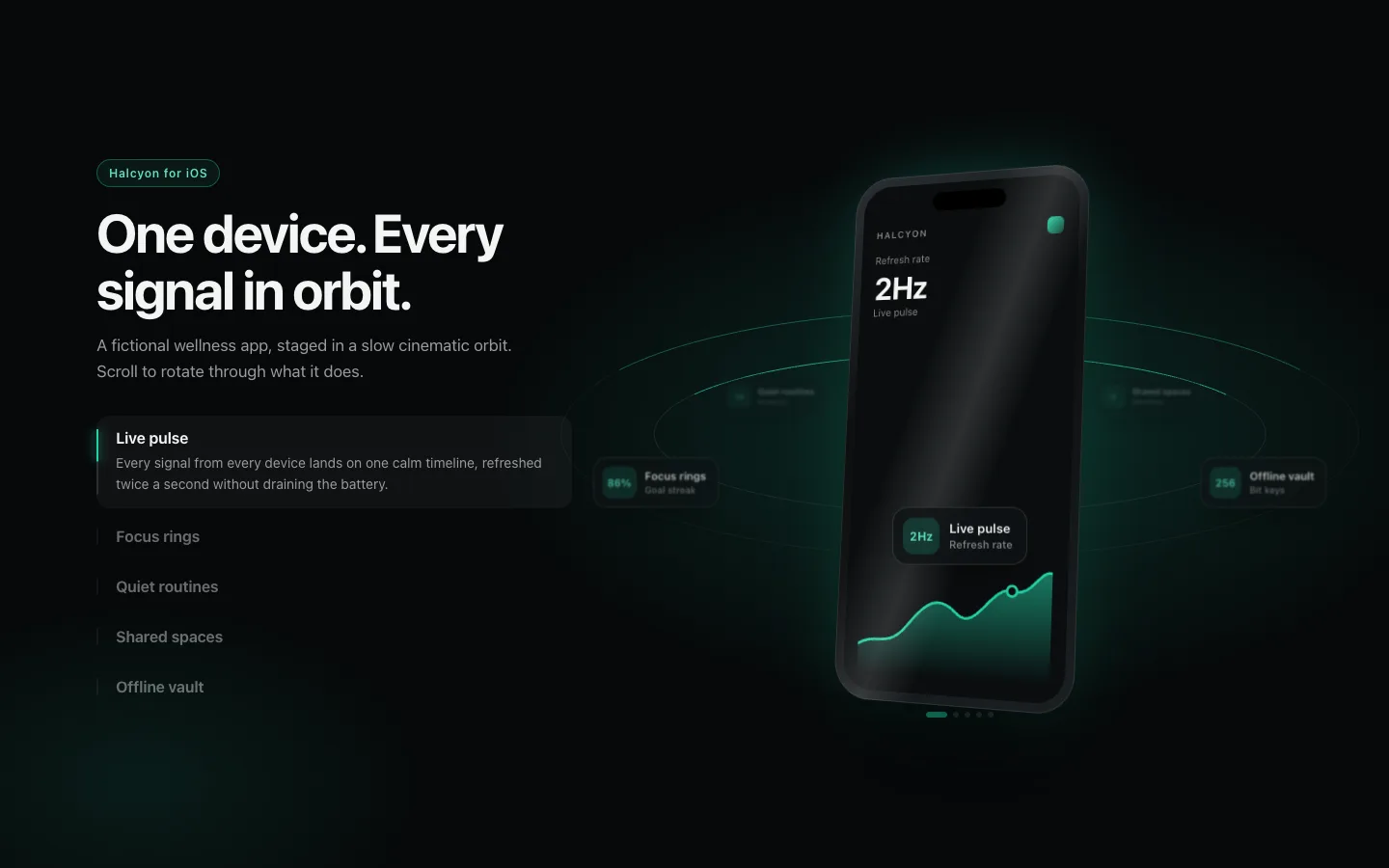
Device Orbit Showcase
cinematicA pinned product reveal where a CSS-built phone turns in 3D while feature chips travel an elliptical orbit around it and the screen swaps to match the feature in front. Under reduced motion it becomes a static phone with a full feature list.
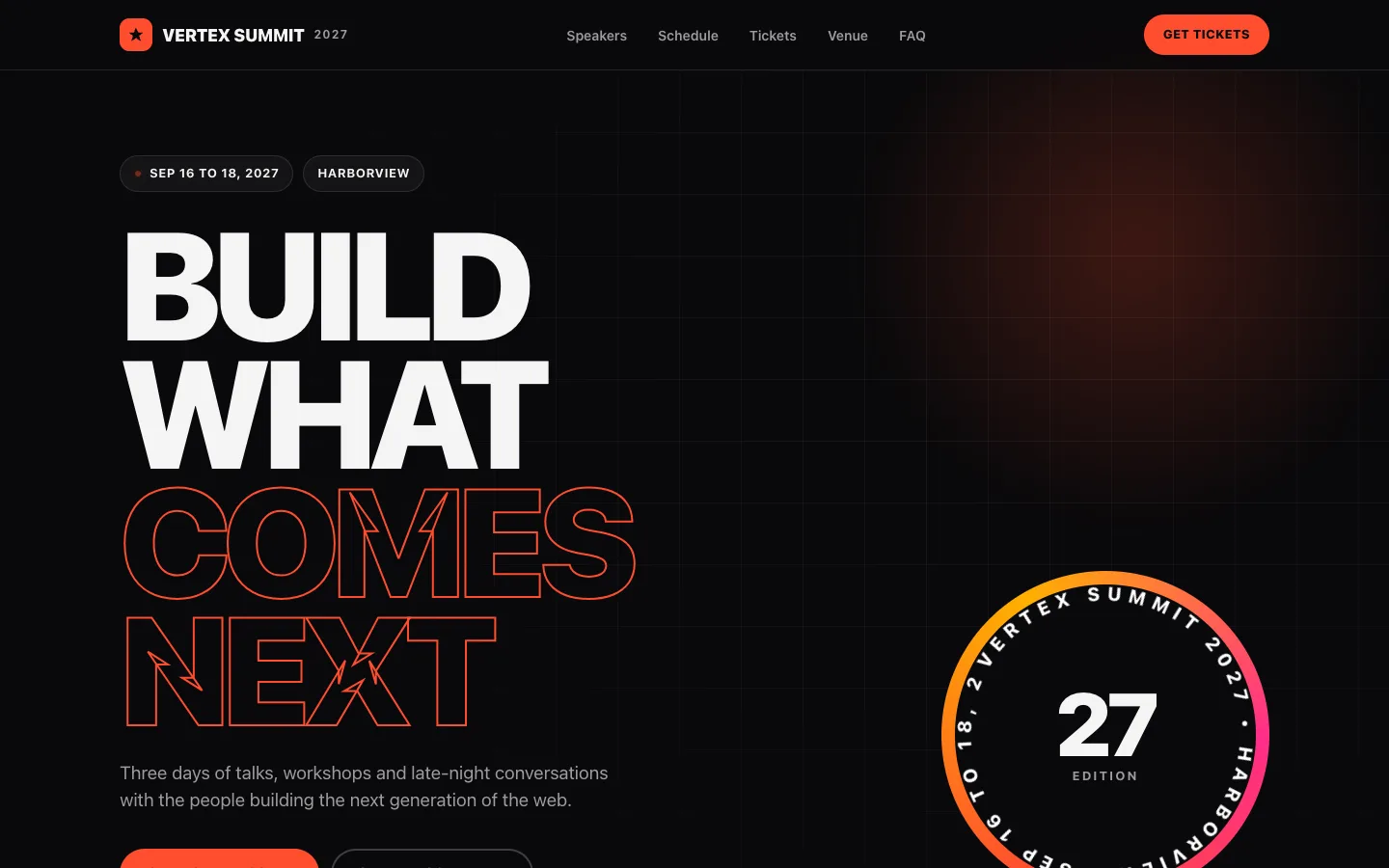
Event Summit Page
templateA bold, dark conference landing page with a giant outlined headline, rotating edition badge, day-tabbed schedule, speaker grid, perforated ticket cards, venue map and FAQ. Every piece of copy is a prop.
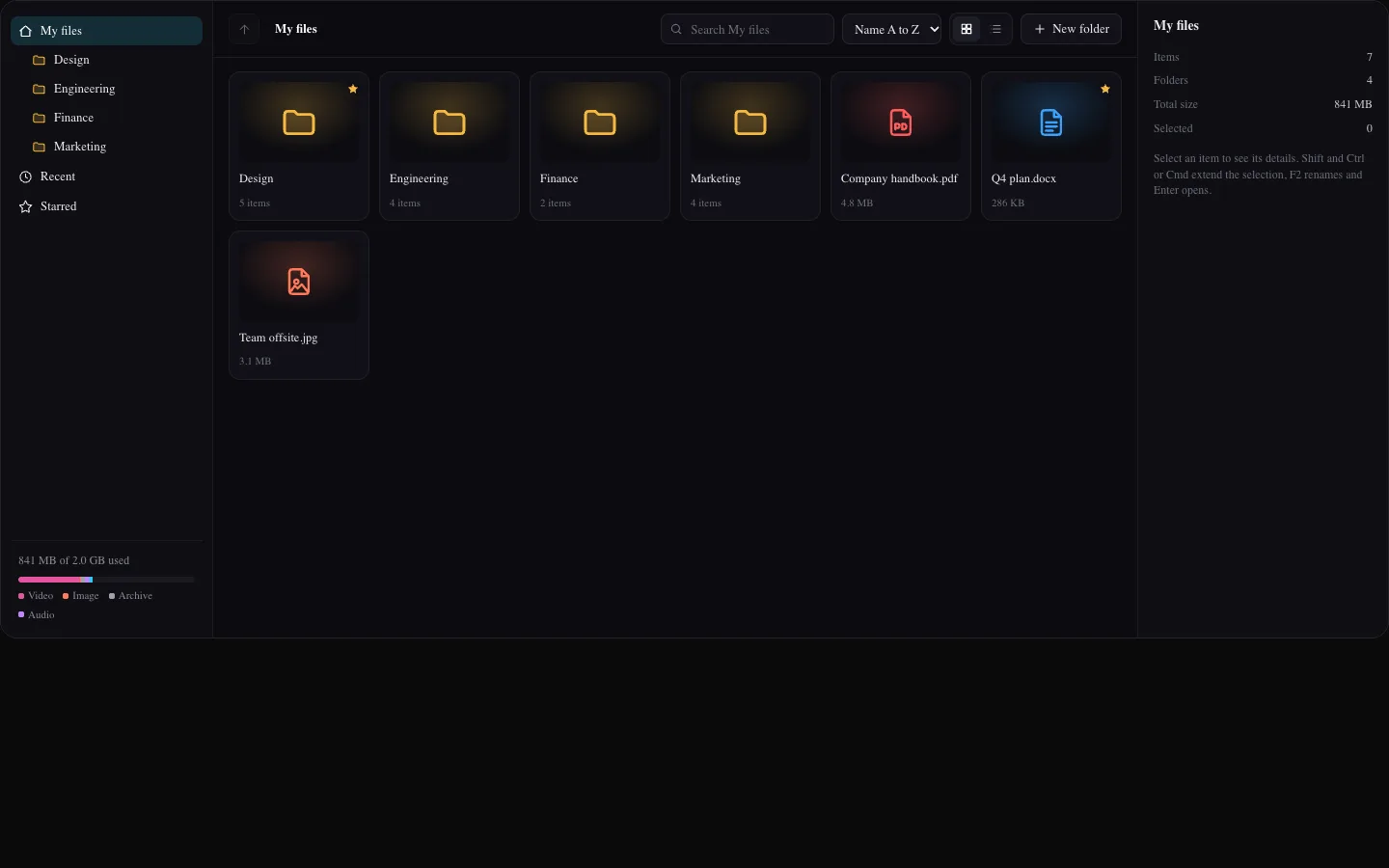
File Manager Screen
app-screensA full file manager screen with a nested folder tree, breadcrumbs, grid and list views, sortable columns, multi-select with Shift and Ctrl, inline rename with validation, new folders, starring, delete with undo, a details panel and a storage breakdown.
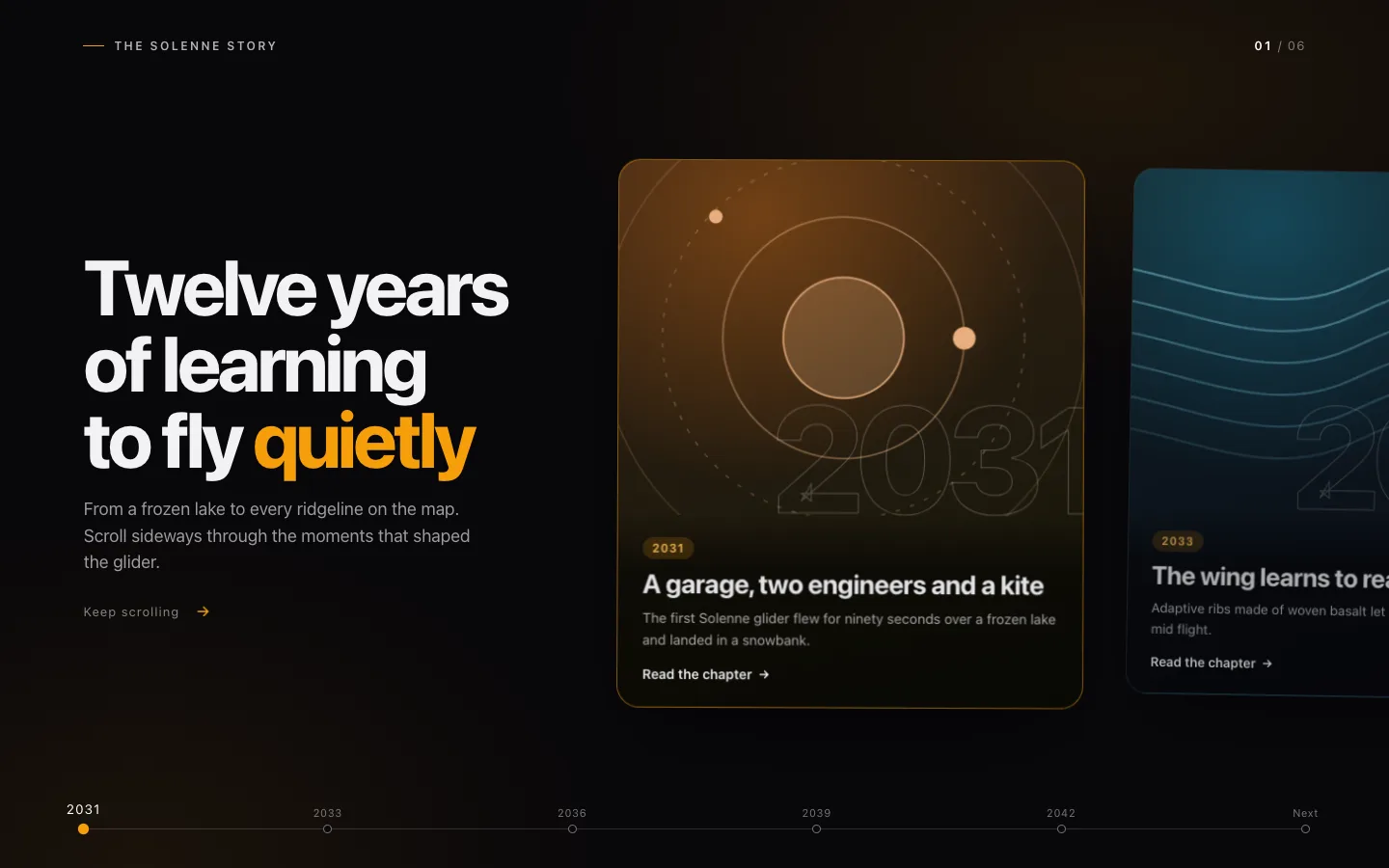
Horizontal Story Rail
cinematicVertical scroll drives a pinned horizontal rail of story chapters, with depth-scaled cards, inner parallax art, giant outlined markers and a live timeline. The section measures its own track to set its scroll length, and becomes a readable grid under reduced motion.
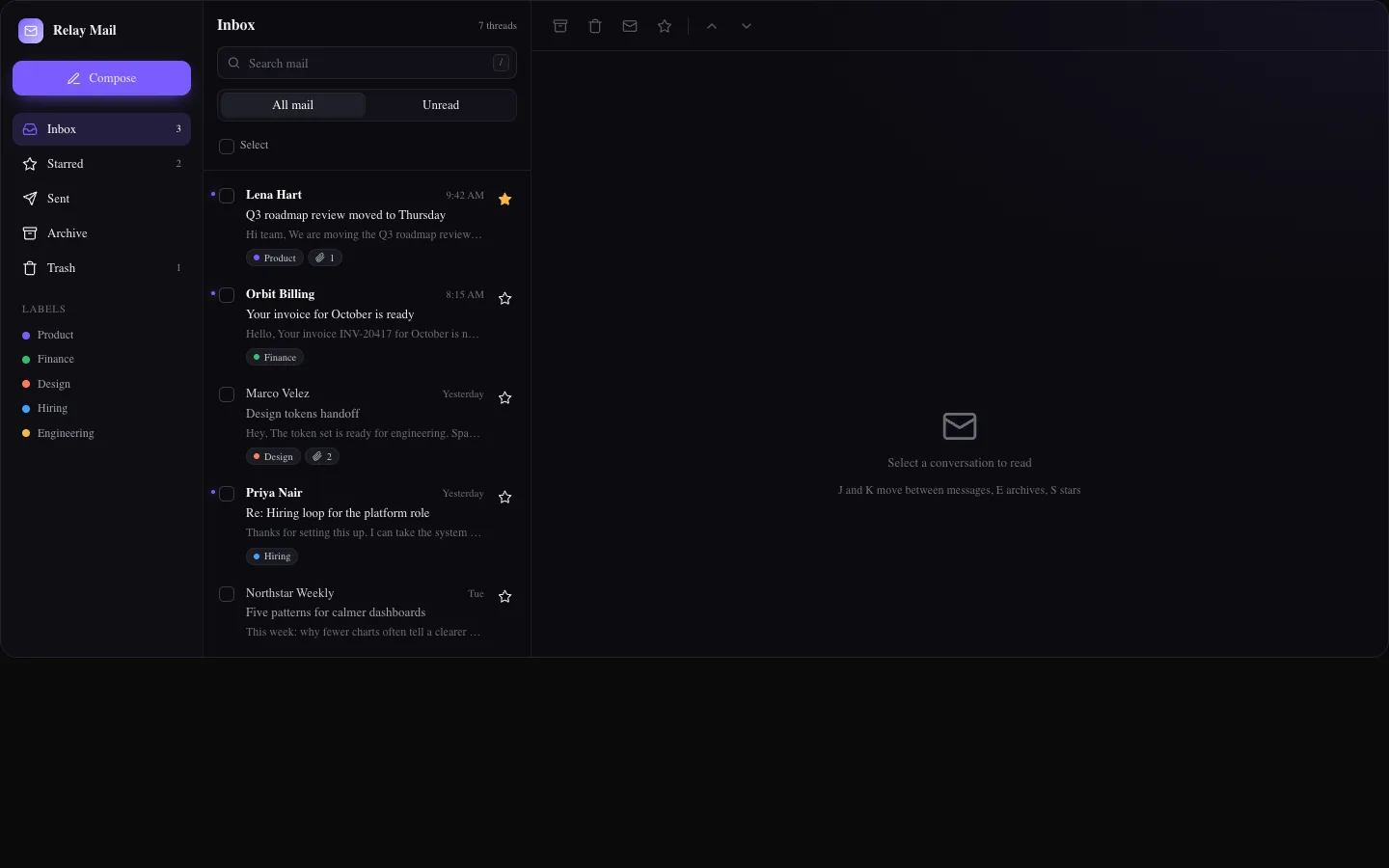
Inbox Split Screen
app-screensA full mail app screen with folders, search, unread filter, bulk selection, a reading pane with attachments and inline reply, star, archive and delete with undo, and J/K keyboard navigation.
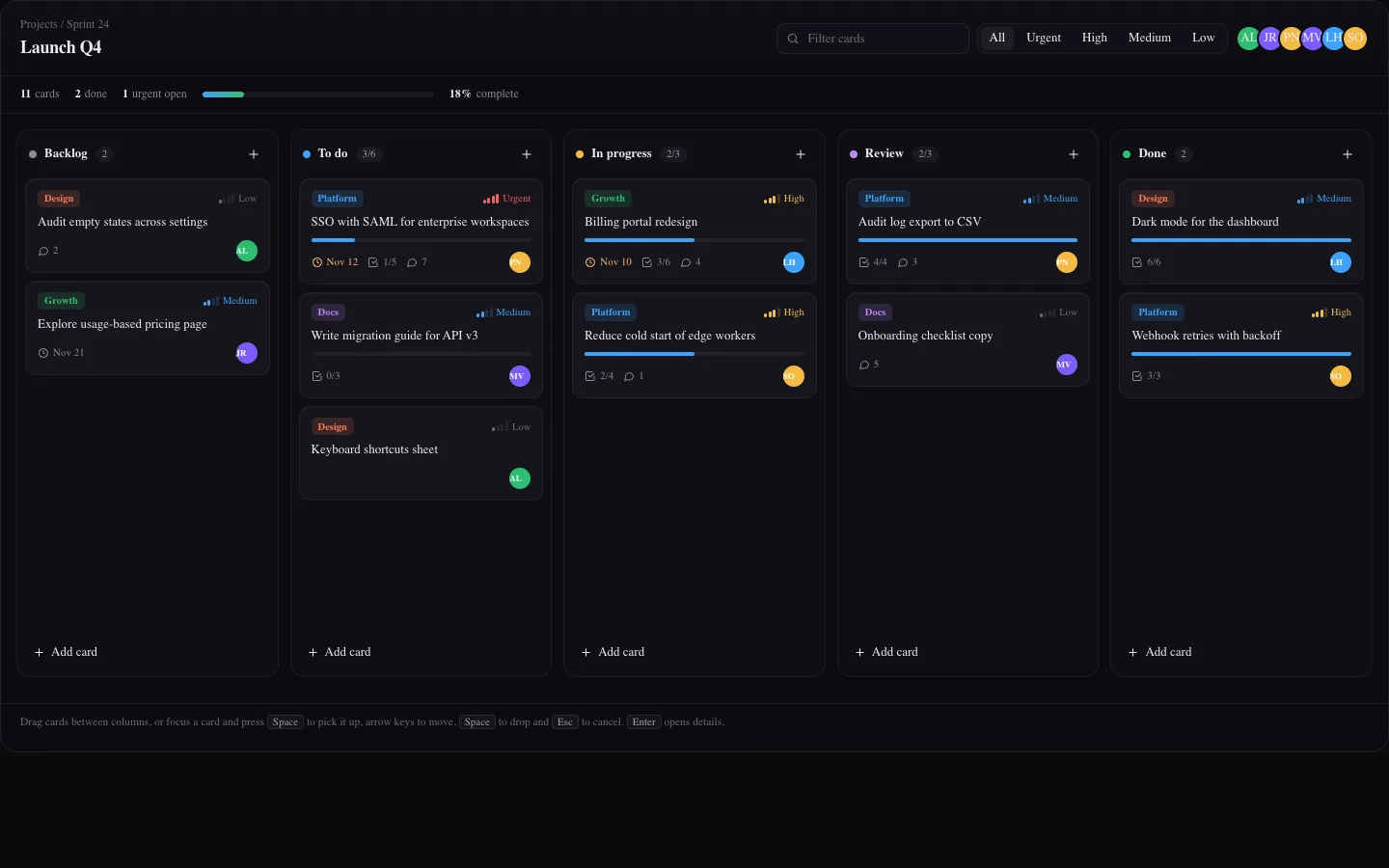
Kanban Board Screen
app-screensA sprint board screen with pointer drag and drop between columns, a full keyboard move mode with live announcements, WIP limits, filters by text, priority and assignee, inline card creation and an editable detail drawer.
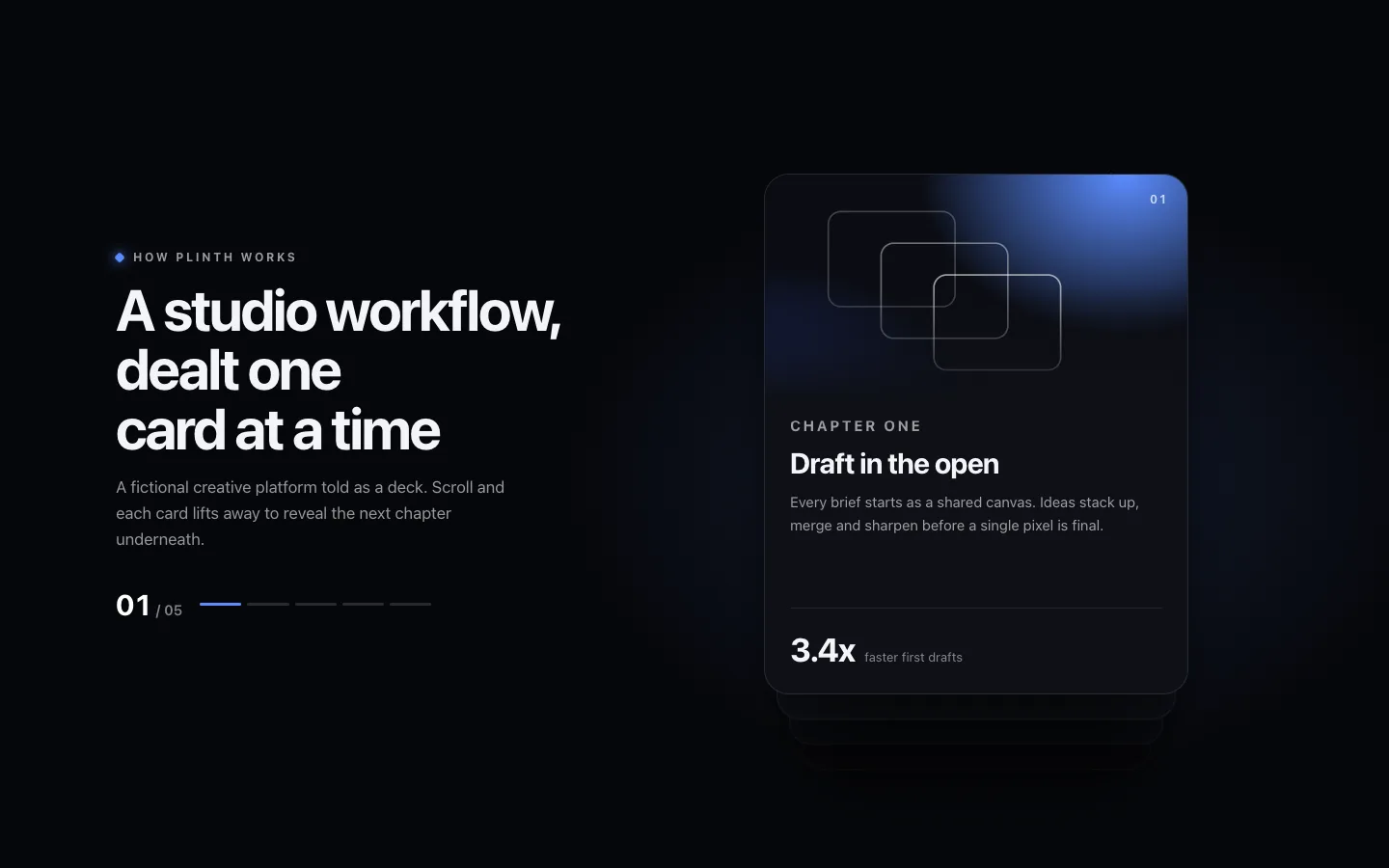
Layered Card Deck Scroll
cinematicA pinned storytelling deck where the top card tilts, lifts and flies away as you scroll while the cards beneath step forward, brighten and settle into place. Under reduced motion the deck lays out as a readable card grid.
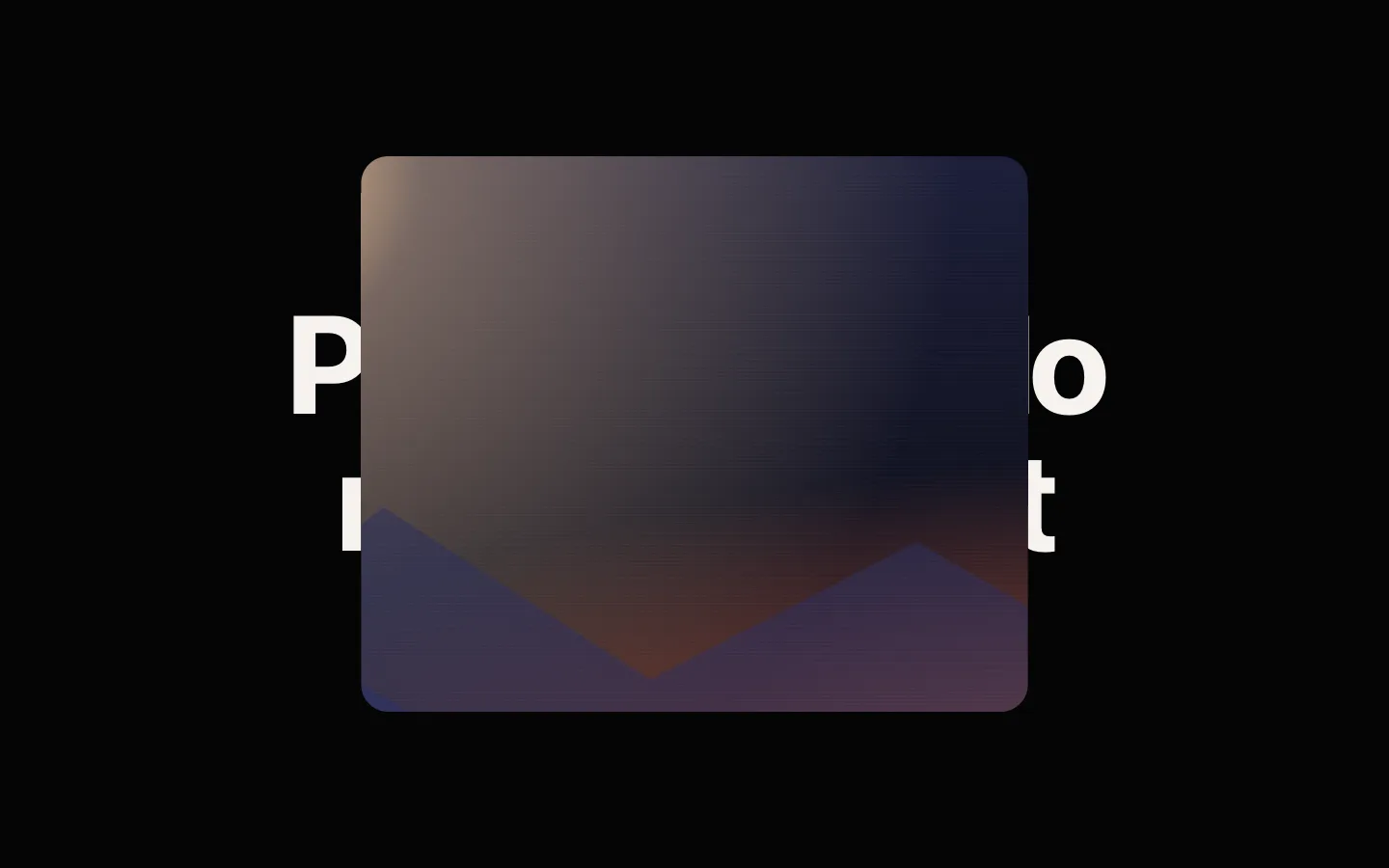
Mask Reveal Gallery
cinematicA pinned gallery that opens from a small rounded window into a full-bleed frame, then reveals each gradient landscape through its own scroll-driven mask: circle, wipe, diamond or split. Under reduced motion it renders as a plain card grid.
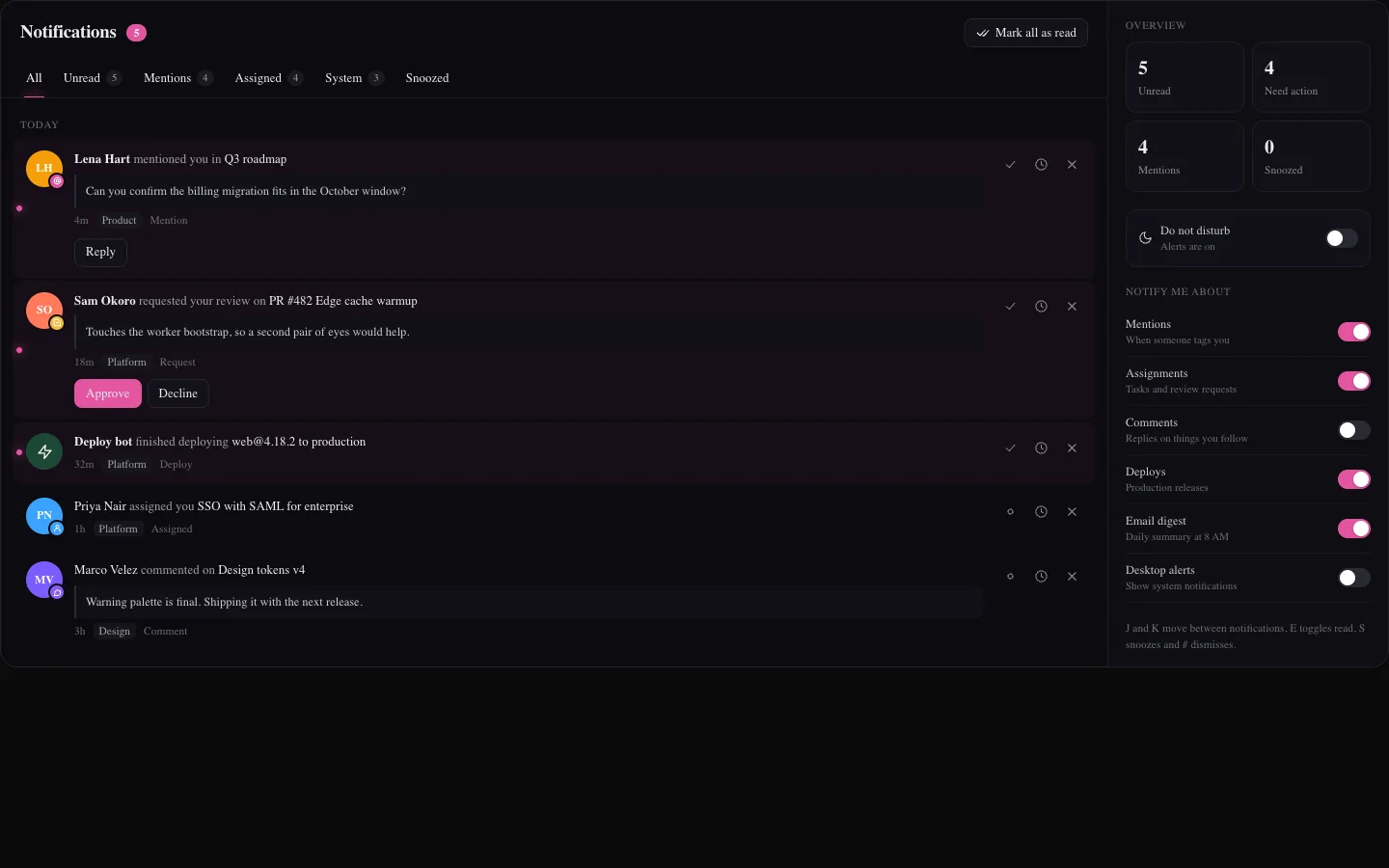
Notifications Center Screen
app-screensA full notifications screen grouped by day with filter tabs and counts, read and unread toggles, a snooze menu with a snoozed tab, dismiss with undo, inline approve, decline and reply actions, and a sidebar with a summary, do not disturb and delivery preferences.
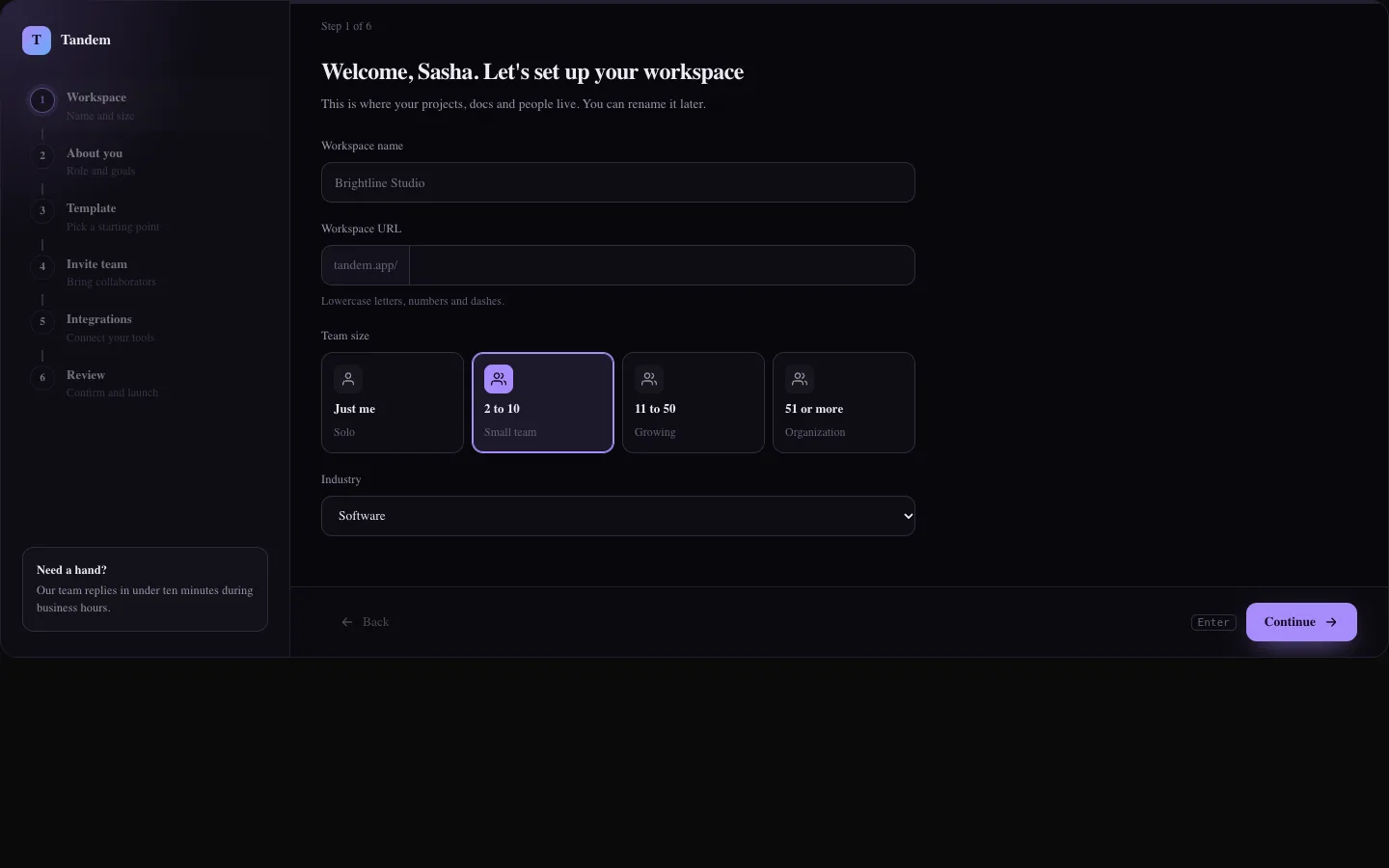
Onboarding Wizard Screen
app-screensA six step onboarding flow with a vertical stepper, per step validation, workspace URL generation, role and goal pickers, template previews, an email chip input with per invite roles, integration toggles, an editable review and a success screen with a getting started checklist.
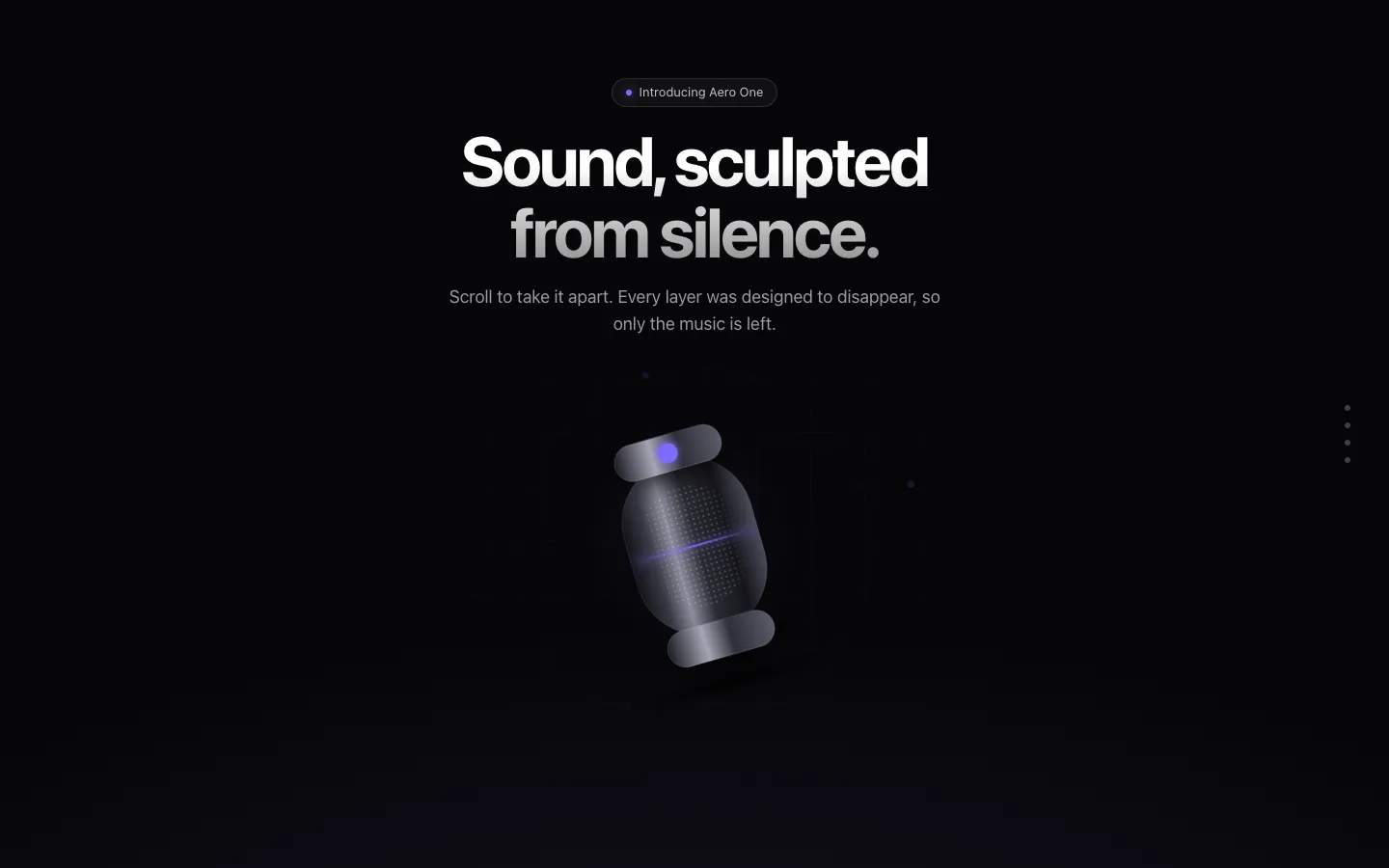
Pinned Product Reveal
cinematicA pinned stage where a product scales in, explodes into its layers and walks through feature callouts with leader lines as you scroll, ending on a call to action. Falls back to a static product sheet under reduced motion.
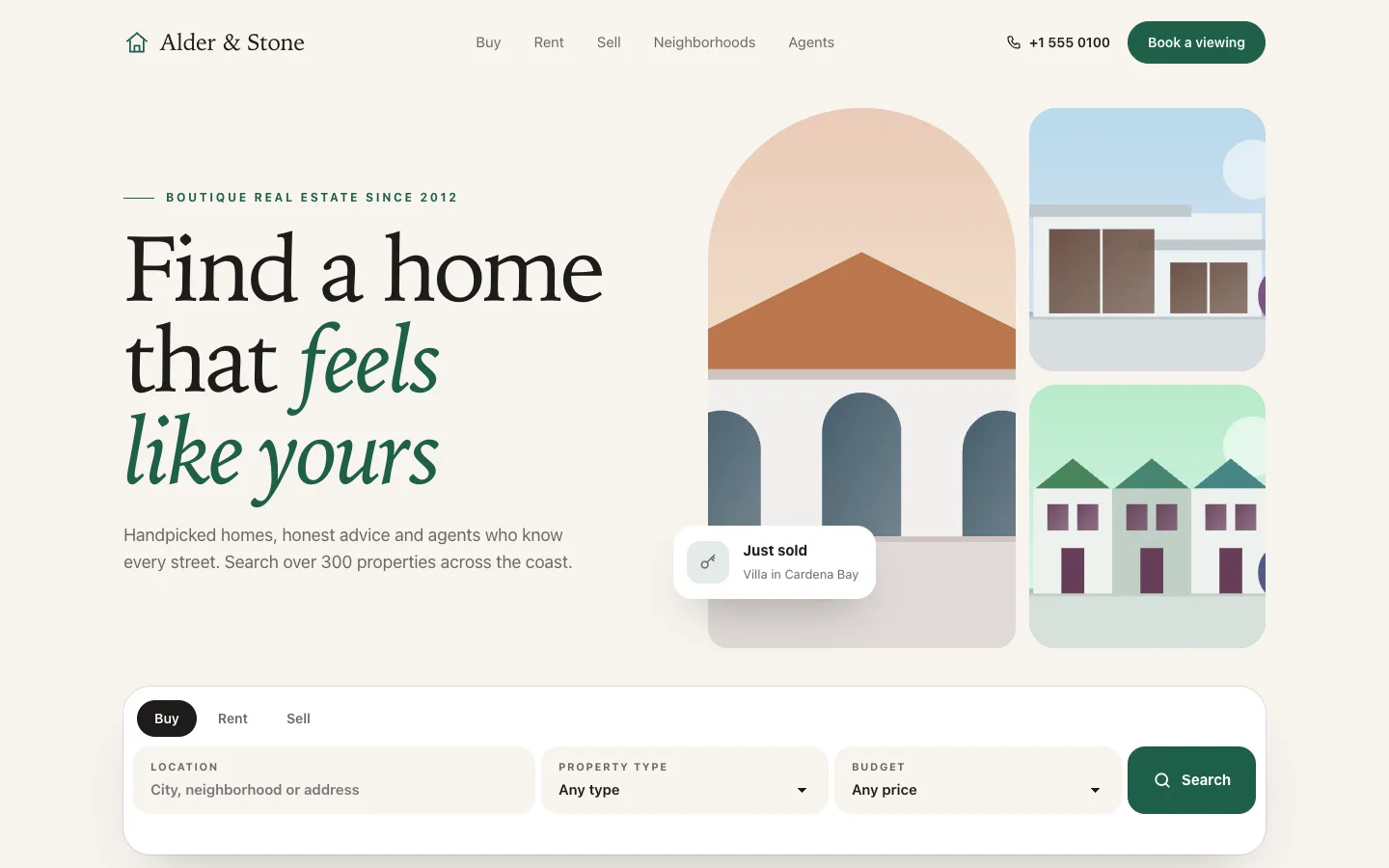
Real Estate Page
templateA light, elegant real estate landing page with serif typography, an illustrated home collage, a working property search bar, filterable listing cards with save buttons, neighborhood bento, mortgage calculator, agents, testimonials and a valuation form.
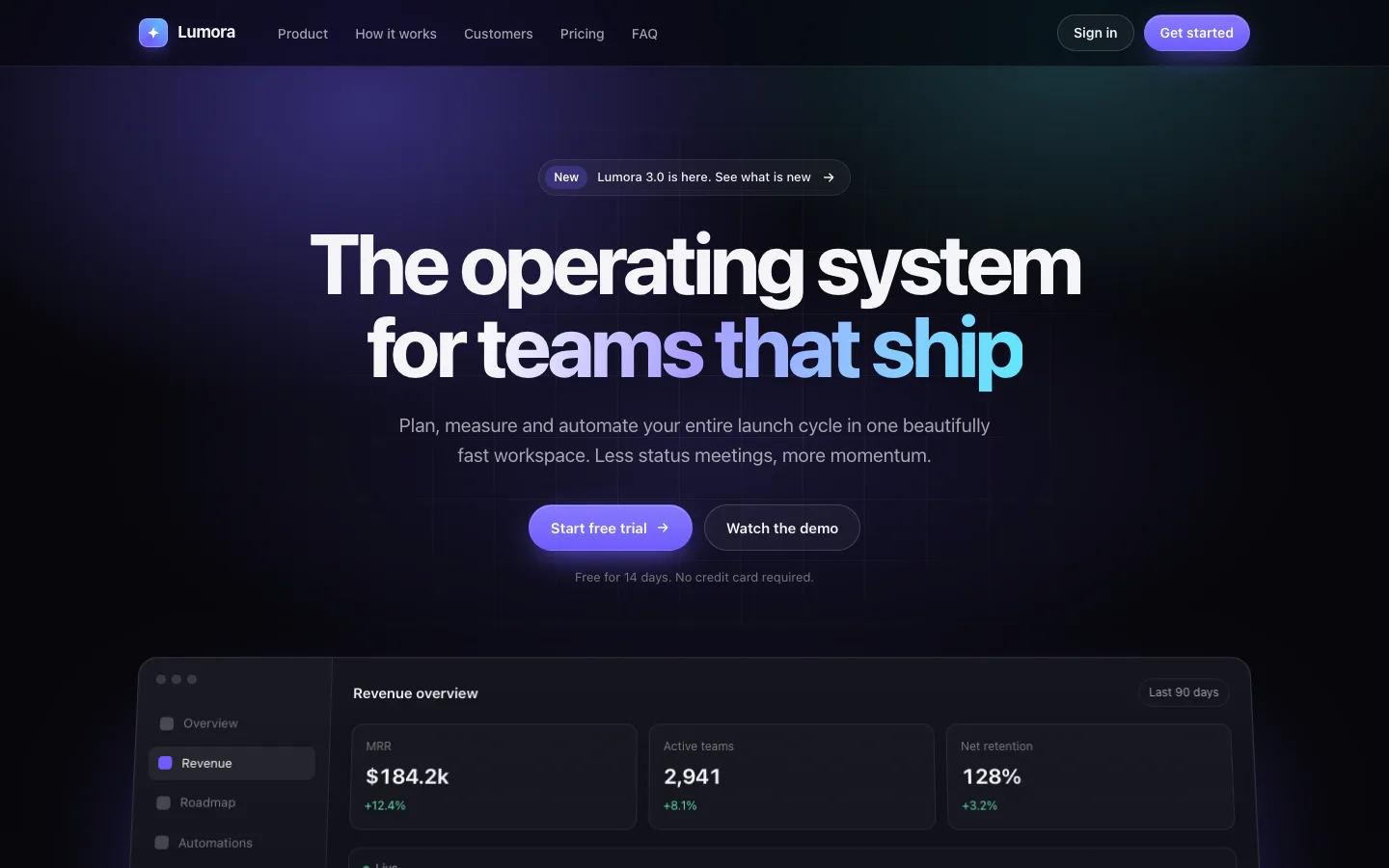
SaaS Launch Page
templateA complete dark landing page for a SaaS launch: sticky nav, hero with a live dashboard mock, logo marquee, bento features, steps, tabbed product tour, stats, testimonials, pricing toggle, FAQ accordion, CTA and footer.
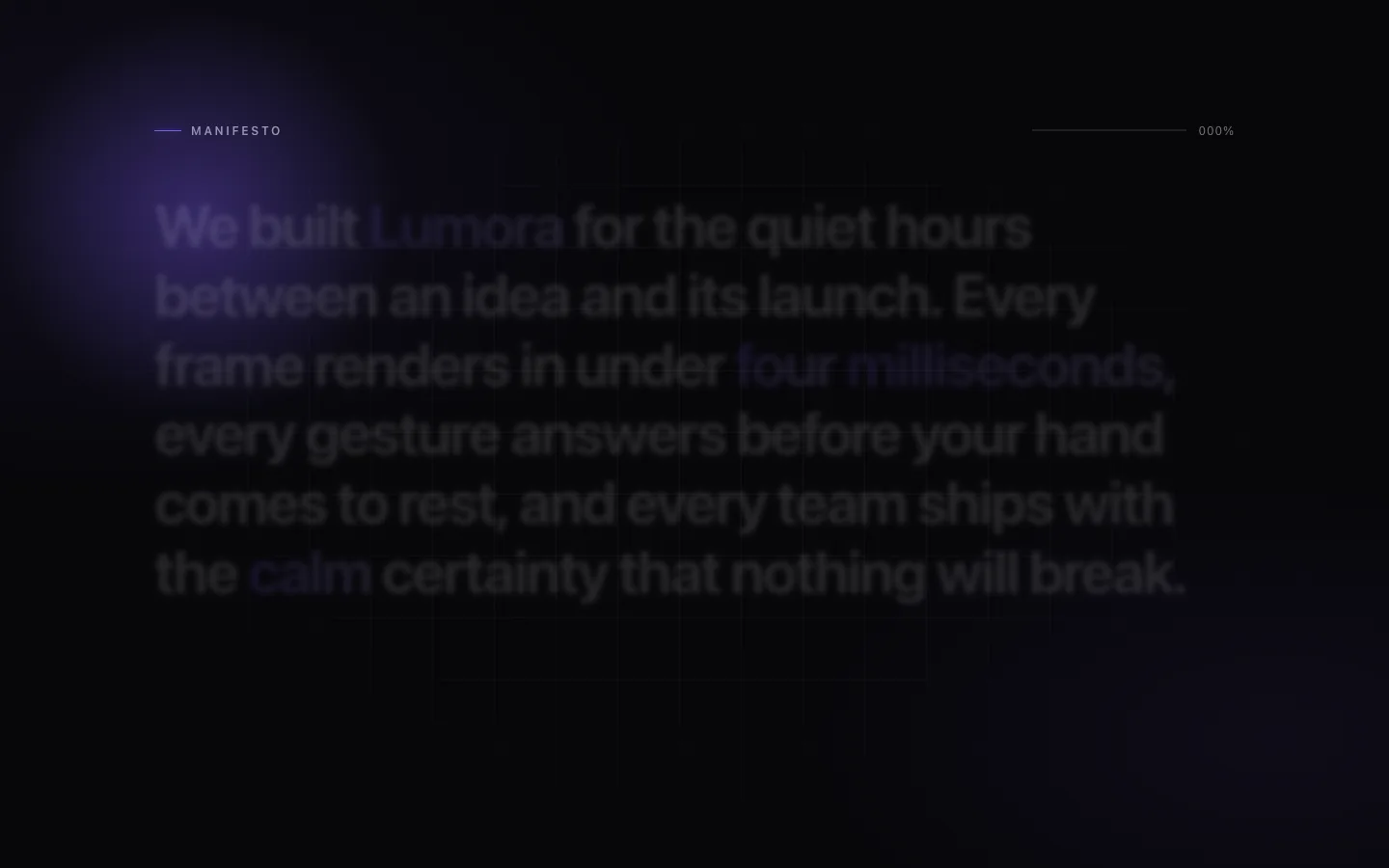
Scroll Text Spotlight
cinematicA pinned manifesto section where every word fades, sharpens and lifts into place as you scroll, with a soft accent spotlight tracking the word being read. Falls back to a fully readable static paragraph under reduced motion.
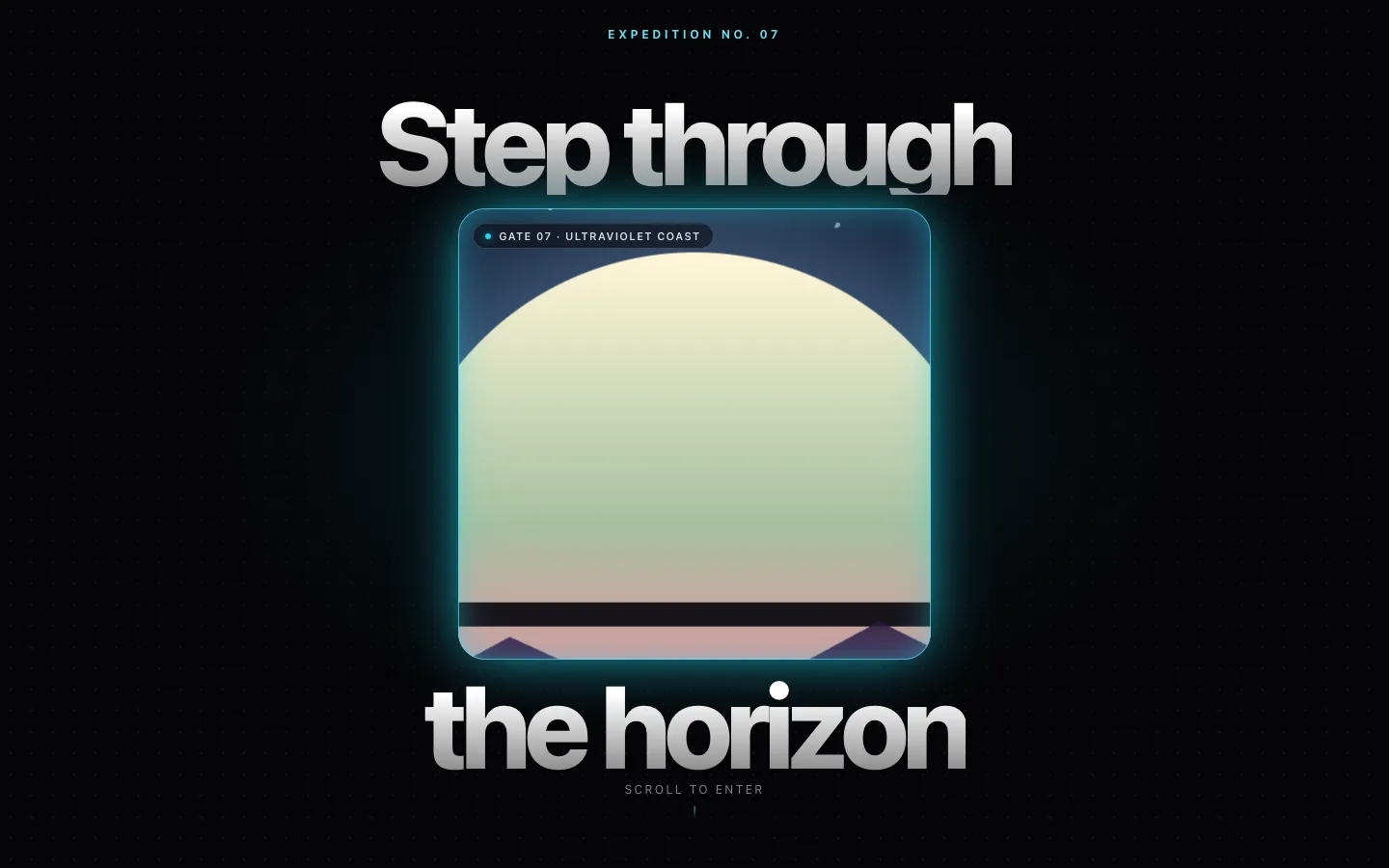
Scroll Zoom Portal
cinematicA pinned headline wraps a small glowing window into another world; scrolling zooms the window open until it fills the screen and the destination copy, stats and call to action rise in. Under reduced motion it renders as a static headline above the open scene.
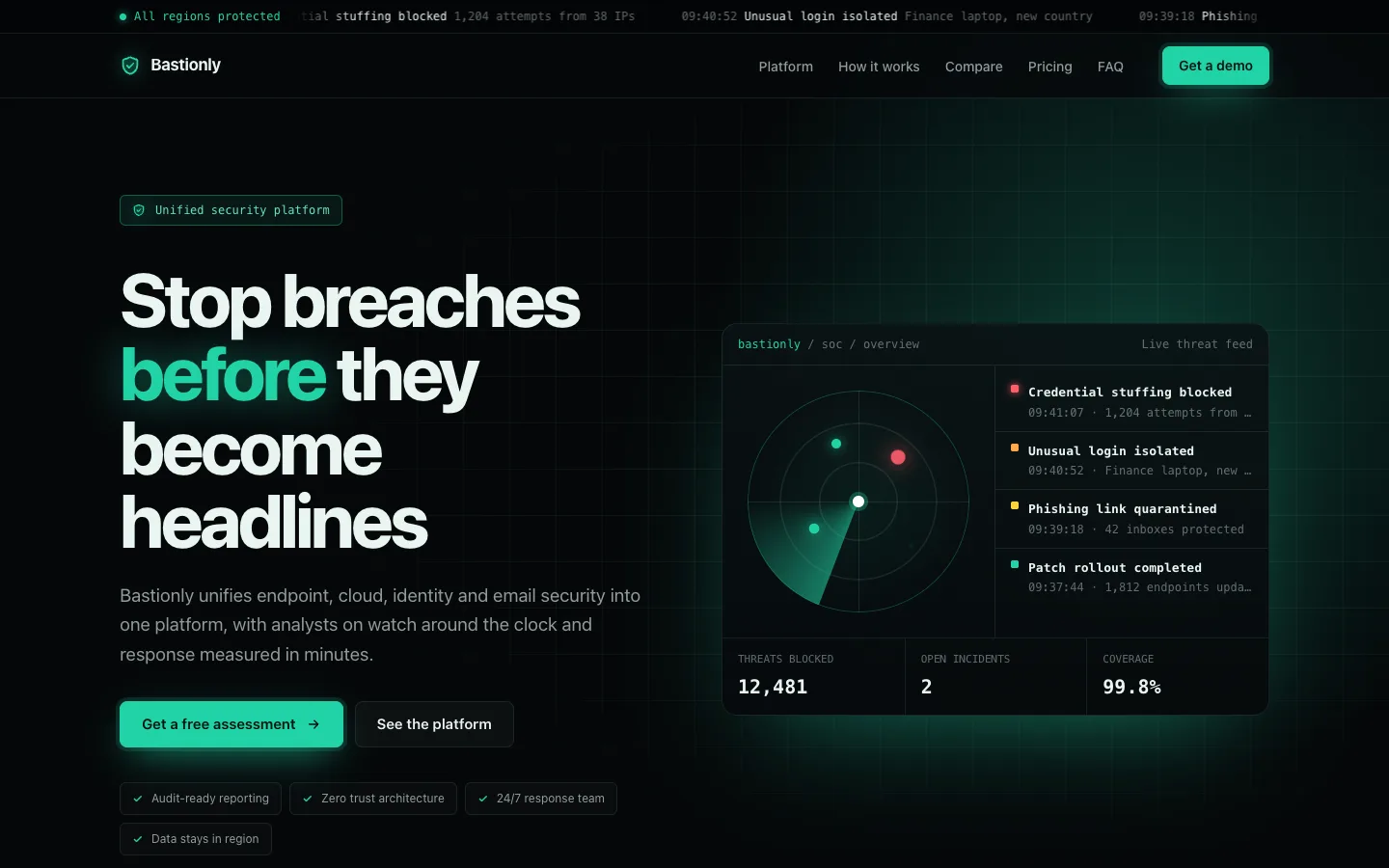
Security Suite Page
templateA complete dark landing page for a cybersecurity platform: live status ticker, hero with radar and threat feed console, customer strip, module grid, stats, response steps with an incident timeline, comparison table, testimonial carousel, pricing toggle, FAQ, assessment form and footer.
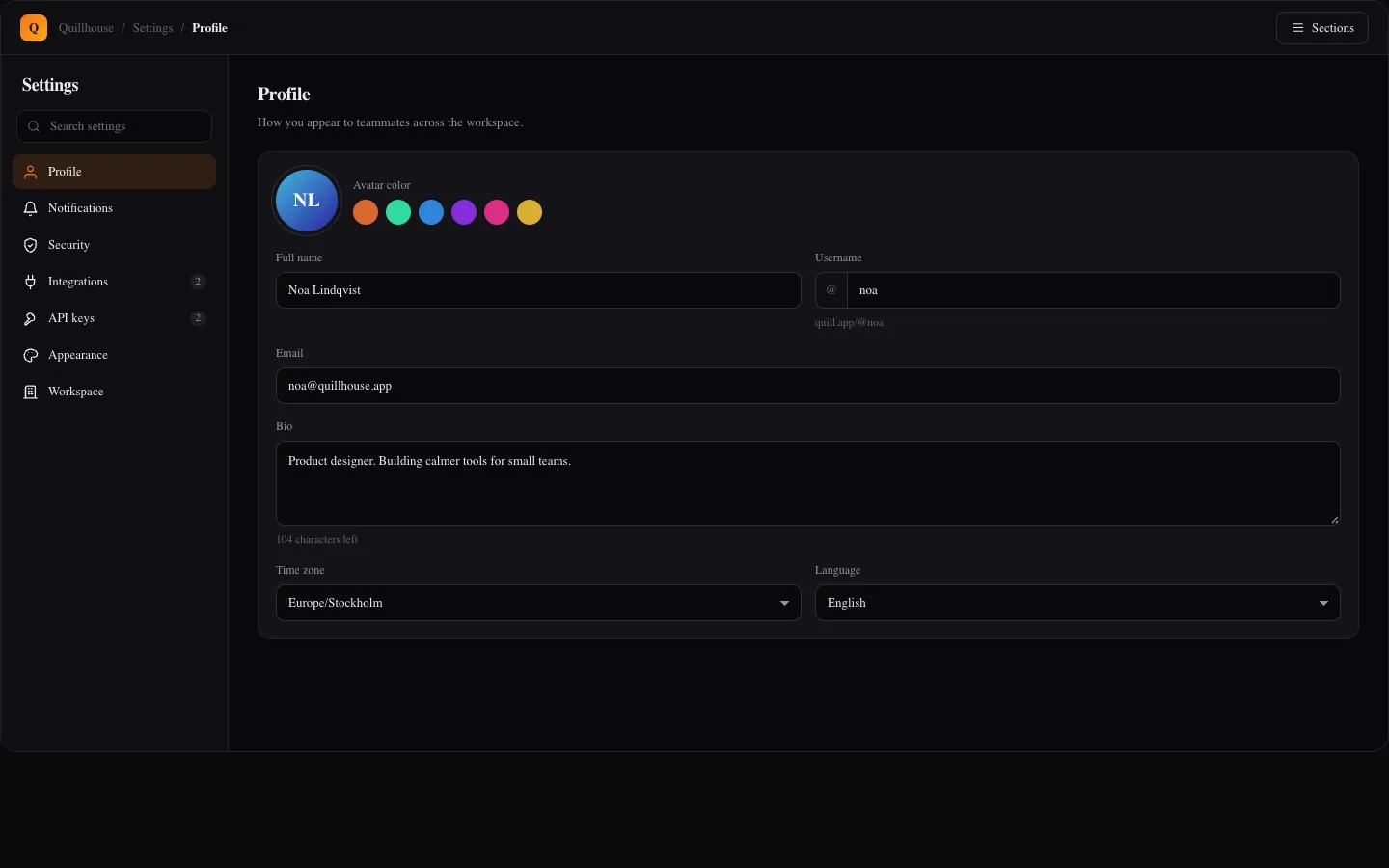
Settings Center Screen
app-screensA complete settings area with searchable vertical tabs for profile, notifications, security, integrations, API keys, appearance and workspace. Includes validated forms with an unsaved changes bar, a notification matrix, password strength, two factor setup, session revoke, key creation and a typed delete confirmation.
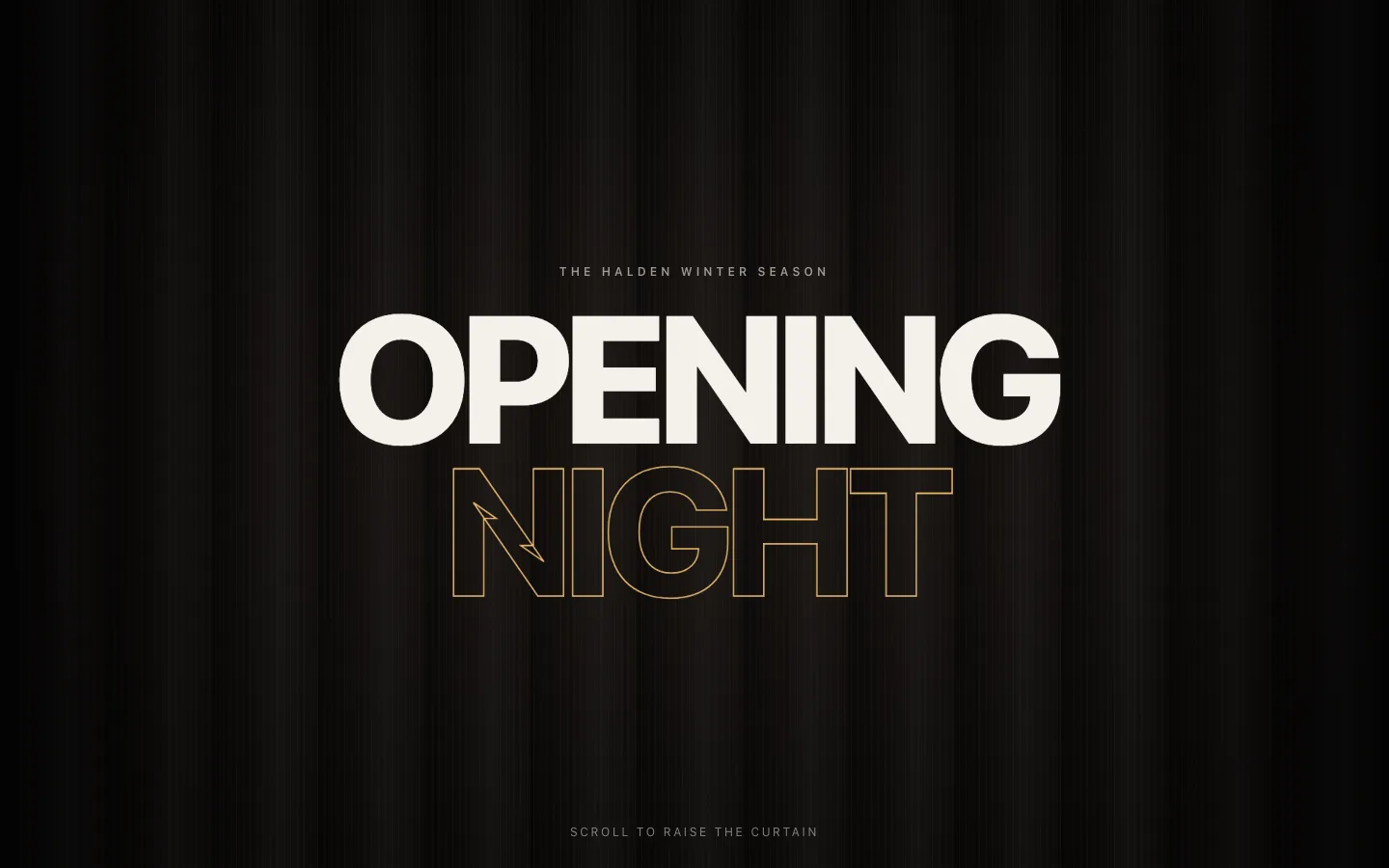
Split Curtain Intro
cinematicA giant two-line title on a fabric curtain splits down a glowing seam and parts as you scroll, revealing a lit stage with the announcement, staggered detail cards and a call to action. Splits sideways or top and bottom, and shows title and content stacked under reduced motion.
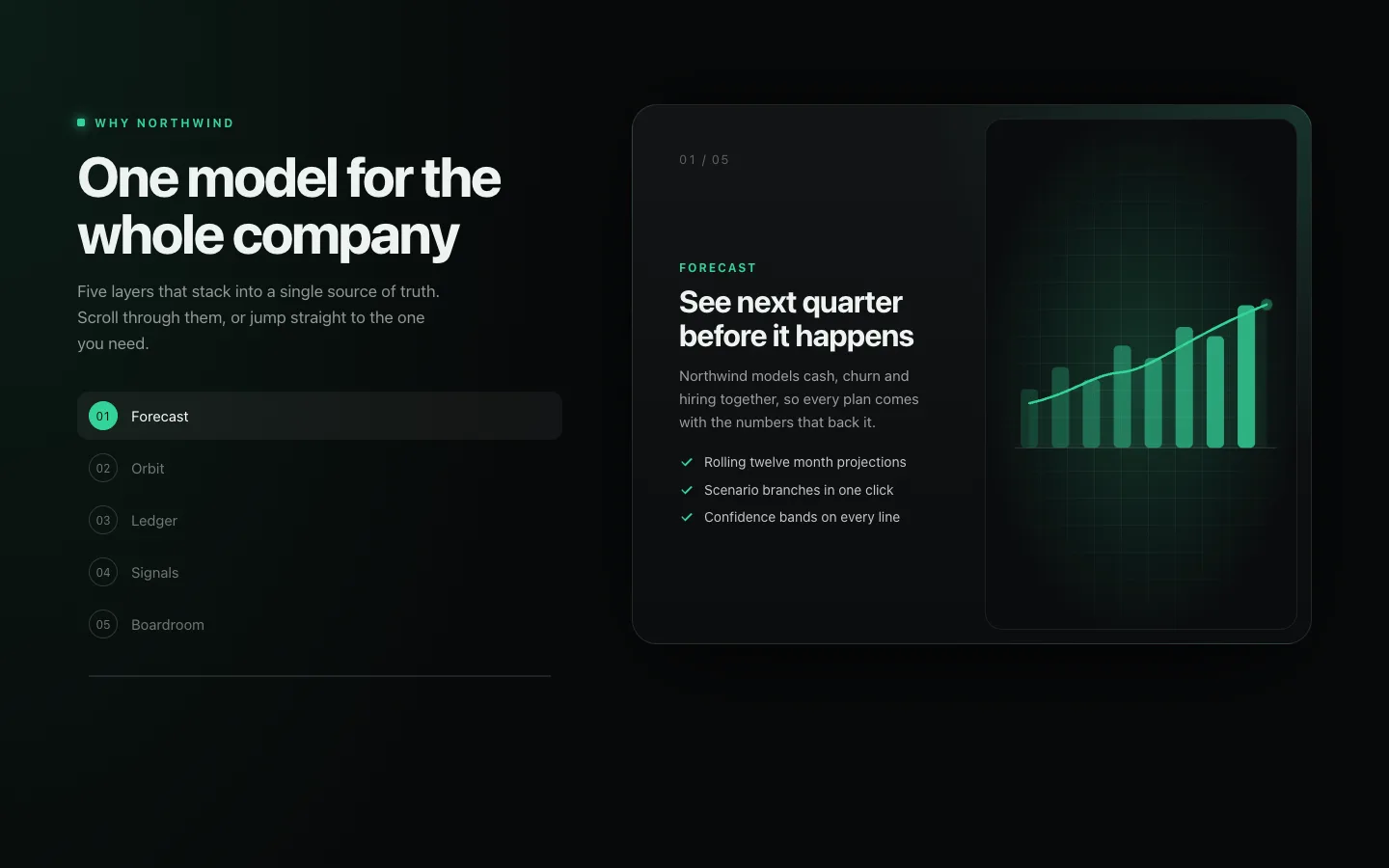
Sticky Feature Stack
cinematicFeature cards pin on top of each other like a deck as you scroll, with older cards scaling back and dimming, live SVG visuals on every card and a sticky step navigator that tracks and jumps to each layer. Becomes a plain card list under reduced motion.
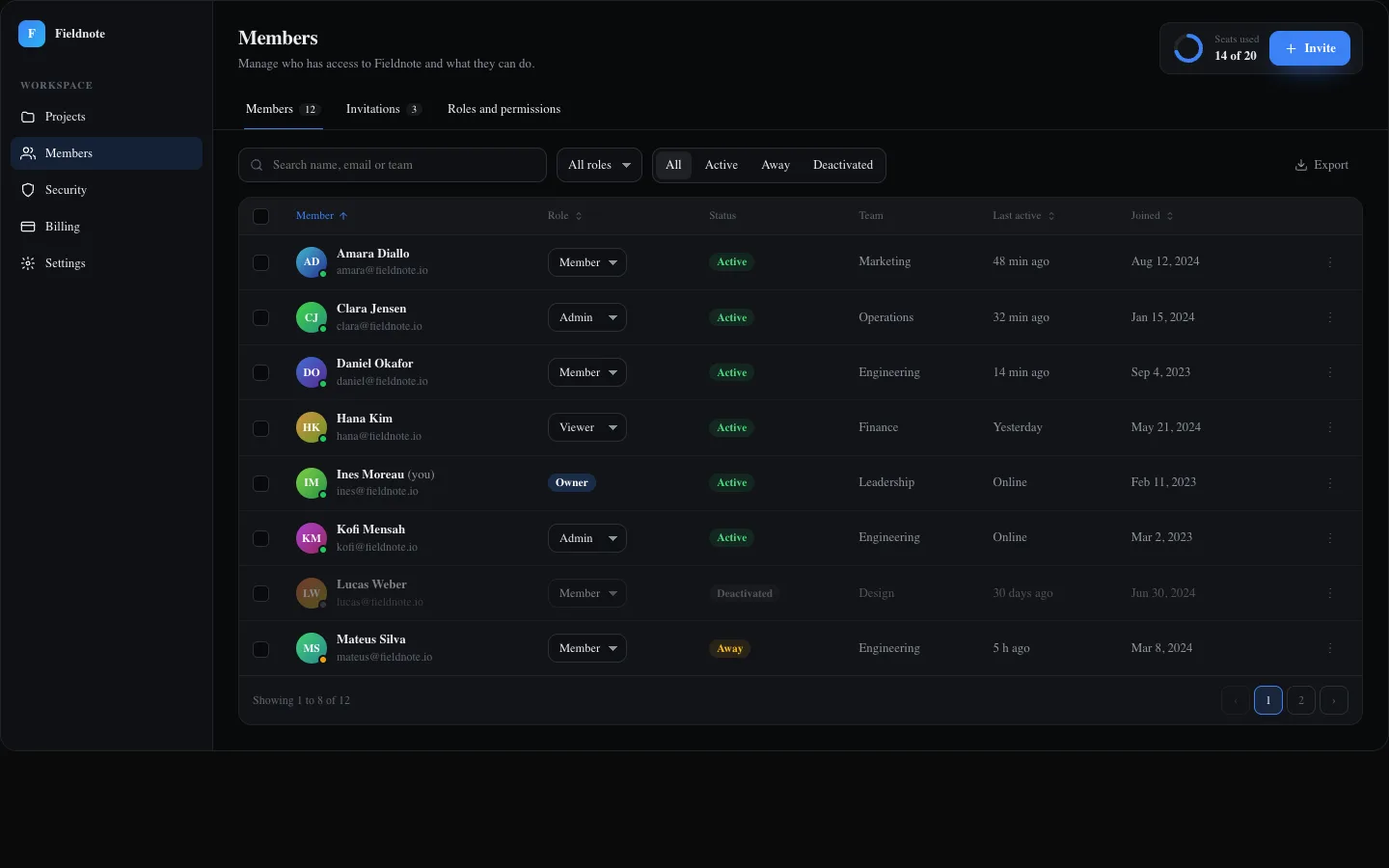
Team Members Screen
app-screensA full team management screen with searchable, filterable and sortable members, inline role changes, row menus, bulk actions with undo, a profile drawer, pagination, seat usage, pending invitations with resend and revoke, an invite dialog with validation and an editable permissions matrix.
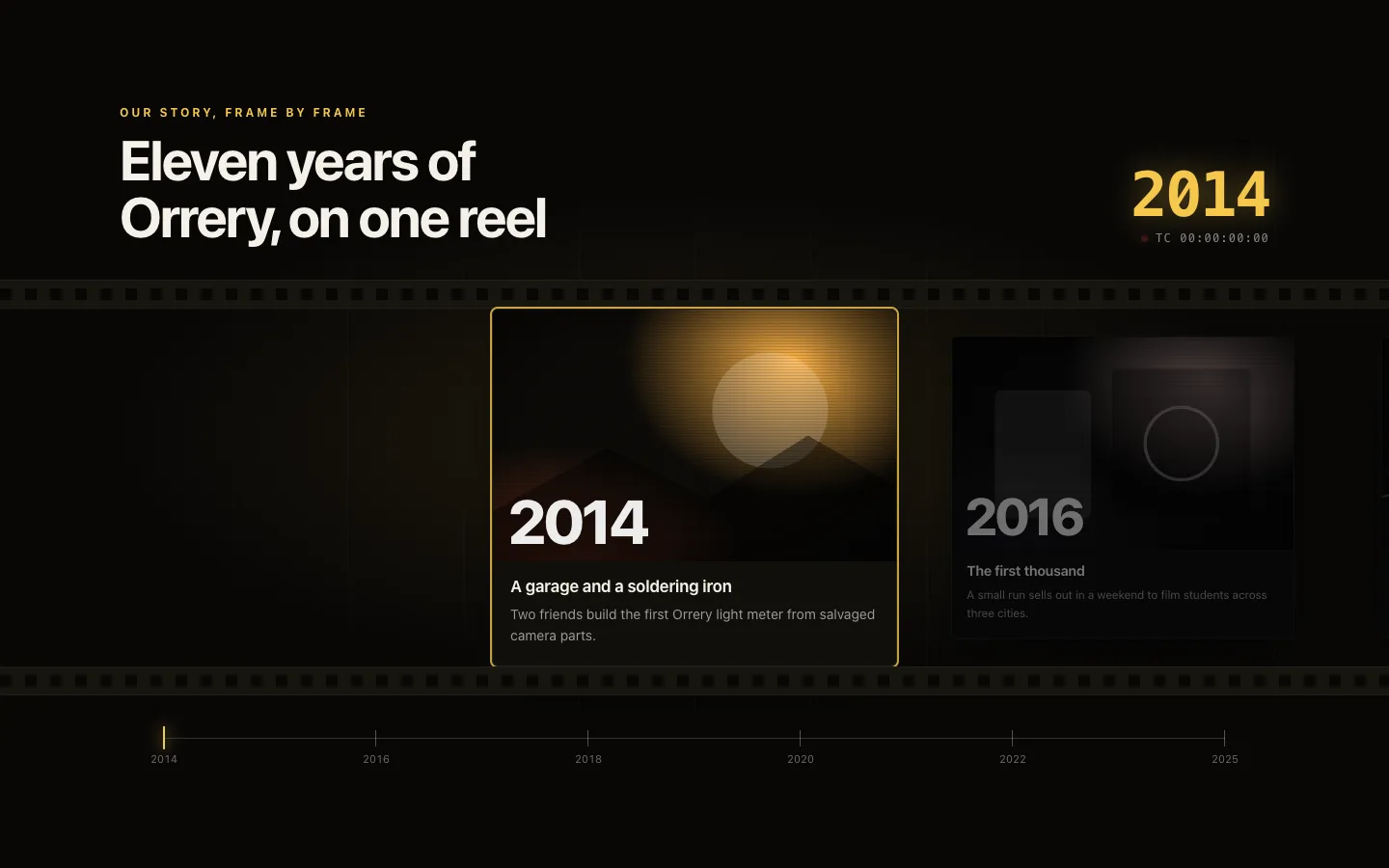
Timeline Film Strip
cinematicA pinned company timeline laid out as a sprocketed film reel that slides sideways as you scroll, bringing the centered frame into focus while a running timecode, year readout and scrubber track the playhead. Under reduced motion it becomes a static grid of milestones.
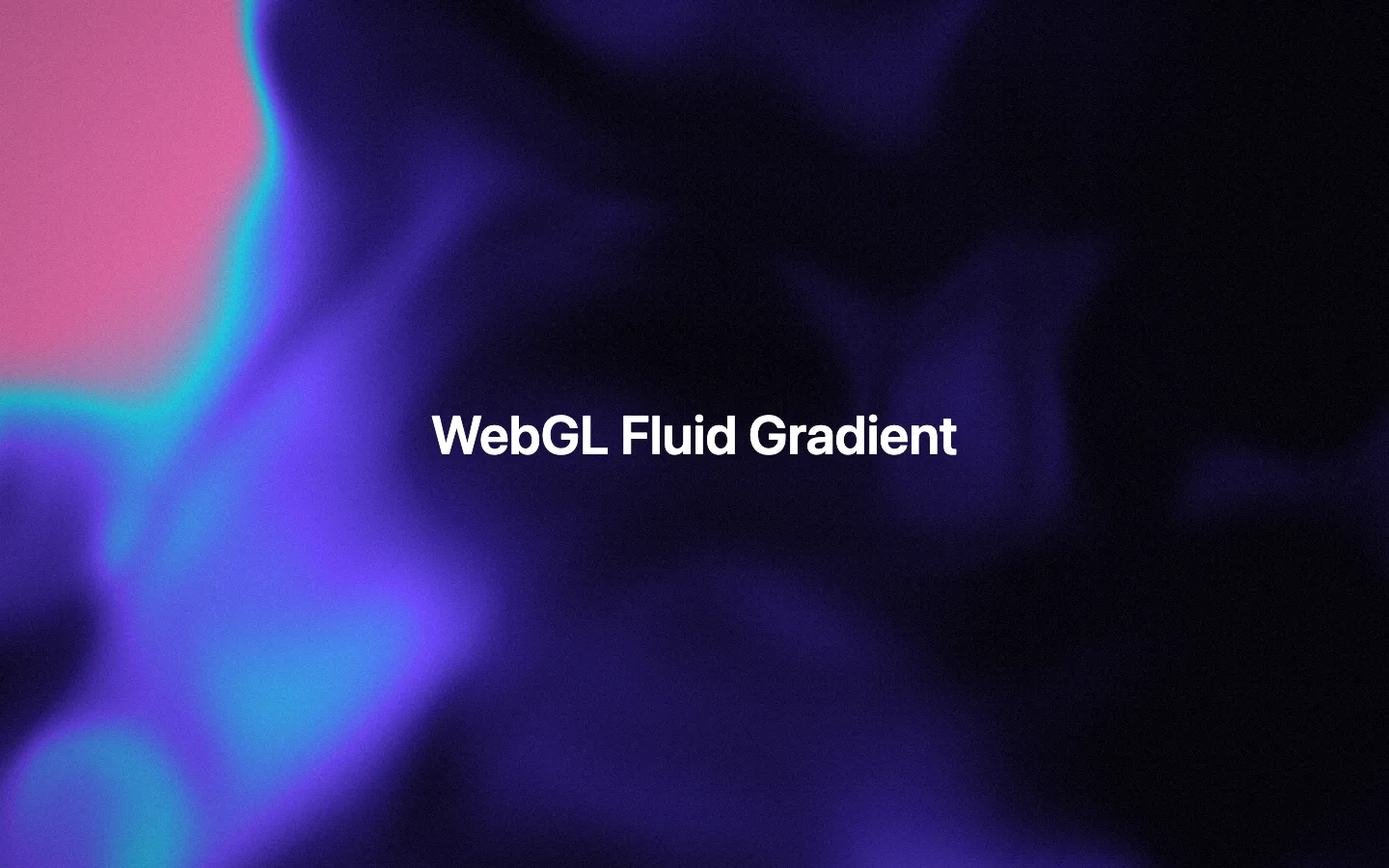
WebGL Fluid Gradient
backgrounds-proA full-bleed fragment shader that folds up to six colors through domain-warped noise into a slow liquid gradient, swirling around the pointer, with film grain, vignette and an animated CSS gradient fallback when WebGL is unavailable.
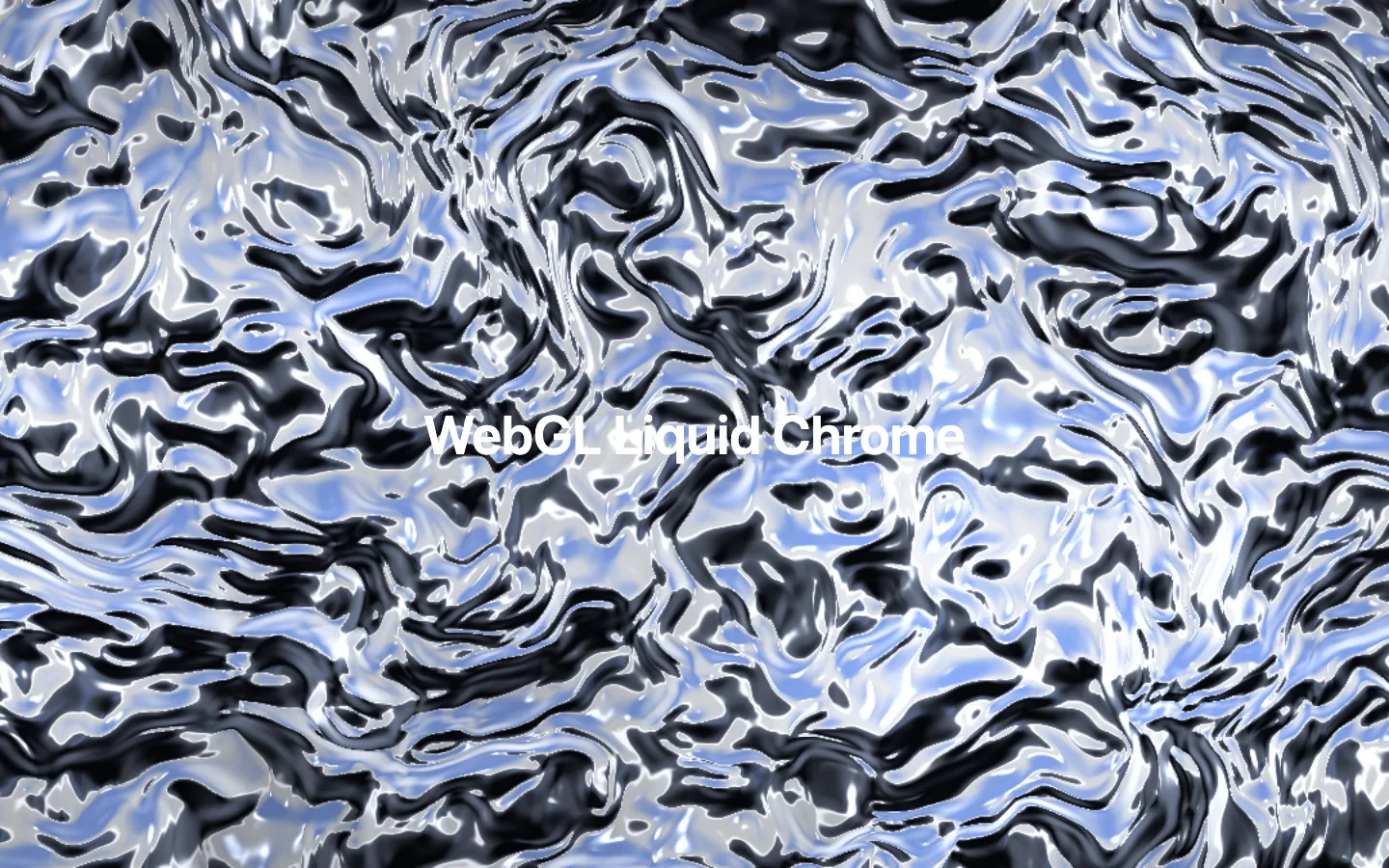
WebGL Liquid Chrome
backgrounds-proA flowing liquid metal surface rendered in a fragment shader, with domain-warped relief, environment reflections, fresnel and twin specular highlights. The pointer sends ripples through the metal, and an animated CSS gradient takes over when WebGL is unavailable.
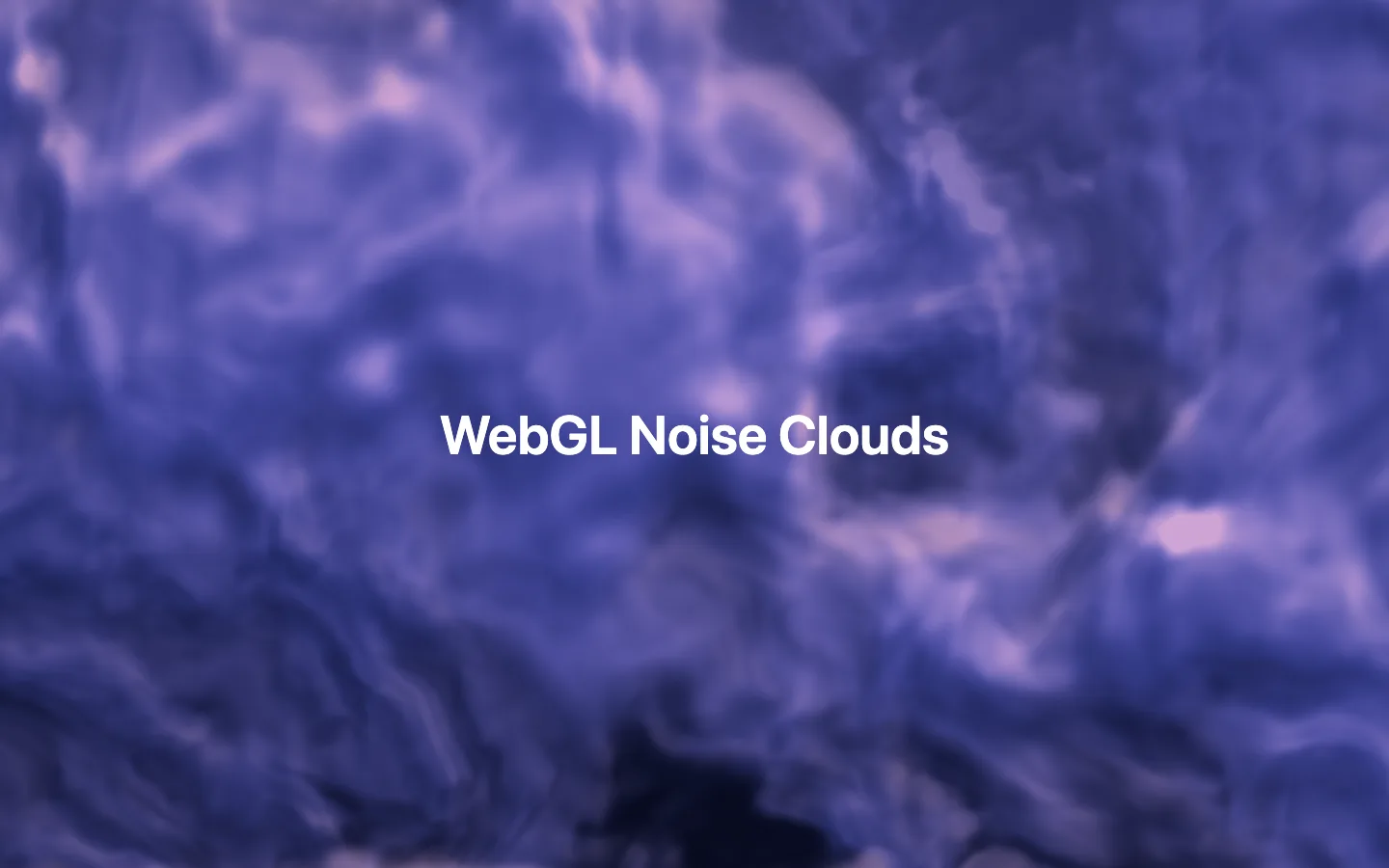
WebGL Noise Clouds
backgrounds-proSoft volumetric-looking clouds from a domain-warped noise shader, with two parallax layers and self-shadowed lighting that follows the pointer. Falls back to drifting CSS gradients when WebGL is unavailable.
